BPI-R4 WiFi range

Yes, switching to a plastic case and populating both SFP cages (either a DAC or a transceiver will work) will make the biggest impact on noise level. A heatsink on top of the cages won’t help, but will come in handy should you ever use 10G copper transceivers. Also, route the pigtails away from the mini-PCIe connectors, try a different Wi-Fi channel and don’t use the bandwidth of 160 or 320 MHz if you don’t have a need for it.

3 Likes

Is there a difference in which pigtails I deploy?

You’ll want to use 20cm RG178 cables

1 Like

So with all those measures the area coverage becomes acceptable?

Better than stock for sure

Wow, you’ve been much luckier than me with your hardware, haha.

Mine came with a broken EEPROM, which makes it practically useless out of the box.

What a disaster. What a waste of time and money this thing is to get functional Wi-Fi.

That’s the first thing that comes to mind, I know haha.

But I see that the BE19000 is much larger than the BE14, so I don’t think it would fit in the box that my BPI-R4 came in.

Also, I think the R4 Pro is much more over-engineered. Which already raises doubts because Banana Pi is already struggling with the current hardware…

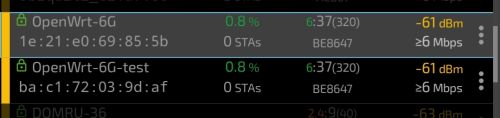
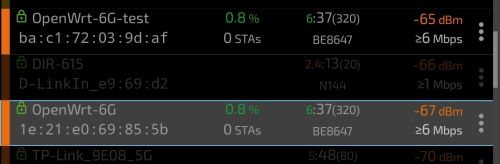
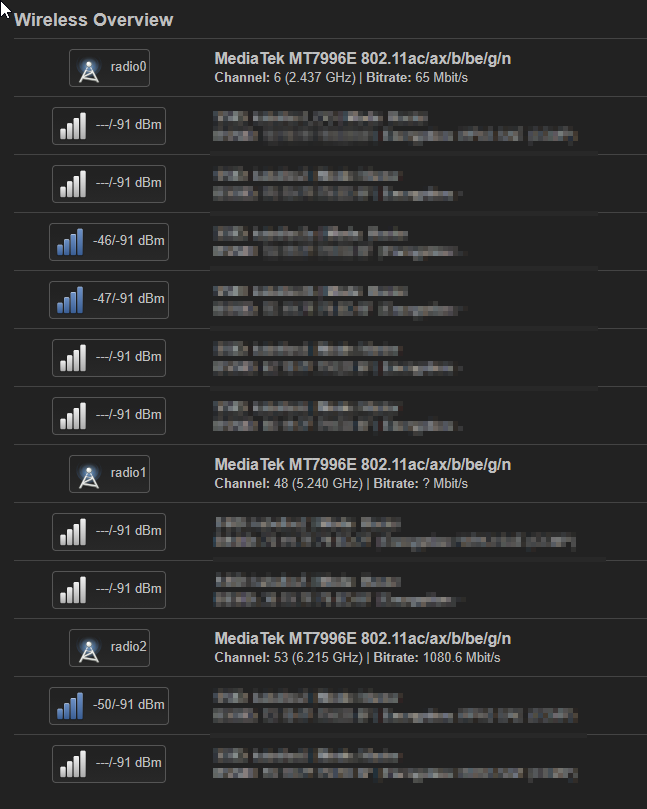
its easy, patch eeprom and take this regulatory.db and regulatory.db.p7 to /lib/firmware then iw reg reload and start playing with wireless config. i tested patched be14 looks the same, good vs bad eeprom (-test) 20db power

be14vs

be14vs2

be14vs3

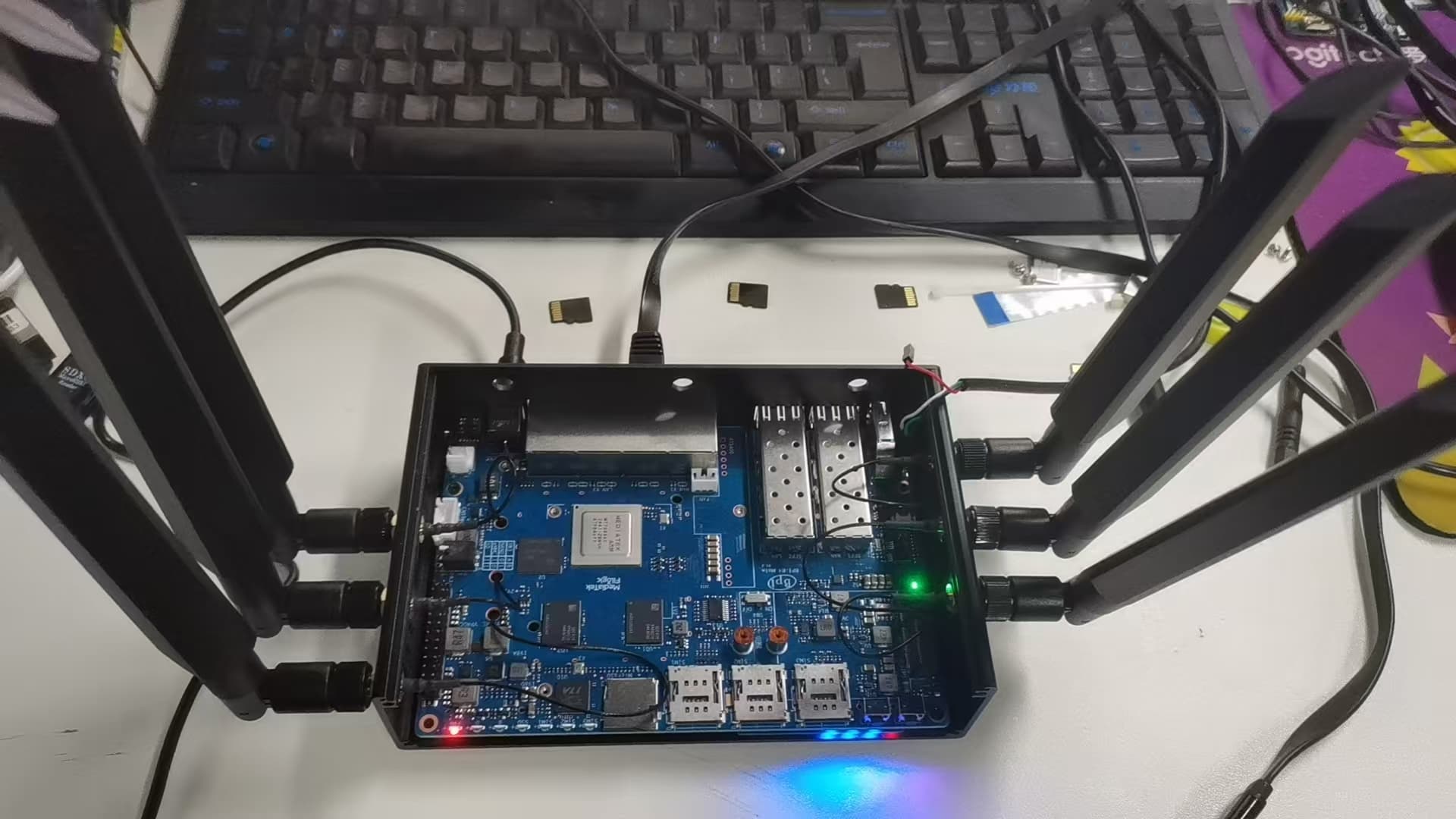
You use 10 antennas, did you include a 5G-modem?

yes, im using Fibocom FM350-GL

Ok, so I can confirm that with

  • the plastic enclosure installed
  • replacing that thin low-grade pigtailes by RG178-pigtailes, that are routed away from the mPCIe-connectors
  • populating the unused SFP cage with a random module (the cheapest I could get were 2,5€ each)
  • reducing bandwidth from 160MHz to 80MHz (in BE-mode)

I get a really satisfying throughput (/higher usable coverage) for the floor I installed this device for. Thanks a lot for your help!

1 Like

Insert a (not used) SFP increases you wifi range (rx level on client/reduce noise)?

Doesn’t for me, doesn’t do anything at all tbh

I precised my feedback.

It reduces noise for me by 1-2dBi.

I observe different noise levels across reboots:

  • high noise values (seen in > 90% of the board boots)
root@bpi-r4:~# iw dev wlan0 survey dump | grep -B1 noise
        frequency:                      2442 MHz [in use]
        noise:                          -88 dBm
--
        frequency:                      5180 MHz [in use]
        noise:                          -75 dBm
root@bpi-r4:~#
  • relatively (as for this HW) low noise values (seen in < 10% of the board boots):
root@bpi-r4:~# iw dev wlan0 survey dump | grep -B1 noise
        frequency:                      2442 MHz [in use]
        noise:                          -88 dBm
--
        frequency:                      5180 MHz [in use]
        noise:                          -83 dBm
root@bpi-r4:~#

worth pointing out:

  • it applies to the 5 GHz band, the noise level for 2.4 GHz is constant between the reboots, I did not test the 6 GHz band as I do not have the antennas for that band,
  • router stands still between the reboots (i.e. nothing changes regarding the router position nor element placement, antennas stand still, connectors and cables too)
  • the different noise levels result in different Rx throughput of the router (obviously higher throughput is observed when the noise level is lower)
  • it is less common to get low noise level value than high noise value (read it as: 1 per ~20 reboots I get low noise while all the others bring high noise value)
  • I’m using the latest mt7996 firmware:
[   14.388511] mt7996e 0000:01:00.0: HW/SW Version: 0x8a108a10, Build Time: 20250904203308a
[   14.627003] mt7996e 0000:01:00.0: WM Firmware Version: ____000000, Build Time: 20250904203304
[   14.676271] mt7996e 0000:01:00.0: DSP Firmware Version: ____000000, Build Time: 20250904202814
[   14.717602] mt7996e 0000:01:00.0: WA Firmware Version: ____000000, Build Time: 20250904203218
  • as for my understanding/knowledge the noise levels are being calculated and reported by the HW/FW, so it is a HW/FW issue
1 Like

A question to BPI-R4 Pro early adopters: did you try it with the BE14 NIC, and what’s your noise figures?

@sinovoip does this qualify for a BPI-BE14 module replacement?
- the problem described in post 19418/349 persists.

@Betonmischer I get quite high (-77 dBm) noise values with the BE14 and the metal case/provided pigtails. I get -91 dBm noise on my previous router, so about 25x more noise or so. It makes the AP pretty much unusable. Pretty disappointing, all things considered, especially for how much it cost. I guess it’s on me for not reading the forum before buying.

I will try switching to the plastic case and better pigtails.

Edit: sorry, this is the R4, not pro.

1 Like

Please do not buy this early …

Unfortunately I’ve bought the wireless module nearly a year ago. Haven’t gotten it to work well since. Hopefully I can get the board replaced…

1 Like