Should not really matter…antennas are more material than the cables,but i prefer having the “pin” on the cables and hole on antennas (rp-sma cables).
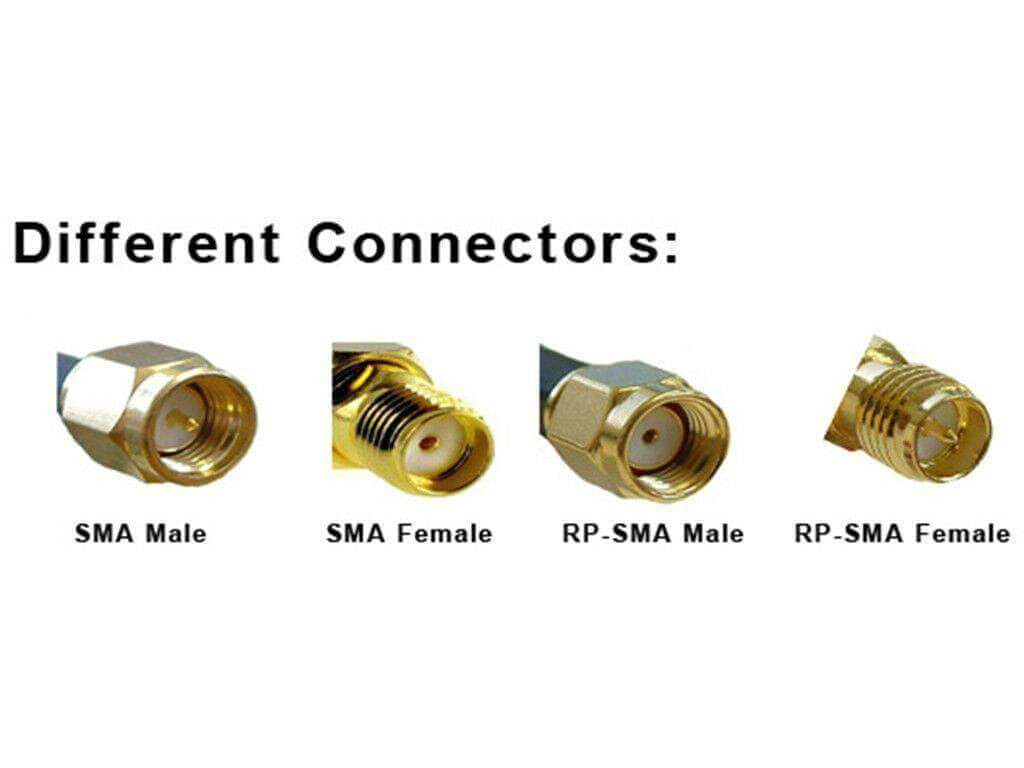
“Pin” in antenna connector end = RP-SMA
No “Pin” in antenna connector end = SMA
The stock cables and antennas on BPI-R4 are RP-SMA. I just canceled an AliExpress order because I accidently ordered SMA as well, and not RP-SMA.
1 Like
I had a thought. Could the stock 12v 5a power supply included with the BPI-R4 kit be the cause of excess noise? Has anyone tried a different one, or possibly power it via USB-C PD and seen any difference?
Or something like this?:
I have a type-c kit with a native power supply. There is also noise.
Perhaps the device needs grounding. I am not an expert in this topic, but I assume that because the case is metal, and in fact, connecting the antennas and the board to it creates a common grounding circuit and the antennas pick up this interference. I wonder what will happen if I try to leave the board in the case, but take the antennas outside of it and ensure that the wires and attachment points are not in contact with the case. (This is unreliable information, but only my attempts to reason)
It is also worth understanding that there is grounding, which should divert interference to the ground. And there is zeroing (GINA, zeroing, vanishing - I don’t know how it is correct in English) which does this on the device case, which should then be grounded (but it is not a fact that this happens and interference remains on the case). In my language, 2 different terms are used for this, but the translator tries to translate everything as grounding.
Mine is powered via usb c
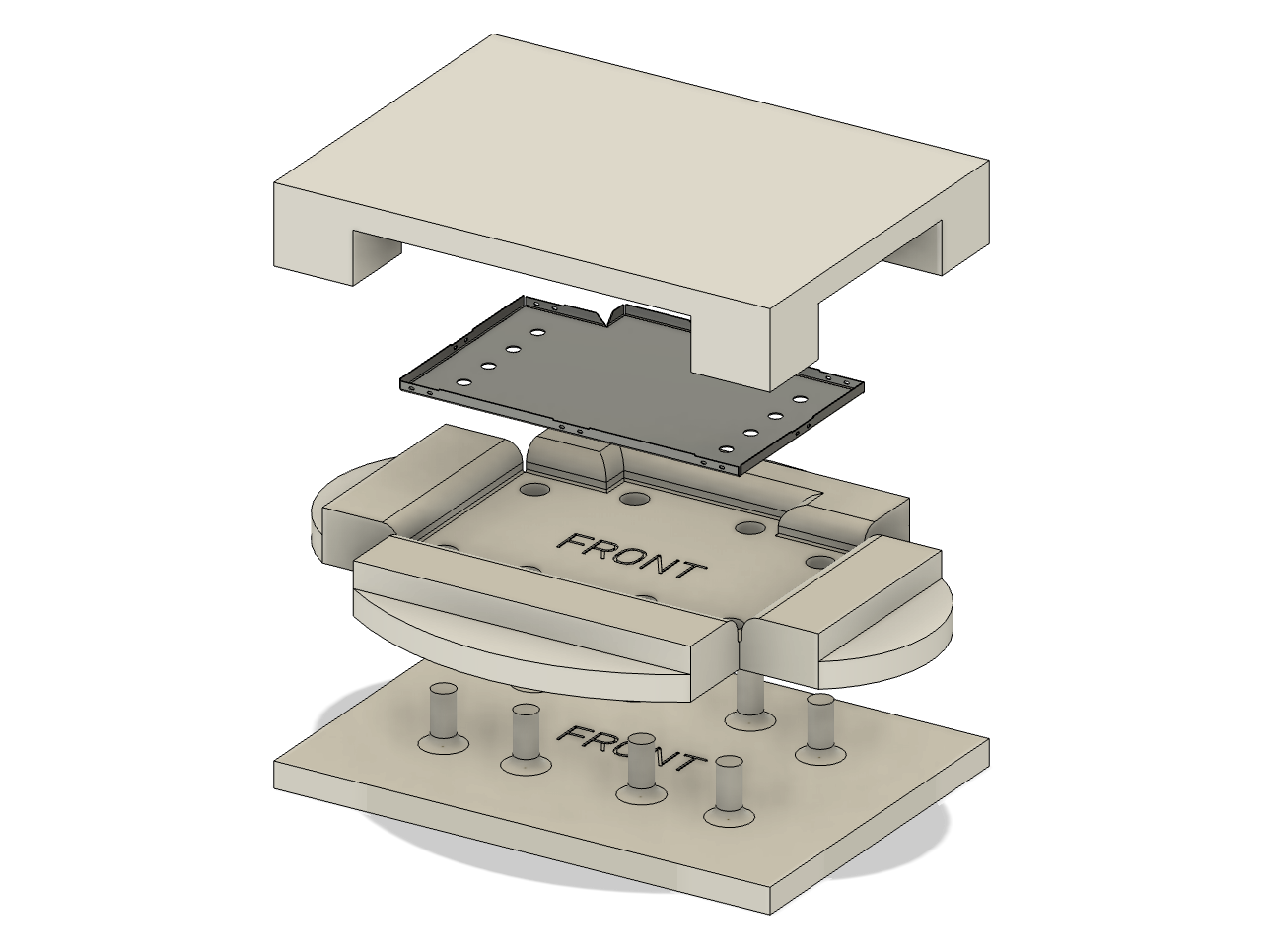
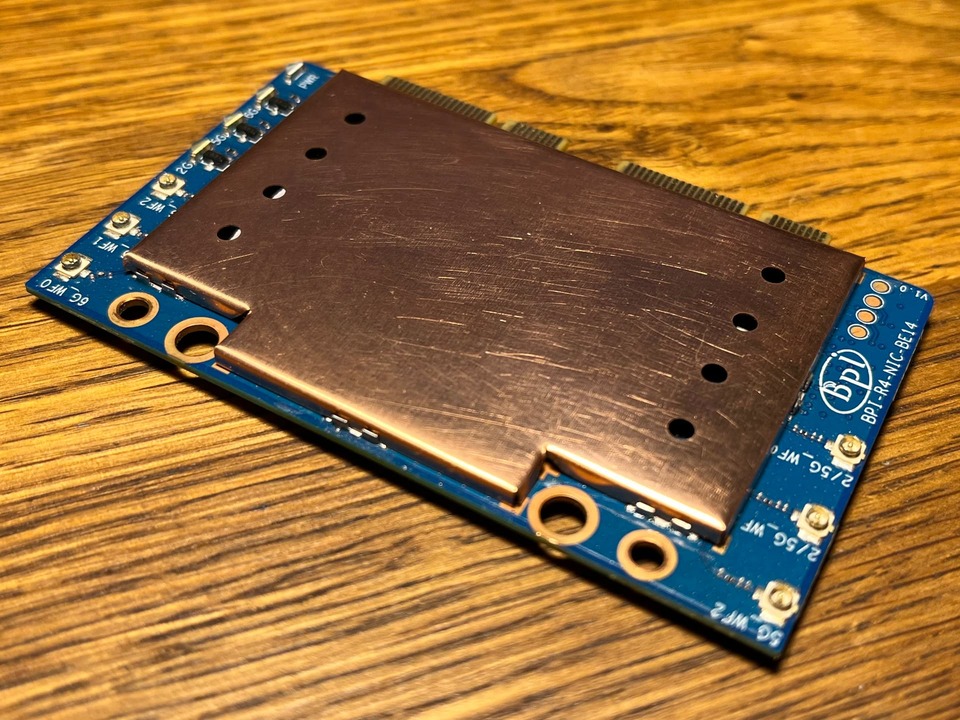
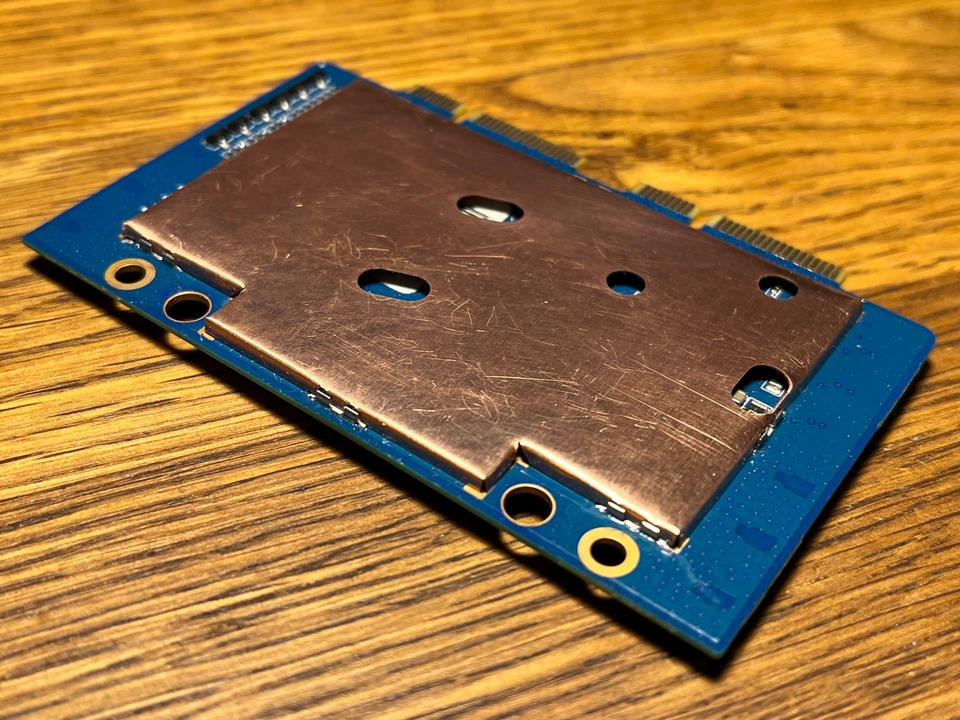
I designed a 3D-printable die set for pressing EMI shield cans from (preferably, laser-cut) blanks. The model and the instructions are on MakerWorld. Some final tweaks to the DXF drawings of the blanks (included in the project). Again, adding EMI shielding to the BE14 won’t do much for mitigating the internally generated interference. Regardless, it’s a good idea when using a plastic case. The top shield can also provides a flat surface to mount a large heatsink on.
2 Likes
Please tell me what size of cooling radiator you use.
40x40x10 copper fits nicely and is more than adequate for cooling the ICs.

your 3D case is currently in the process of being implemented. Once everything is ready I’ll see if that’s enough. Or will a screen be needed) Although it turned out that my problem with BE14 is a bad revision with bad EEPROM firmware, due to which normal power cannot be achieved without additional patches.
Better to design model of this tool ВЧ экраны своими руками / Хабр It allows to make any rf emi sheelds (in range) witout usage of custom forms.
Did anyone check if the noise is reduced, when using the extension of this case:
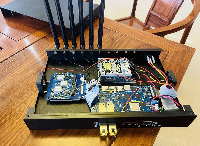
Is that even out yet?
Donnow, if not, maybe @sinovoip looked at this? I would think that much high noise would be a trivial issue…
i replaced the antennas now with different ones. wondering if the new values are ok? the board is now without case and the antennas lay on the ground. when i find some time, i might assemble everything together, this evening or tomorrow… i guess -85 for noise is ok, right?
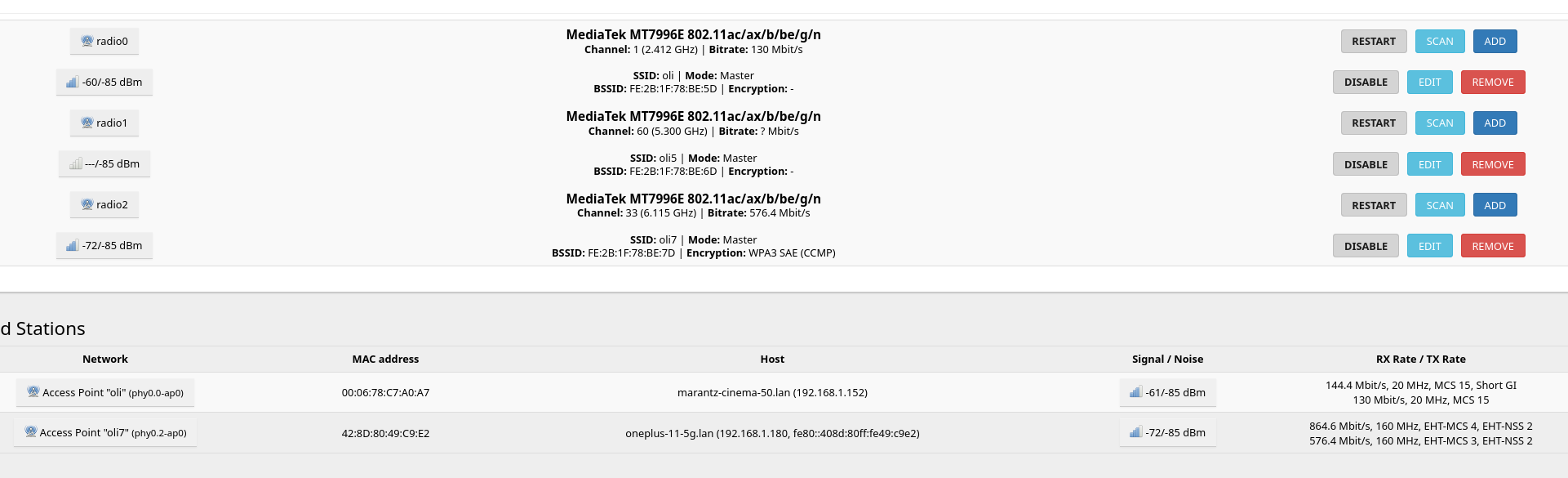
Yeah are you on 160mhz for 6ghz
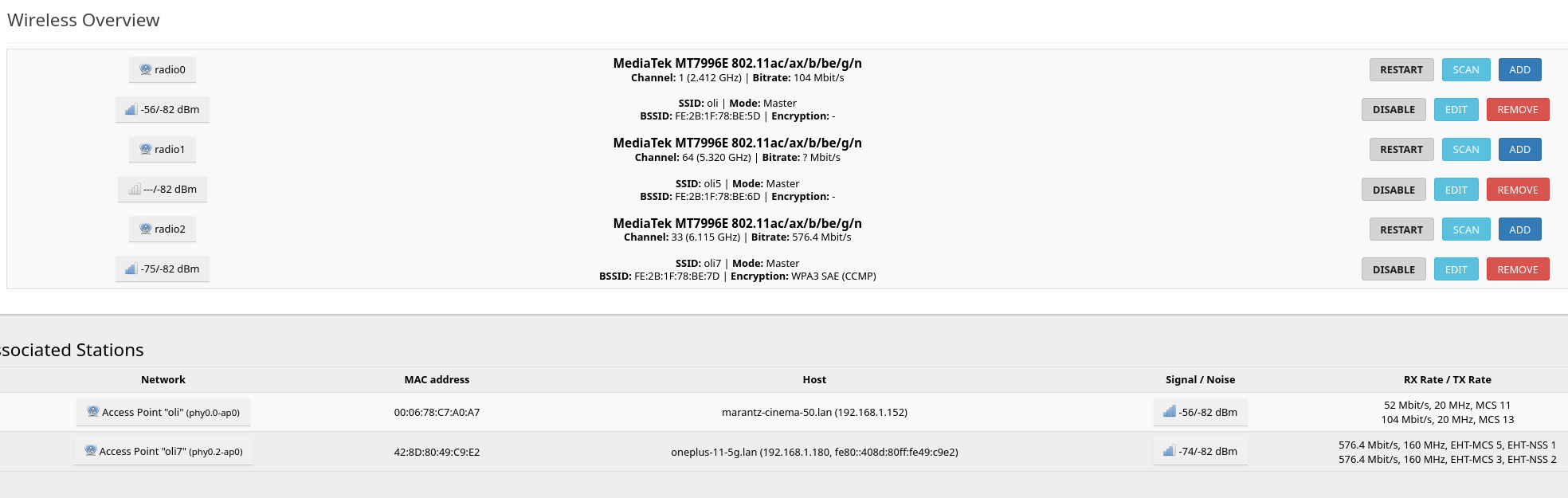
Yeah seems fine, I would do that power save things on the PCIE and it should go to -84~
Interesting would be if the wifi range is good for you now. But of course 5/6ghz is not working so far like 2.4 GHz because higher frequencies are more blocked by walls,furniture,…
i have nothing that blocks, except when i am in my room where the workstation is, but there i have lan. i tested now with my laptop and my mobile phone with a distance of about 2m. the difference between phone and laptop is crazy. both have a wifi 7 card on it, the laptop has a 7925 or so. the phone has a very good speed (1gbit on wifi 7) and the laptop does not even recognize the wifi 7. with wifi 5 i have about 300mbit, with 2.4ghz only about 50mbit.
Thank you for your report.
Can you please describe your setup a little bit more?
- Did you use stock 1.13 pigtails or did you replace them with RG178/RG316?
- What length was it, if so?
- What antennas did you use?
- Did you buy a stock case or make one yourself?
- Did you add insulation between the case and the pigtails?
- Are all antenna pigtails installed facing the opposite direction from the PCIe?
- What powersave settings did you use?
- Have you added any additional metal parts to the inside or outside of the router (radiators, SFP modules)?
- Did you use additional radio devices near router and how many other APs around you?
Sorry for a lot of questions, but i think this info will help others to repeat your success or even improve your results.