What are the 4th digit from the left on the barcode sticker on your #2 and #3 ?
The 4th digit from left is ‘3’ for both.
Same as mine. I guest a great number still. 
I needed to correct myself - it doesn’t seem so easy to get an m.2-card working. I need to activate a third mPCIe-card, therefore I got this adapter https://www.amazon.de/dp/B089N34HPV which has one review saying it works with AsiaRF-cards on BPI-R3, hence I thought it would work as well in BPI-R4. I will investigate why it failed (hopefully only in first place).
Without taping the board doesn’t boot into OpenWrt - the green LED would not light up. When it is taped the boot process succeeds. I do not have another device to test the functionality of the adapter though 
@simon will PCIe devices work in the nvme-slot provided a working adapter is used? In my case I try to install a third MT7915/MT7916 card.
@kvic I contacted sales and the first batch without R228/R230 will be ready for shipping end of next week.
1 Like
Theoretically it’s okay, but I don’t know if there is such an adapter
There are a couple of those adapters in reality (Amazon (DE/US) /aliexpress etc.pp.). But your theory doesn’t seem to work. I tried first
m.2 key m slot → mPCIe adapter (an Amazon review says it works with BPI-R3, so I assumed it should work with R4 as well…) → MT7916
and then
m.2 key m slot → m.2 key ae adapter → mPCIe adapter → MT7916
and in both cases the card is not recognised - dmesg doesn’t have any related entry.
I followed the first post and a nvme drive is detected without issues this way.
Is there something blocked when taping the two pins that is somehow needed for the mPCIe to work properly? I explicitly ordered some new boards without the resistors to make sure it has nothing to do with that but it is really weird. The adapters work in a desktop motherboard without any issues… 
May be this is the wrong topic for this chat, BUT i’m not sure.
To solve this I would recommended to test the MT7916 WiFi boards in the mini PCIE slot → (DO NOT FORGET TO CHECK THE 12V SWITCH BEFORE INSERT THE CARD!)
I suggest this, because in the documentation of R4 it is described as working:

The MT7916 is available in M.2 and Mini PCI-E by default.
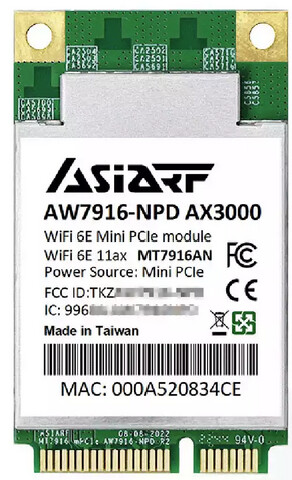 …
…
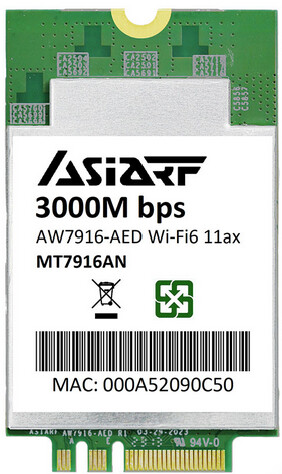
I really do not think that this caused by the adapter (but I’m a laiman!). To be sure try the M2 card!
I found it strange to buy a new board because the design hasn’t changed (just the two resistors are not there).
It is not possible for you to take away this two resistors? I ask this because in my opinion this “glueing stuff” is for people that are doing this for one time. But it seem for me that you are a guy, who do that more than one time … may be you found someone who can do this for you?
Thanks for your answer. I should have written that mPCIe slots 1&2 are stuffed with MT7915/MT7916-cards that work without issues (yes, the switch is in correct position). I do not need to desolder the resistors, I will just wait for the new (already purchsed) boards that come without them. Buying the m.2 ae-variants of the cards was my last backup-solution. Maybe if it still doesn’t work with the new boards I will just wait for the BE-19 cards, that would solve my problem completely (having 3 cards installed is only a workaround).
I received the V1.1 board today. It had the resistors in place but I removed them.
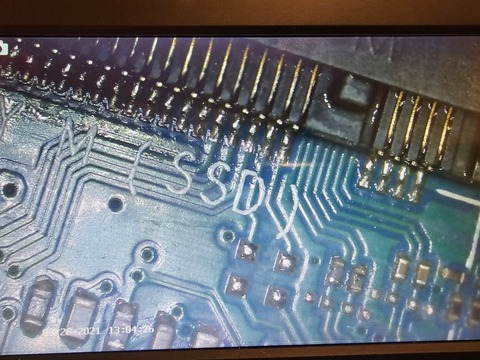
Today I received my last 3 boards - I explicitly ordered those without the respective resistors directly from Banana Pi. Revision is still 1.1, serial numbers are 420400206/7/9.
Still, the adapters do not work, so this does not seem to be related to the resistors (unfortunately  ).
).
Did the board ship with the resistors on? If so, have you tried removing them before testing the adapters?
No, they did ship without resistors (that’s why I ordered them ).
Seems to be some sort of weird incompatibility (especially because this very adapter was reported to work with BPI-R3 and the AsiaRF WIFI6-cards I am using).
off topic
My next and last attempt is to use an mPCIe to m.2 key B adapter and if that fails I will give up on the idea to install 3 mPCIe-cards.
It looks for me, that this is not a topic for nvme+i2C (resistor removal) anymore. It would be good to open a new topic.
May be: “Banana Pi BPI-R4 M.2 KeyB & M.2 KeyM with MT7915/MT7916”?
I have a 1.1 board with 8GB of RAM.
I’m now trying to add a Crucial P3 Plus 2280, 1TB NVMe.
System doesn’t seem to recognize it at all (no led, etc).
I can’t tell from this conversation and the pictures if this board has the resistors or not?
I think not, but I’m not sure.
Any help appreciated.
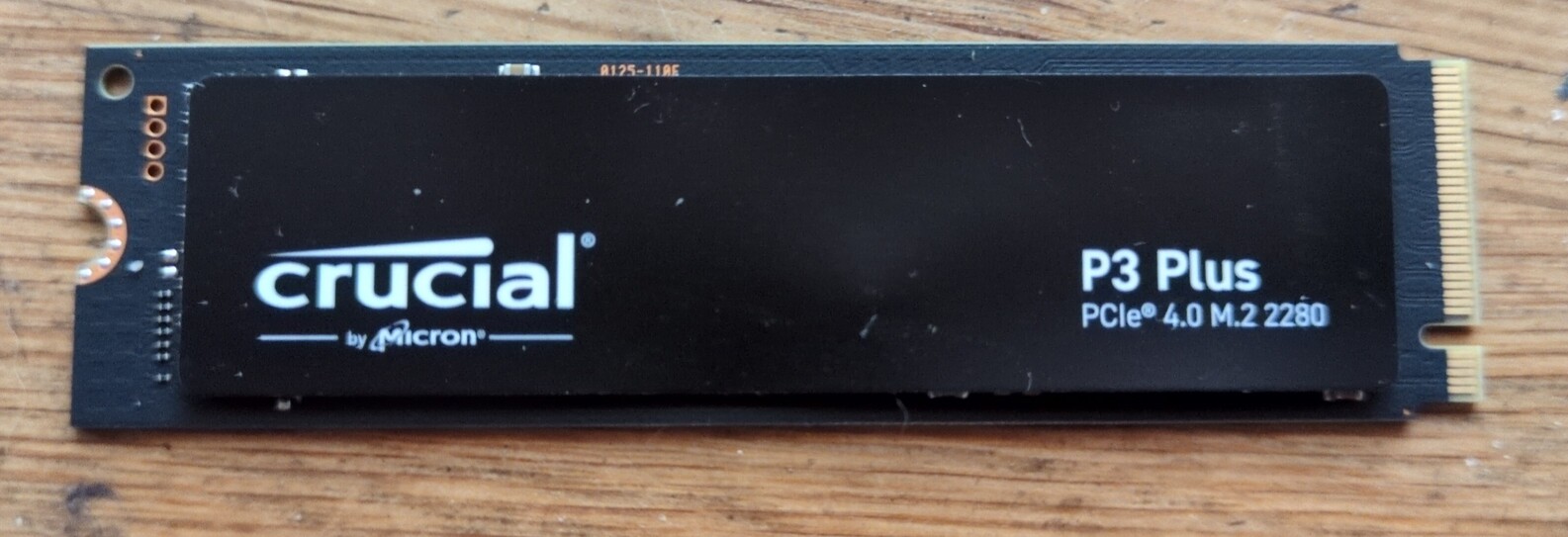
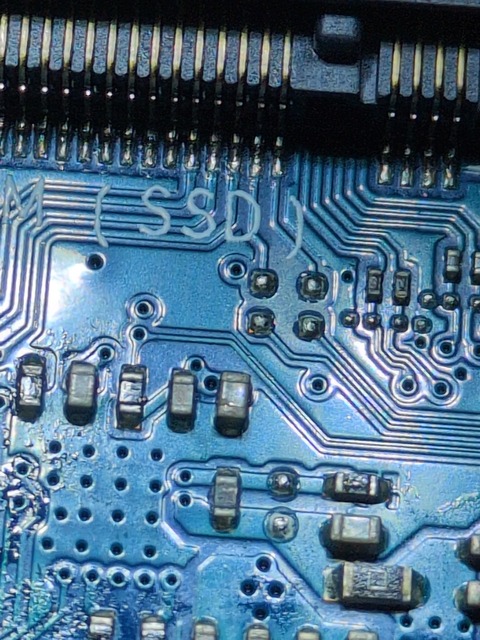
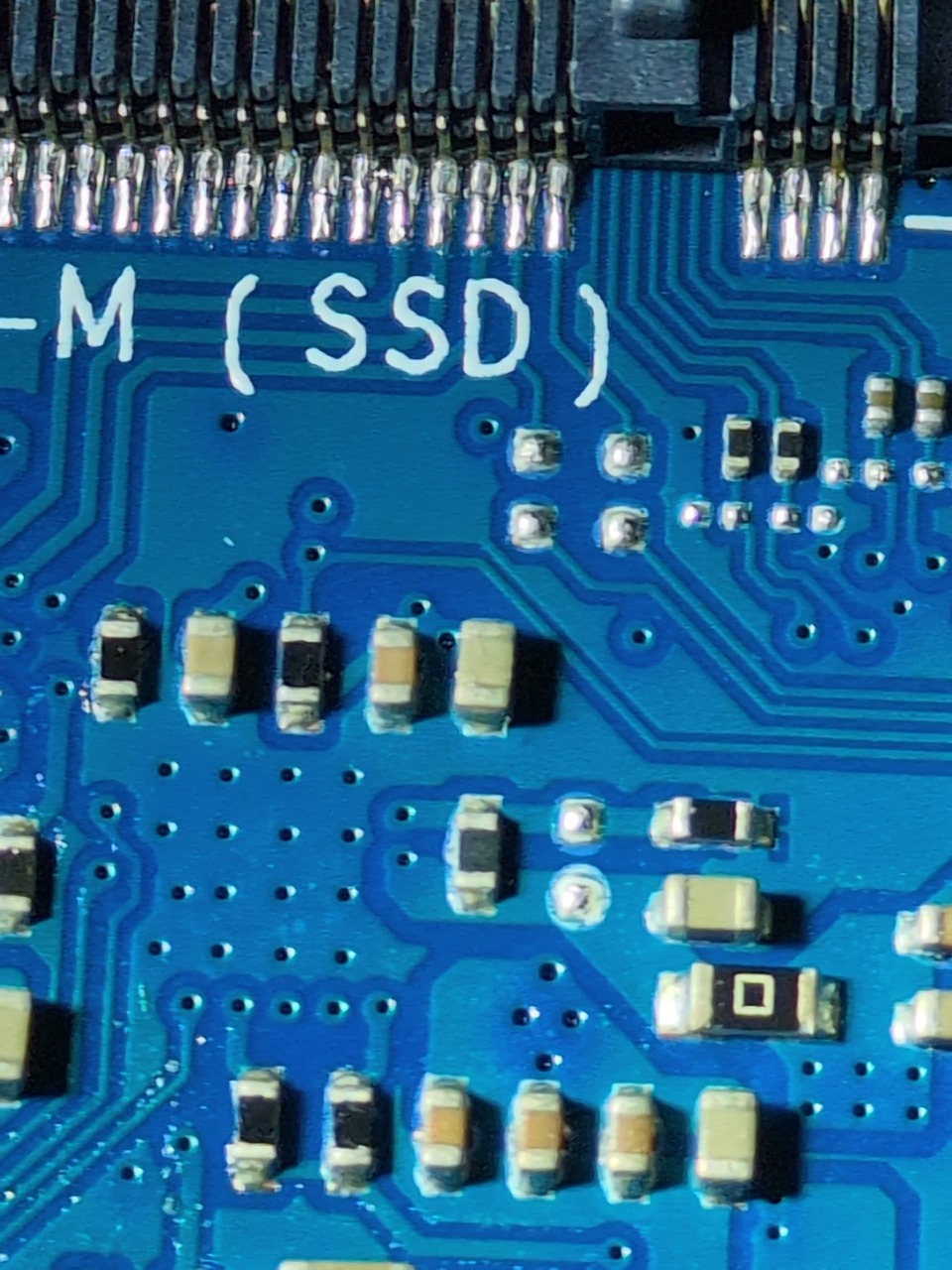
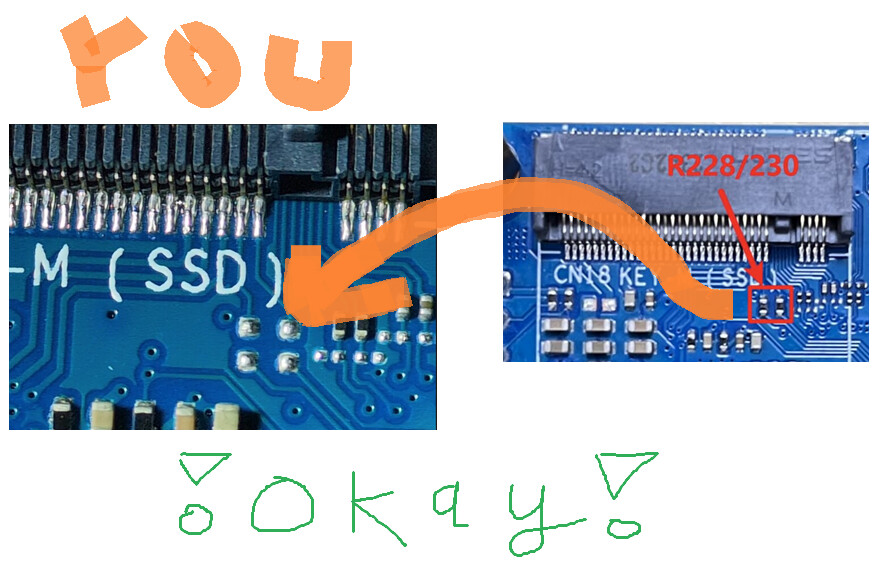
Okay, any suggestions of what I can try to get this SSD working?
Or am I SOL?
Rant of frustration
Frustrating I didn’t expect a mainstream ssd like this to just not be recognized. I mistakenly thought the BPI-R4 was a fully working consumer device.

You should start a new topic
Did you mention which software you’re using?
Some people are using Debian, the official OpenWrt release, or Banana Pi’s OpenWrt fork.
Could you please post the complete dmesg output after a cold boot with the SSD installed?
Please also post:
lspci -nn
lsblk
The dmesg output should show whether the PCIe link comes up and whether the NVMe controller is initialized.
You may can ask Profile - SSIV - banana pi single board computer open source project official forum BPI team →
Thanks for sharing this workaround. Using tape is a clever quick fix for those who aren’t comfortable with a soldering iron, though desoldering the R228 and R230 resistors seems to be the recommended permanent solution to resolve the voltage mismatch on this board.
Using tape is a clever quick fix for those who aren’t comfortable with a soldering iron
Yes, use tape. That’s how I got my Crucial P3 Plus 1TB working.