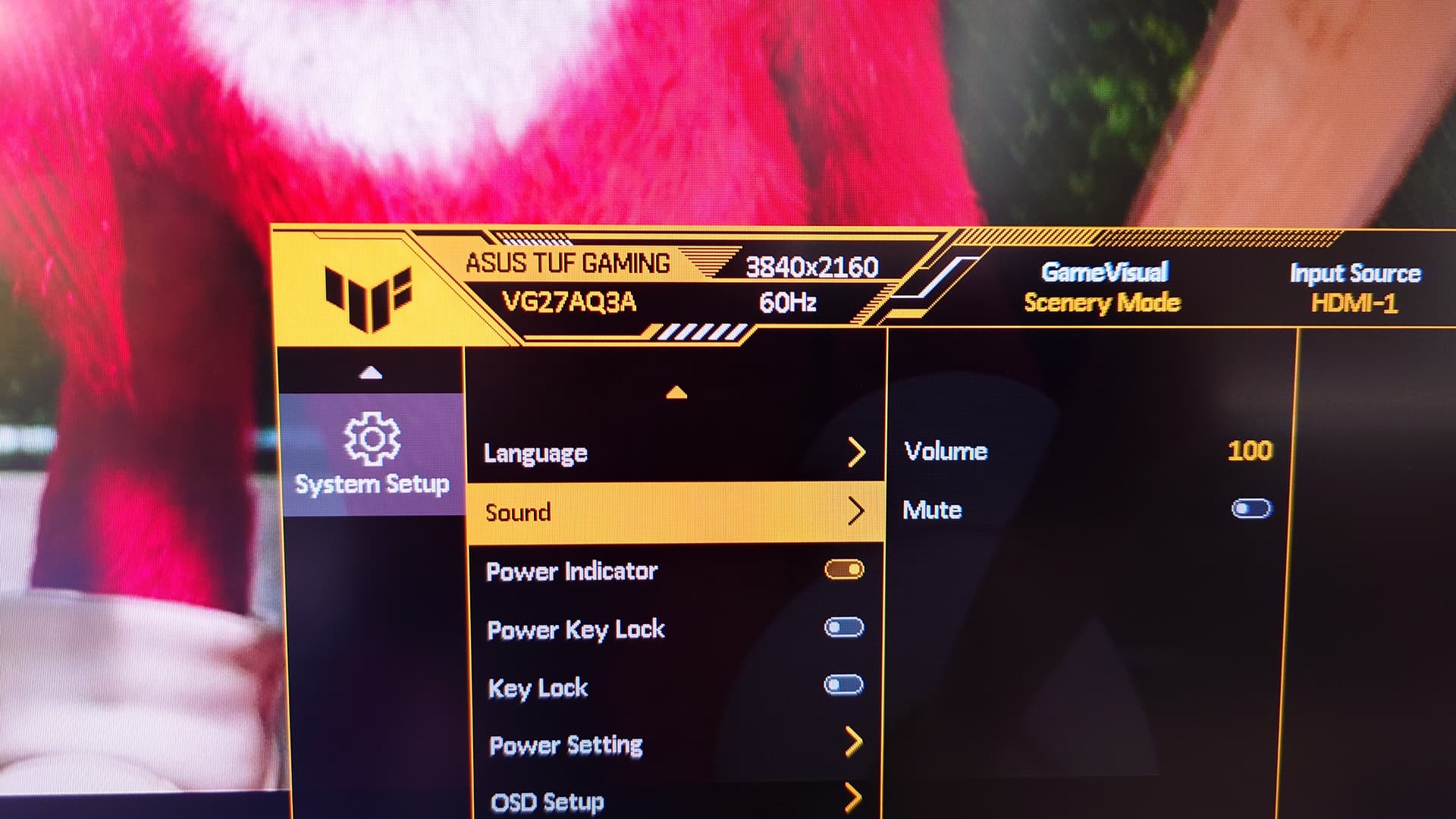
I have confirmed the Android image is running at 2160p@60hz, so I tried playing some 4K video. I loaded some onto a USB stick and tried 2 programs. Gallery will play a black screen sometimes, and Video Player does not go full screen.
So let’s try Plex. This device will not handle “intent” protocol.
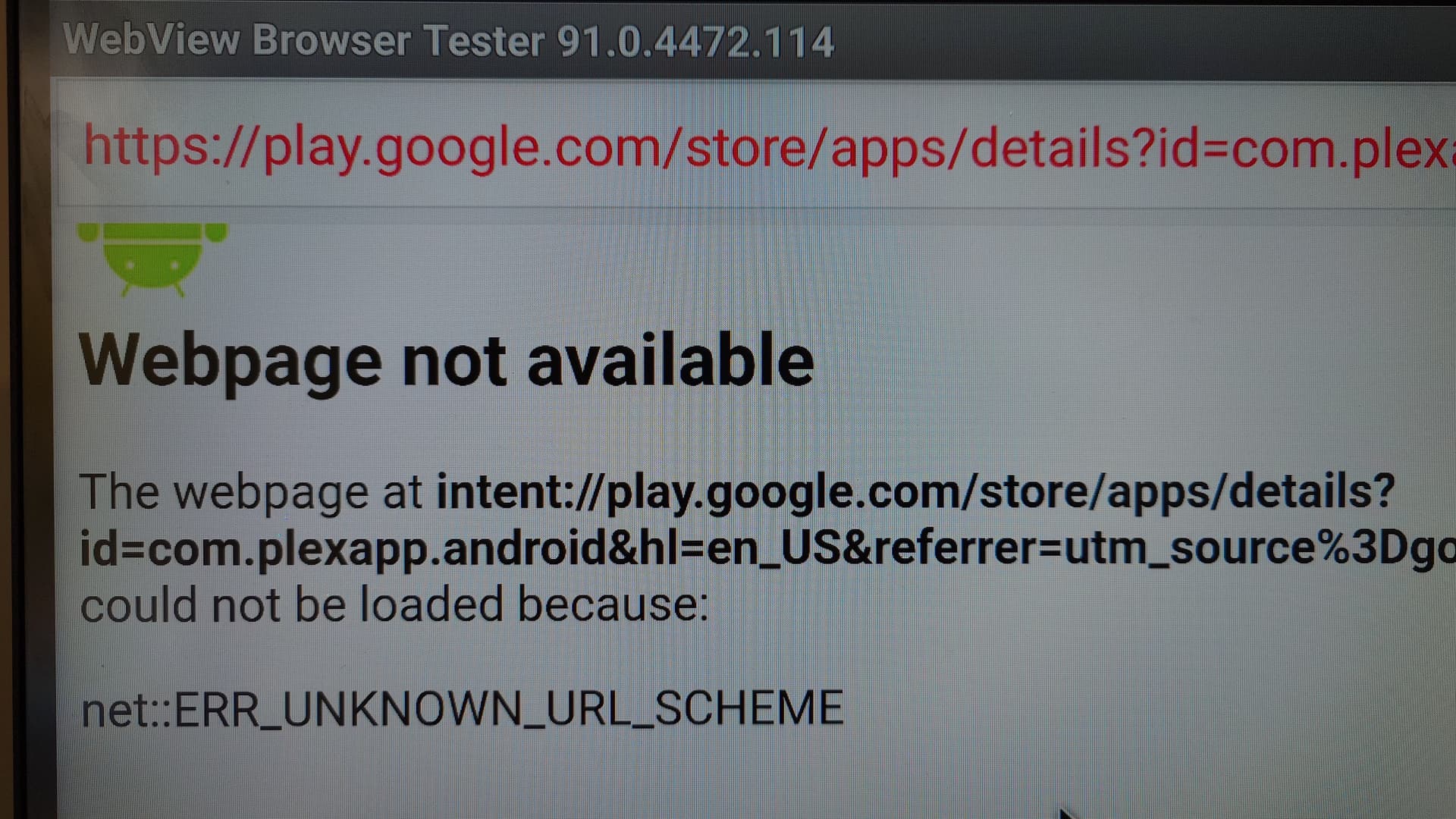
But you can install Plex through the APK. This is the one I used.
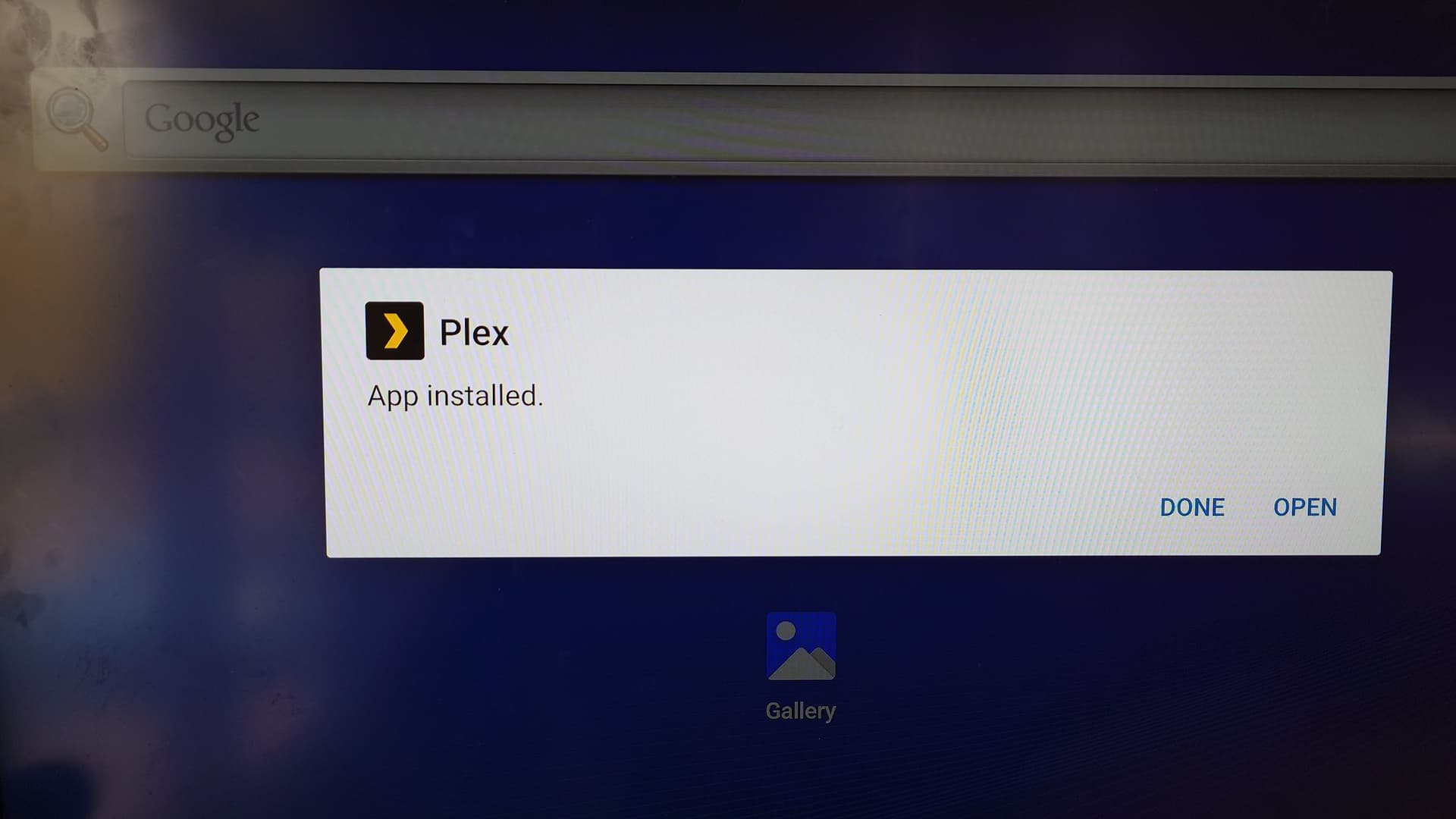
After signing in, I noticed the screen would go into a load loop where it tried to refresh every screen element. The debugger lead to an issue with the USB drive I had plugged in.
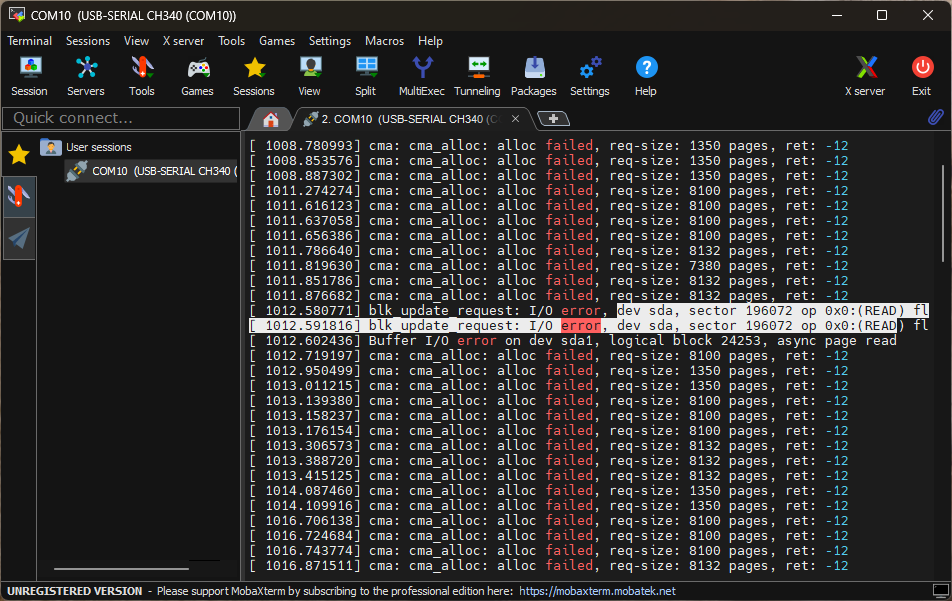
I removed the USB drive and it stopped. I was able to navigate the menu of content from my Plex server (hosted on my NAS, ripped from BluRay disc).
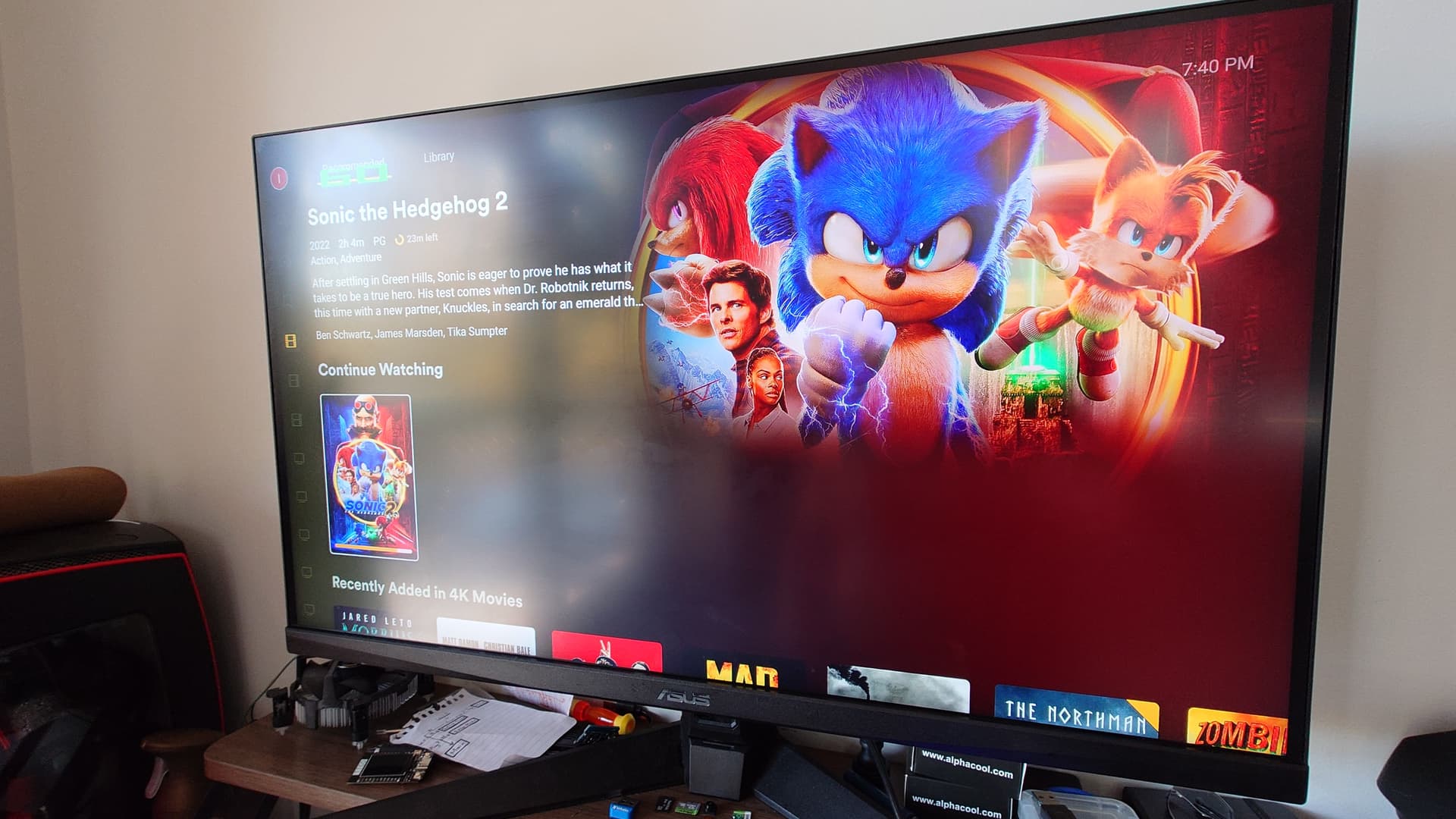
Was able to watch a full length 4K movie smoothly. No noticeable quality loss. The green number on the top left is from android system developer options to display screen refresh rate. It never moved from 60.