[BPI-R4] nvme+i2c

No, they did ship without resistors (that’s why I ordered them :slight_smile: ). Seems to be some sort of weird incompatibility (especially because this very adapter was reported to work with BPI-R3 and the AsiaRF WIFI6-cards I am using).

off topic

My next and last attempt is to use an mPCIe to m.2 key B adapter and if that fails I will give up on the idea to install 3 mPCIe-cards.

It looks for me, that this is not a topic for nvme+i2C (resistor removal) anymore. It would be good to open a new topic.

May be: “Banana Pi BPI-R4 M.2 KeyB & M.2 KeyM with MT7915/MT7916”?

I have a 1.1 board with 8GB of RAM.

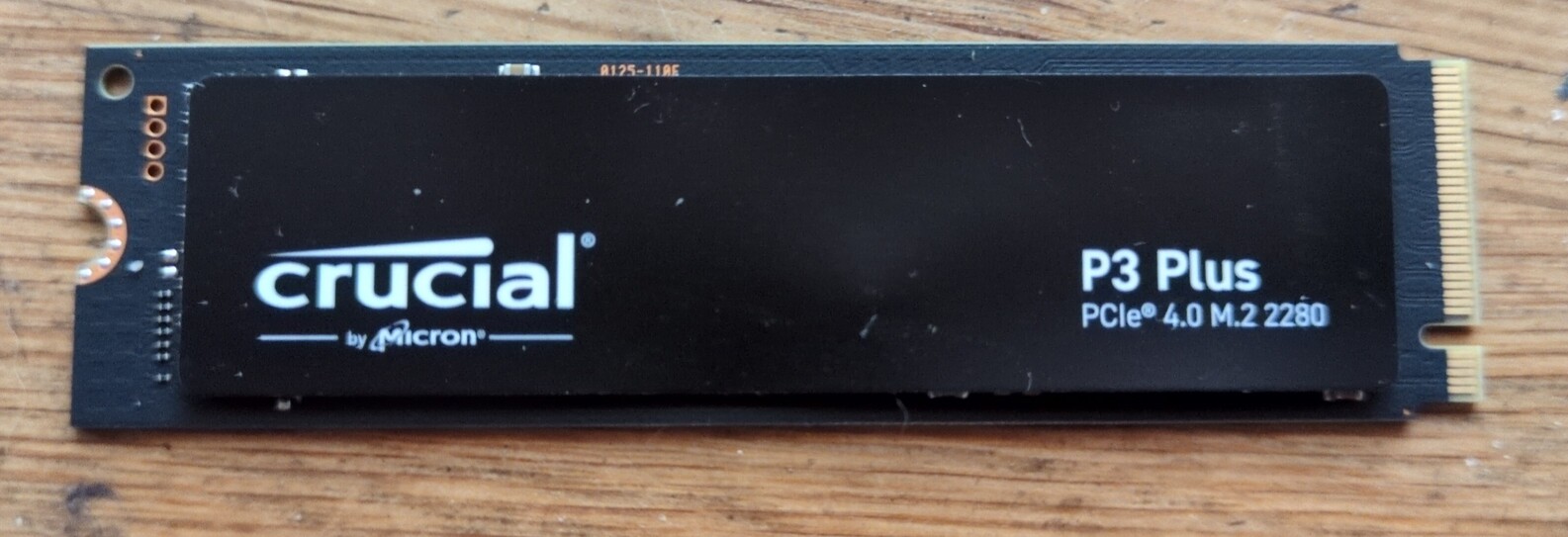
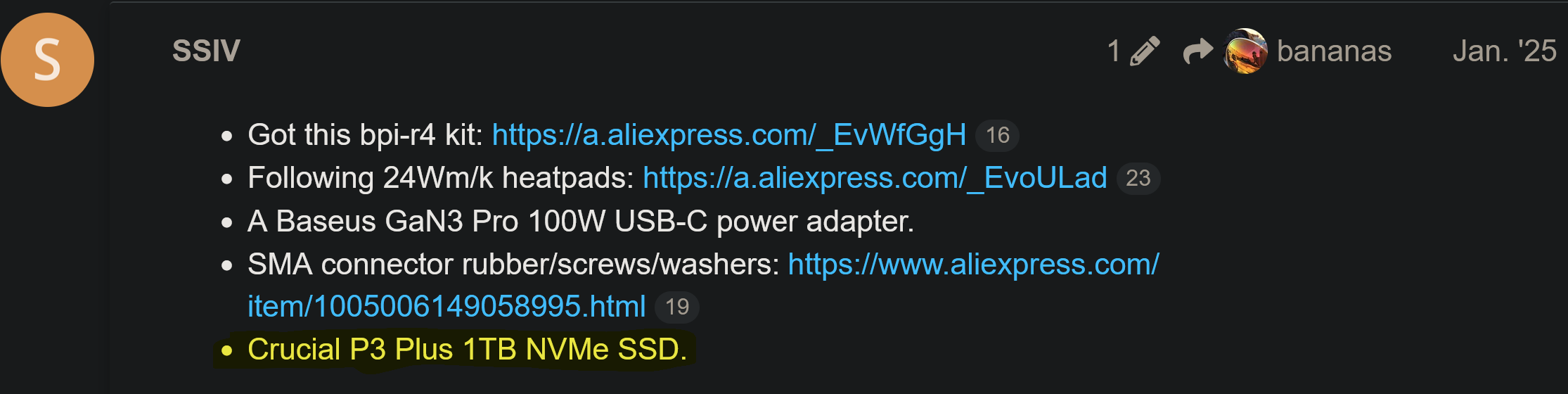
I’m now trying to add a Crucial P3 Plus 2280, 1TB NVMe.

System doesn’t seem to recognize it at all (no led, etc).

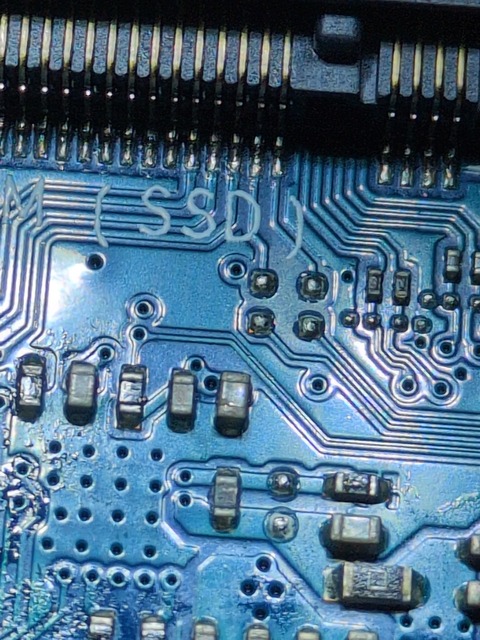
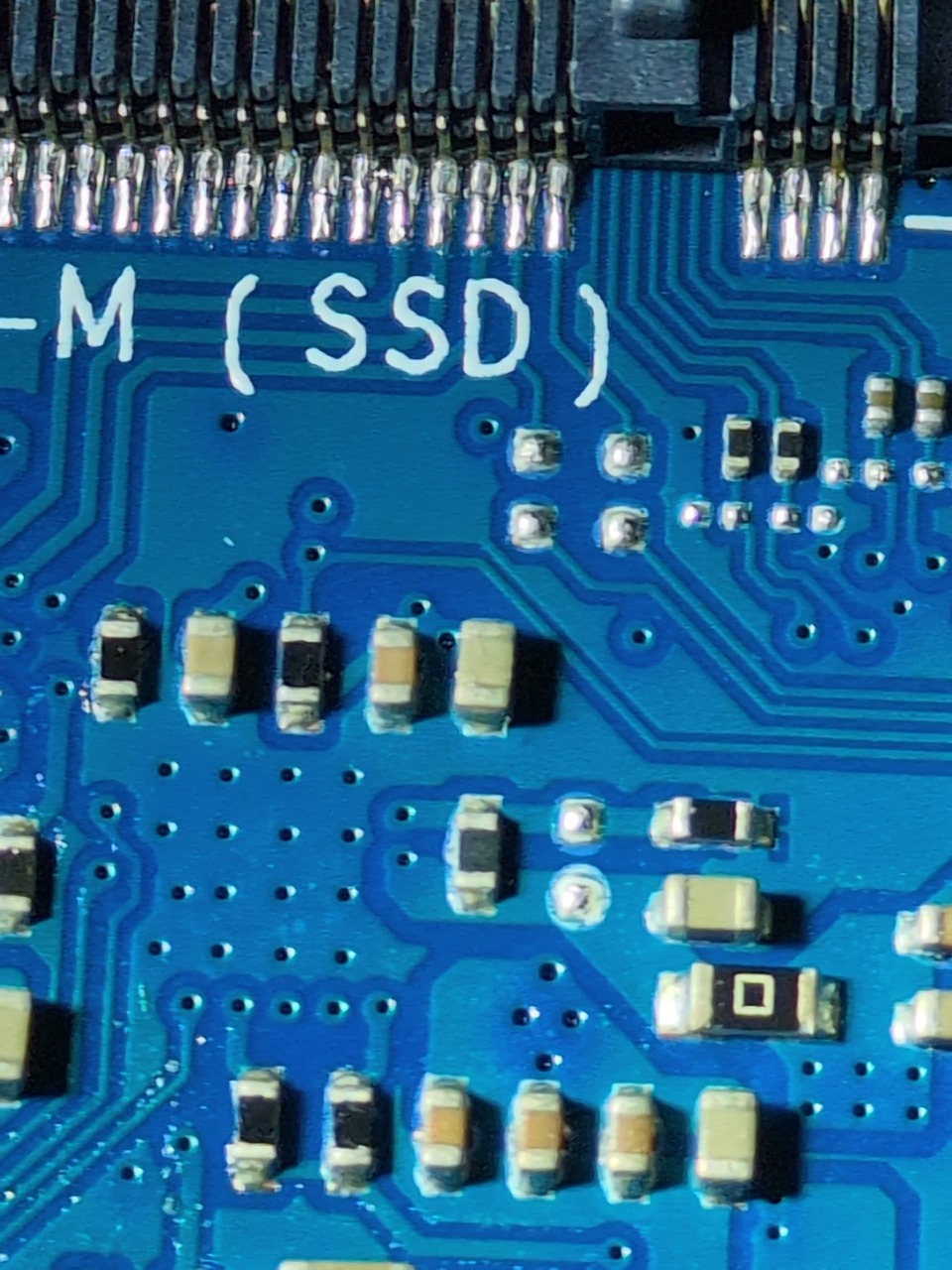
I can’t tell from this conversation and the pictures if this board has the resistors or not?

I think not, but I’m not sure.

Any help appreciated.

1 Like

Okay, any suggestions of what I can try to get this SSD working?

Or am I SOL?

Rant of frustration

Frustrating I didn’t expect a mainstream ssd like this to just not be recognized. I mistakenly thought the BPI-R4 was a fully working consumer device.

:smiling_face_with_tear:

You should start a new topic

Did you mention which software you’re using?

Some people are using Debian, the official OpenWrt release, or Banana Pi’s OpenWrt fork.

Could you please post the complete dmesg output after a cold boot with the SSD installed? Please also post:

lspci -nn
lsblk

The dmesg output should show whether the PCIe link comes up and whether the NVMe controller is initialized.


You may can ask Profile - SSIV - banana pi single board computer open source project official forum BPI team

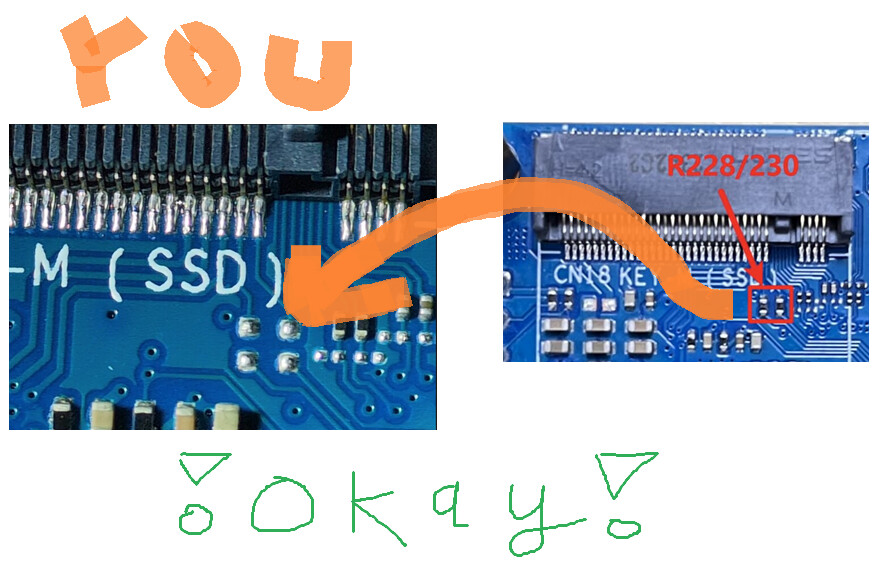
Thanks for sharing this workaround. Using tape is a clever quick fix for those who aren’t comfortable with a soldering iron, though desoldering the R228 and R230 resistors seems to be the recommended permanent solution to resolve the voltage mismatch on this board.

Using tape is a clever quick fix for those who aren’t comfortable with a soldering iron

Yes, use tape. That’s how I got my Crucial P3 Plus 1TB working.