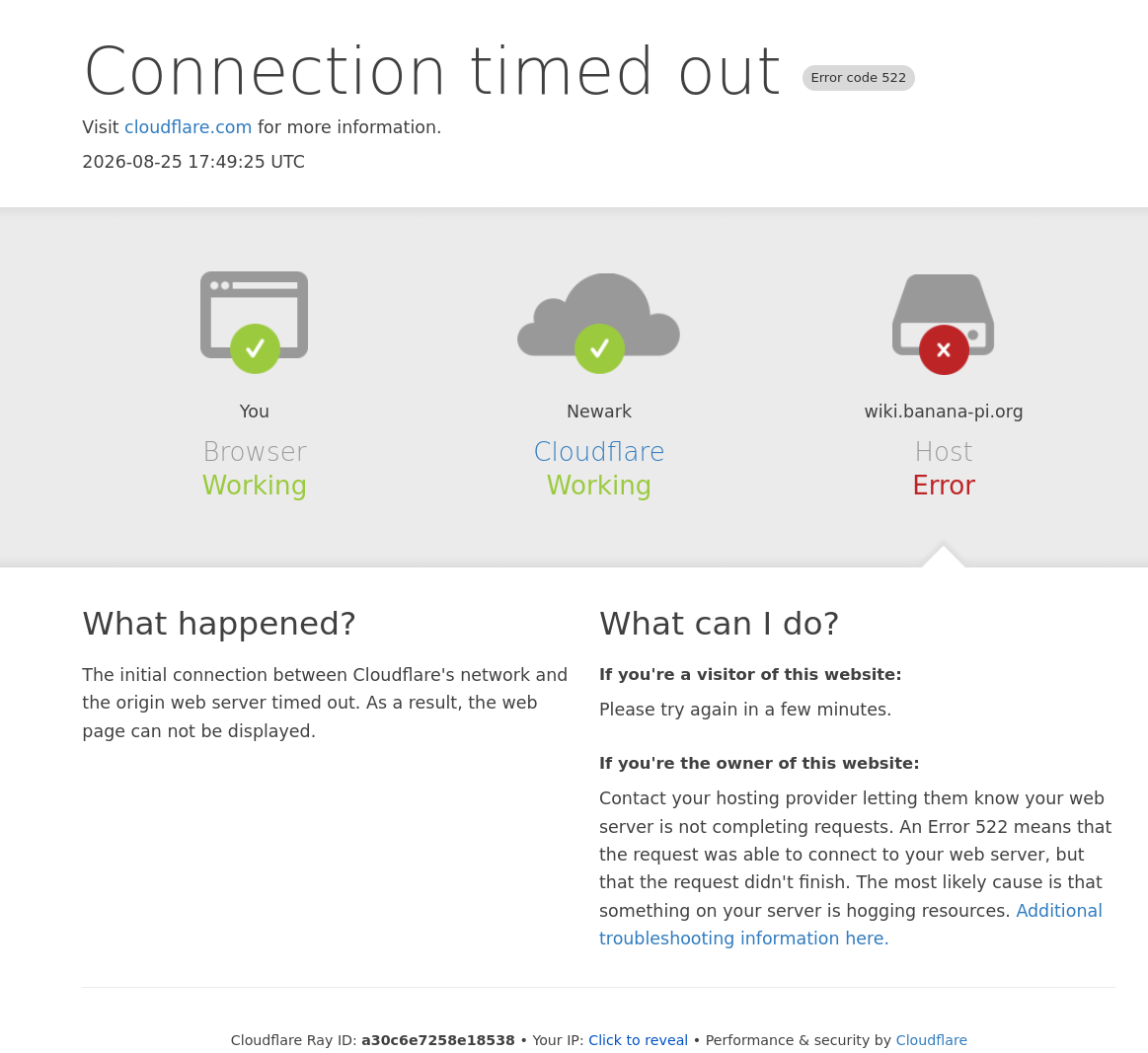
@Qubot: Thanks for successfully solving this mystery.
Done. I both updated my bookmark accordingly to https://docs.banana-pi.org and added [RESOLVED] to this present discussion title.
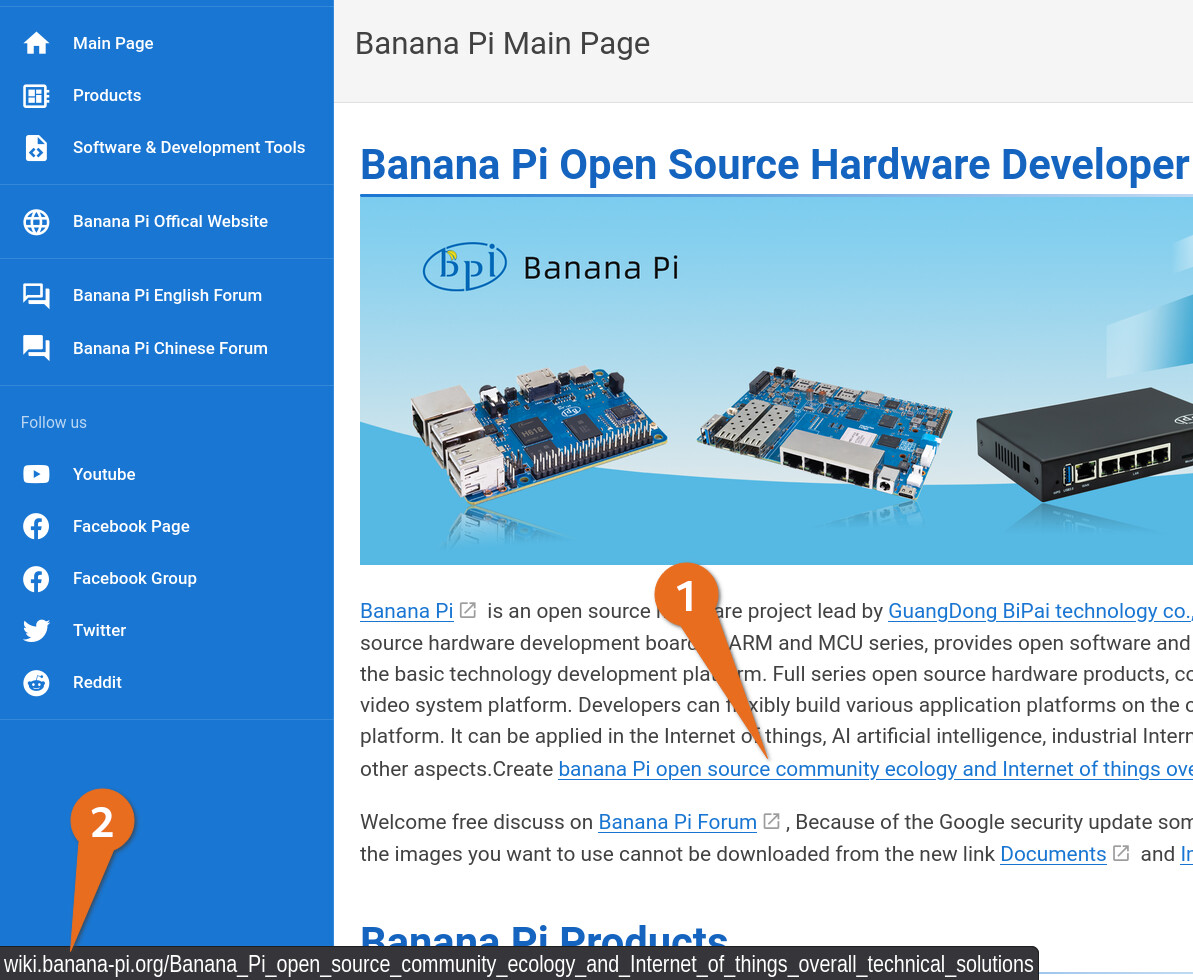
There are still some legacy links pointing to the old Wiki that have not yet been updated. We will gradually clean up these outdated links.
Thanks. Feel really free to update those in any ways and at any time to your liking.
For your information, another challenge is that there are many other websites on the internet, which are not control by banana-pi.org, but still link to https://wiki.banana-pi.org On top of that, I bet that some of your community users and clients have not yet updated their internet browser bookmarks. This means both valuable traffic and potential sales $$$ are lost.
Could you please pass on to the appropriate team at Banana-Pi the suggestion below?
To resolve this challenge above, for your consideration and for your decision, I suggest two things:
First suggested resolution
If you are presently with heavy workload, I would be happy to contribute updating the links in the https://wiki.banana-pi.org as volunteer. I would really not expect anything in return.
I have more than 20 years experience with contributing to a wide range of wikis. I could either use your already existing workflow or suggest one. If possible, to build trust, my wiki updates could be private until they are review by you before you decide to publishing or not.
Second suggested resolution
Adding a domain name automated redirection from https://wiki.banana-pi.org to https://docs.banana-pi.org
If you’re not familiar with such automated redirection, it is likely that your domain name supplier offer free automated redirection. Often, using their domain name configuration website and free DNS records hosting. Usually just a few clicks. So fast, easy, and free.
Alternatively, automated redirect can be done manually. This is harder though. List of manual options to choose from at https://www.wikihow.com/Redirect-a-URL
EDIT : Adding 1st suggestion about my volunteer offer