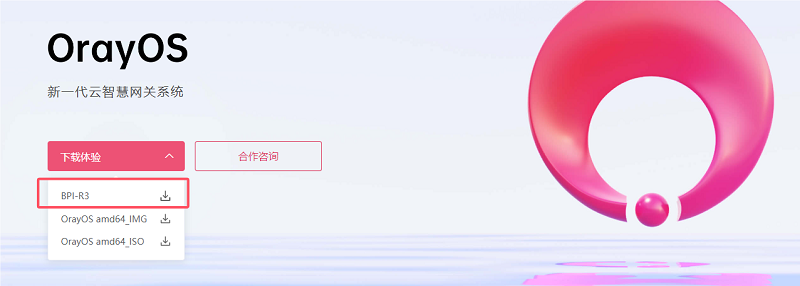
Banana PI has officially partnered with Oray, announcing the successful adaptation of OrayOS to the Banana PI BPI-R3 model, with plans to further extend hardware support to other models, including BPI-R3 Mini, BPI-R4 ect. This collaboration offers users more choices in development boards, accelerating the adoption of applications in industries such as IoT and networking.
However, the package does not include a GPT partition file for the eMMC.
What I tried so far:
Flashed BL2 to mmcblk0boot0
Flashed FIP to the eMMC partition
Tried installing the firmware via U-Boot web recovery
Also tried flashing via serial console (U-Boot)
The firmware uploads correctly, but the installer shows errors like:
“Partition ‘kernel’ not found”
“Partition ‘rootfs’ not found”
“Please update GPT first”
So it seems the correct GPT partition layout for OrayOS is missing.
Questions:
• Does OrayOS require a different GPT layout than OpenWrt for the BPI-R3 Mini?
• Is there a GPT file available for OrayOS?
• Or is there a full eMMC image (.img) that already includes BL2 + FIP + GPT + firmware?
At the moment I can still access U-Boot and the web recovery interface, but I cannot complete the installation.
Any guidance on the proper flashing sequence or required files would be very helpful.
 . So, why should this be interesting for us?