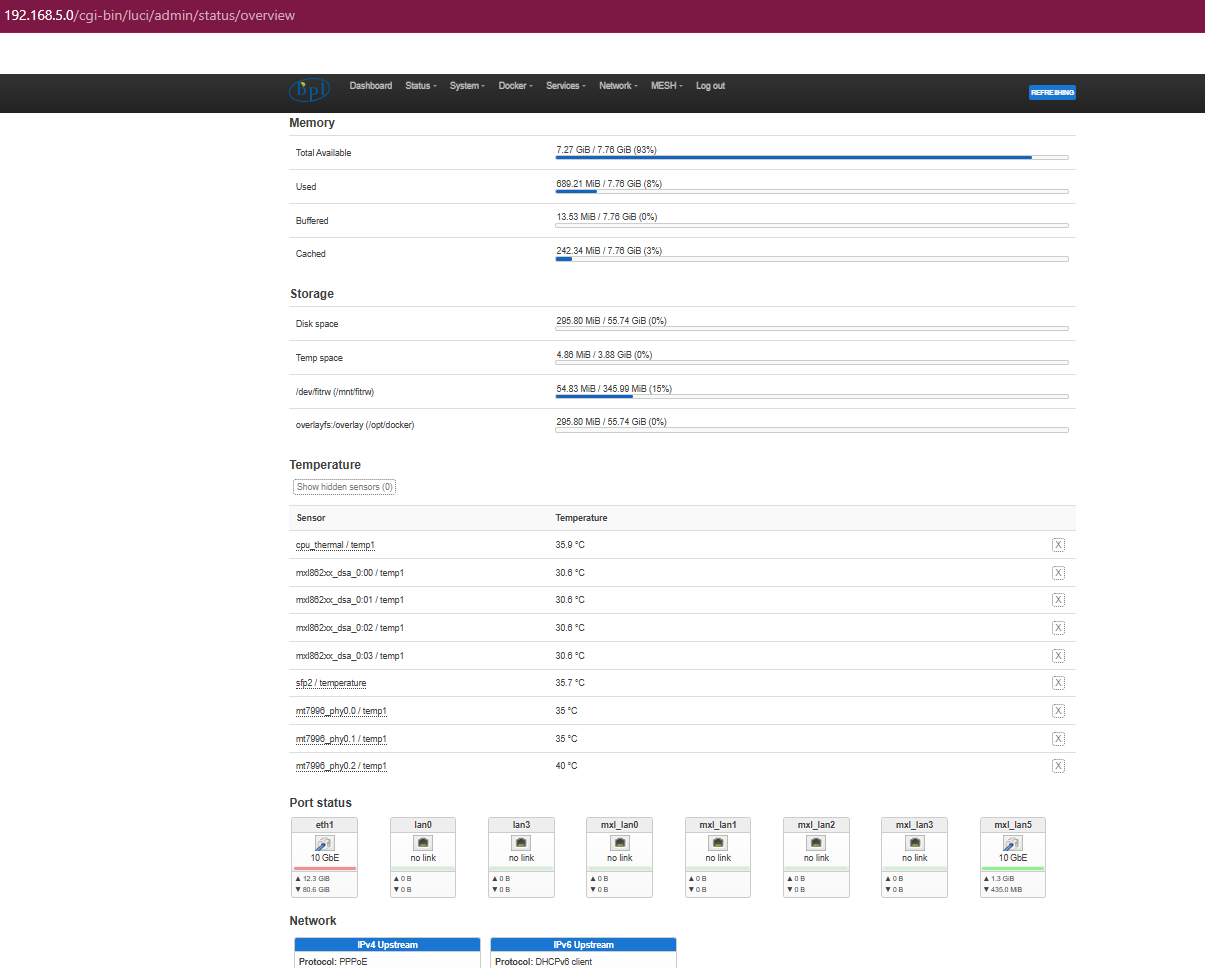
Is the BPI-R4 Pro still worth it at current prices? (Longevity Concerns & Alternative Setup Ideas)

Hi everyone,

I’ve been eyeing the Banana Pi BPI-R4 Pro for a high-performance, low-power OpenWrt setup. However, looking at the market right now, the pricing has gone completely through the roof. At these inflated prices, it’s becoming a serious financial investment, so I wanted to get some honest community feedback before pulling the trigger.

For those who have been using the R4 series or deal closely with SinoVoip/Banana Pi hardware, I have a few critical questions regarding long-term reliability, support, and potential alternatives:

Is it still worth the premium? Given how expensive it has gotten, does the Filogic 880 performance and all-in-one efficiency still justify the cost?

What is the reality of after-sales service and warranty? If a board arrives dead or develops a fault within the official warranty window, how responsive is Banana Pi with RMA/replacements? Is it handled smoothly, or is it a headache to get support?

What happens after the warranty expires? This is my main concern. If something goes wrong with a $300+ SBC after the warranty period, do they offer a paid repair service where I can ship the board back to be fixed at a cost? If they don’t offer post-warranty repairs, an expensive board like this essentially becomes e-waste if a single component fails, which feels like gambling with a lot of money.

How is the actual hardware and component quality? Is this board truly built to last for the long haul (5+ years of continuous 24/7 routing)? Are there known points of failure like power delivery components, or is the PCB and soldering top-tier?

If it’s NOT worth it, what are the best alternatives? If I decide to skip the R4 Pro due to pricing and lack of support guarantees, what similar setups or routers should I look at? I am looking to achieve: 10G capability (preferably SFP+ cages) and Multi-2.5G ports.

Rock-solid OpenWrt support or any consumer firmware like tplink Asus and other is also good High performance while keeping power consumption as low as possible.

I love the specs of the R4 Pro on paper, but at current market prices, I need to know if the hardware longevity and manufacturer support back up the premium price tag, or if I should spend my money elsewhere. Appreciate any insights, experiences, or architecture advice you can share!

Good afternoon. I completely advise against it, and I’m the only one who has uploaded OpenWRT images for this receiver.

Find yourself a better one; the BE14000 is absolute garbage.

The BE19000 is a marketing project that’s still light years away from being a reality. They occasionally release a new prototype image showing 320kHz on AX. Basically, you ask for things and they don’t even respond.

The wiki is outdated and rubbish; at this point, avoid this receiver.

Regards

I also recommend highly against buying one of those devices, like Xiaomi wrote. Too many problems like extremely bad software support. Best hardware is nothing when software support is missing.

if you want to use the device only as router (without wifi), then its still a nice device. maybe its possible to use it with ubiquity hardware or any other AP.

thats not true…i also make openwrt support with @andrewjlamarche and uploaded images.

but i also advise waiting a bit more to get the driver support mature more.

I have not tested BE14 on this board, but there are some users here like @wozi which made more detailed tests and fixes…also @rmandrad did some patches for the be14 on top of my 7.0, not sure how good it now performs.

1 Like

this is my repo - GitHub - rmandrad/BPI-Router-Linux: Linux kernel for Sinovoip R4PRO 8X · GitHub branch 7.0-main

i don’t use openwrt on purpose as I want a device on latest kernel + rolling updates hence i use archlinux also stock openwrt support has been slow due to upstream (not openwrt’s fault)

BE14 works fine - using WED with a MLO setup. Hostapd compiled on host

@PARADOX-X20 welcome to this community :slight_smile: if you want “rock solid” openwrt support this is not your device.

So I guess it’s mostly software issue not hardware? Im more worried about the hardware longevity I think I can manage the software part

Can you tell me in details what’s wrong with software side like bugs stuff not working or not implemented

Yes I haven’t found any issues with the hardware - i am on a 4 storey house and i have full coverage using the be14 (using mlo with 2g/5g/6g - 3 links)

I leave others to comment on openwrt, as i said, i don’t have openwrt working on the rpi4pro

note that I personally look at this device as a development board… so i don’t have expectations of a fully fledged router.

If not openwrt what do you use with the bpi?

archlinux, self build kernel and hostapd, build my own nftables etc

Similar to @rmandrad i use debian,but currently there is many manual work as we add support to mainline and there are some parts we cannot get working without downstream code (ethmux+as21 phy)

@rmandrad can you share your hostapd configs and maybe needed additional userspace steps (i guess the iw add … For getting 3 interfaces)

i use it with openwrt snapshot, self compiled, works like a charm except that wifi is not the best when it comes to distance. but that does not bother me because i live in a little 2 room flat, so i have wifi everywhere. but when i leave the flat it drops heavily. so if you have some thick walls or many floors, that might become a problem with be14

Then I guess I can take it my main internet connection runs wired with the bpi Im thinking of switching it to full fiber and I also live in house with 2 rooms so wifi is not problem for me. I mostly use wifi on my phone and imma also compile the official openwrt for it with a glass glossy theme I just modified for my current openwrt router.

How long are you using it for?

i use it since somewhere last year, iirc since may 25, but not sure. only thing i had to do was to replace the top of the case and add some other coolers. I use it for 10gbit ftth

I see thanks mate and which cooler did you replace it with?

just noticed i have that device much longer than may 25 :stuck_out_tongue:

Good morning @frank, would you be so kind as to show me your openwrt images,

Meanwhile I leave a video of official nand with be14000 and the failure which the banana pi team has reported privately, demonstrating a failure in the be14000 card in this router.

be14000

GitHub - BPI-SINOVOIP/BPI-R4PRO-8X-OPENWRT-V24.10.0-Master-Devel · GitHub, with kernel 6.6.93, and it describes the exact problem you’re showing.

Here are the key boot log lines showing the failure (mt7996e patch timeouts and probe -11):

[56.165611] mt7996e 0000:01:00.0: Message 00000007 (seq 12) timeout
[ 76.645602] mt7996e 0000:01:00.0: Message 00000007 (seq 13) timeout
[ 97.131852] mt7996e 0000:01:00.0: Failed to start patch
[158.571764] mt7996e 0000:01:00.0: Failed to release patch semaphore
[159.460364] mt7996e: probe of 0000:01:00.0 failed with error -11
[159.004909] Trying to free already-free IRQ 104

And they haven’t provided any solution.

I sent you a video demonstrating the error I mentioned, in which I resolved the traffic light issue using a temporary, homemade workaround. As long as you do not disconnect the router from the power supply, you can restart it as many times as you like, and it will always recognize the card. The problem is that, once the power is cut, the fault reappears…

Power off the router completely (disconnect power cable)

With the WiFi card set to OFF, apply power

Wait for the U-Boot menu to appear

At this moment (or even a few seconds later, as the kernel is loading), turn the WiFi card ON

I have recorded a video demonstrating this procedure.

What happens after this:

The BE14 WiFi card is detected and works perfectly

You can reboot via SSH or the web interface and the WiFi card remains detected

What happens if you remove power completely and start with WiFi ON:

:x: The WiFi card is NOT detected

What this proves: :white_check_mark: The hardware is fully functional :white_check_mark: The issue is software / boot timing :white_check_mark: The fix requires a patch in U-Boot or a delay in the PCIe / MMC initialization

1st generation be14000 card makes noises and does not have any protection, you have the forums full of threads, we are still waiting for the 3rd generation that they have promised that they will remove the noises from this a year or more ago.

In the second generation of the BE14000, they forgot to write to the EEPROM; they had to read the EEPROM from a first-generation board and release a patch—that is, until they finally deigned to provide a response to the community.

If it weren’t for @wozi—and the BE14000 card—the BPI R4 would be absolute garbage. I also own three BPI R4 routers, and they are far superior to this one.

In fact, I have three BPI Pro8X routers, and all three exhibited the exact same fault with the BE14000 card.

I invite you to do tests with the sp+wan+ 10 GB land port ports and tell me the upload.

Or rather, the opposite:

They have a repository that hasn’t seen a single commit in seven months, while the community is practically screaming for updates.

He asked about OpenWrt, and here is my answer: run—stay away from this router.

Best regards.

I provide source fixes of some problem like nand issue on r4 8g and r4pro 4e recently (also for r4pro 8x with andrew where you find a basic image on my gdrive). I do not make fully featured images (yet).

And the bpi-r4-nand branch lately

binary images for r4 including openwrt

https://drive.google.com/drive/mobile/folders/1WLWAR1FC-rF4n2SgFecBlU1ym_XKqAR_/15Y5Y3NAOwg_IMmN3k6hdb7pAQj9oTVTl/12u0af8eUu-ATqse4-Qg5cTYfe2XXtwQu?pli=1&sort=13&direction=a

Good morning, @frank-w. I know perfectly well that thanks to you we have a version for the Banana Pi R4 with 4GB and 8GB of RAM in the same build, and I thank you for that. I know you’re also working with @andrewjlamarche to provide support for the Banana Pi Pro 8X.

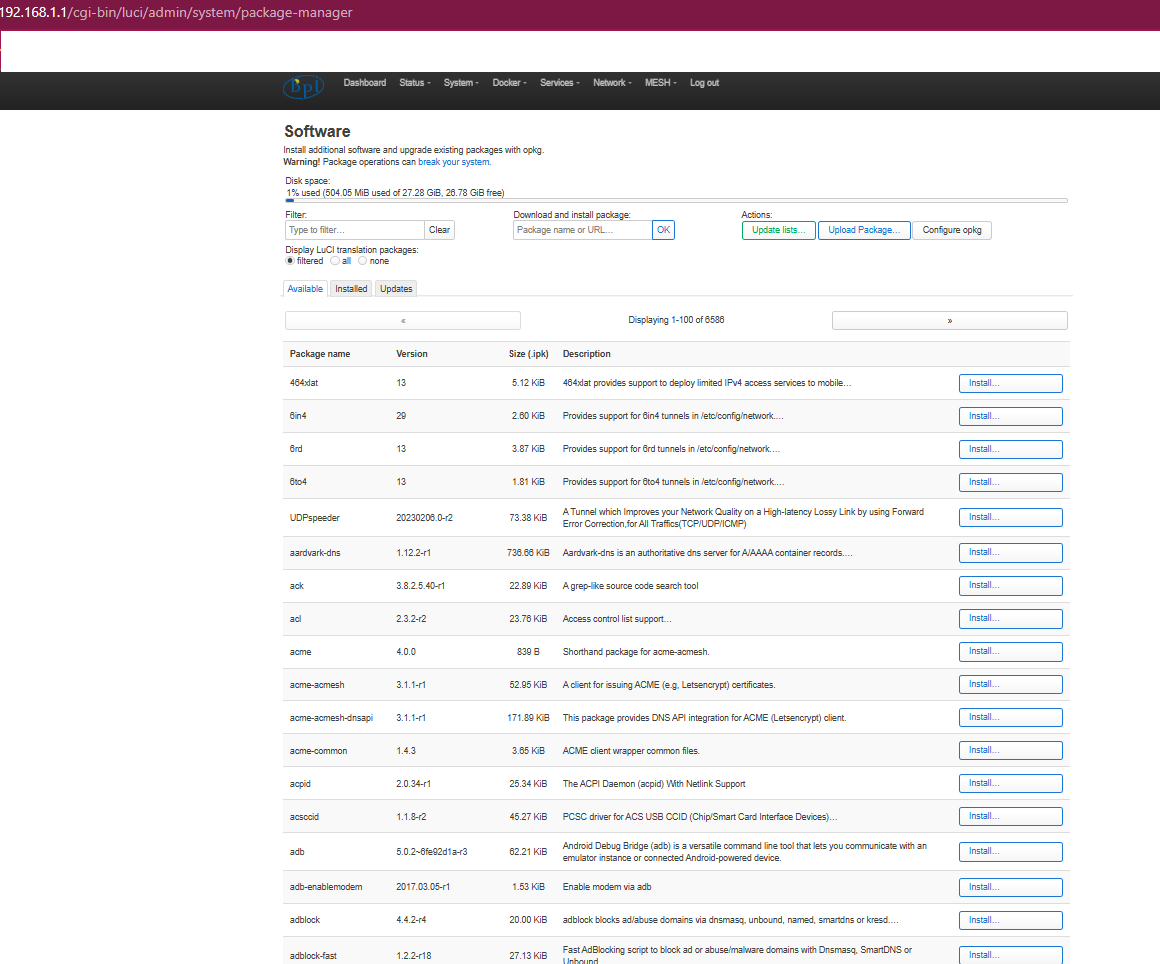
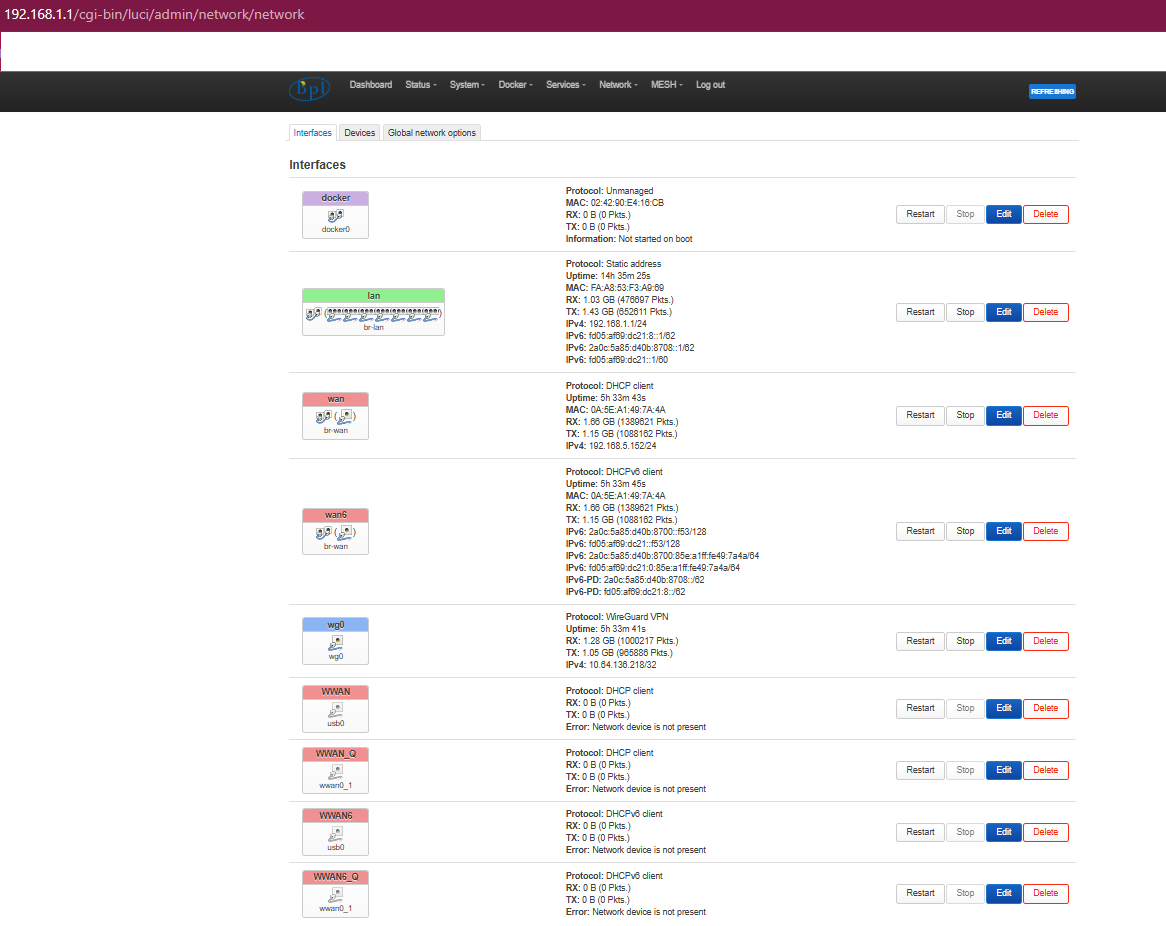
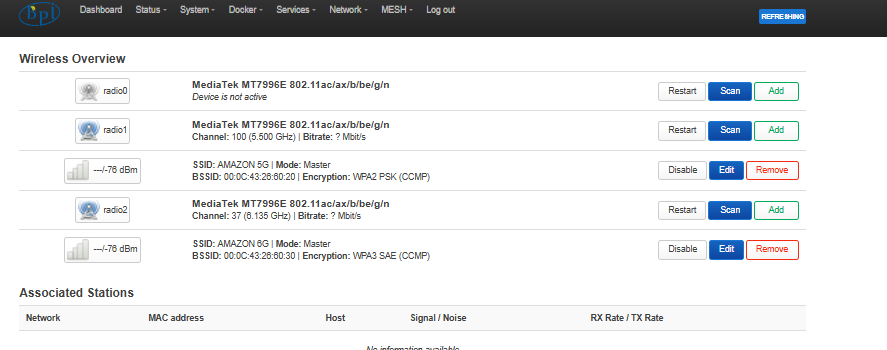
Here you can see all my screenshots in this thread about this router, which has enormous potential. If we get the tools we requested, but the Banana team doesn’t respond, you can read all the previous threads where no one replies.

You have many images uploaded by me as requested by forum members via private messages.

Here is my repository with 120 commits. It’s a copy of the official repository, which hasn’t been updated in 7 months. I even bought the official version of xgs-pon, which includes the patch I added to my latest images to make it work.

my repository

my image

I’ve been compiling firmware for the Banana Pi R4 for two years, for both the 4GB and 8GB RAM versions. Previously, I worked extensively compiling OpenWRT-24 + MTK, but for the last year I’ve focused on the X-WRT fork.

OpenWrt forum username: bruda (On the OpenWrt forums, I only post/compile images for the Banana Pi BPI-R4 with 4GB and 8GB of RAM in this thread):

images banana pi r4 -4gb and 8gb ram

There’s also a new thread about the BE14000 board, where problems with the Wi-Fi card are discussed.

At the current price, until the BE14000 board issue is resolved, I wouldn’t buy it. That’s my opinion; I’d look for other options.

It has many bugs. Currently, there’s only one official repository, and they haven’t even bothered to respond to messages from the entire community requesting the necessary updates.

Therefore, although it was initially a fantastic router, it still has a lot of room for improvement. I’ve attached photos of two routers I have running at home. I removed the BE14000 card from one of them because it’s not worth using.

There’s a video in this thread that shows a problem with the official repository.

Here are the key lines from the boot log that show the failure (timeouts for patch mt7996e and probe -11):

[56.165611] mt7996e 0000:01:00.0: Timeout for message 00000007 (sequence 12)
[76.645602] mt7996e 0000:01:00.0: Timeout for message 00000007 (sequence 13)
[97.131852] mt7996e 0000:01:00.0: Patch initialization failed
[158.571764] mt7996e 0000:01:00.0: Semaphore release failed Patch
[159.460364] mt7996e: probe at 0000:01:00.0 failed with error -11
[159.004909] Attempting to release IRQ 104, which is already free.

Test 2: The workaround (always works). This is the procedure that always works:

Completely power off the router (unplug the power cable).

With the WiFi card disabled, power on the router.

Wait for the U-Boot menu to appear.

At that point (or even a few seconds later, while the kernel is loading), enable the WiFi card.

I have recorded a video demonstrating this procedure.

What happens next?:

:white_check_mark: The BE14 WiFi card is detected and works perfectly.

:white_check_mark: You can reboot via SSH or the web interface, and the WiFi card will still be detected.

What happens if the power is completely disconnected and the device is booted with Wi-Fi enabled?:

:x: The Wi-Fi card is NOT detected.

What does this indicate?: :white_check_mark: The hardware is functioning correctly. :white_check_mark: The problem lies in the software/boot synchronization. :white_check_mark: The solution requires a patch for U-Boot or a delay in PCIe/MMC initialization.

What do I need from you?: An official patch for U-Boot that permanently fixes this problem.

Or, at least, official documentation for this temporary workaround until a permanent solution is released.

This has been sent privately to the Banana Pi team via email.

Here’s the video of the error:

be14000

Greetings and thanks to everyone who has contributed to the development of Banana routers to their current state.

Have a good day.

Hi, i appreciate your work,but it will be better upstreaming it as much as possible. This is more work,but it prevents a stalling development (especially security fixes) and have cleaner code (avoid redundant code,using subsystems etc). These points increasing trust in community. At least your support for additional sfp would be great in mainline linux (which gets into openwrt as well after some time).

I also cannot get all upstreamed and so i jave my own repo with,but allow also pull-requests. Try to do openwrt support,bit because of the patch structure it is more difficult and less cleaner as it leaves the git base (changes hard to follow).

I do not use sdk so far as i see no changes done…only “initial commits” which puts trust at very low level…i try to get it working step by step on mainline base…

And yes without working wifi the board is not usable for most users…it is a development board and should not go into production with untrusted OS or without developers have brought it to some stable state first.