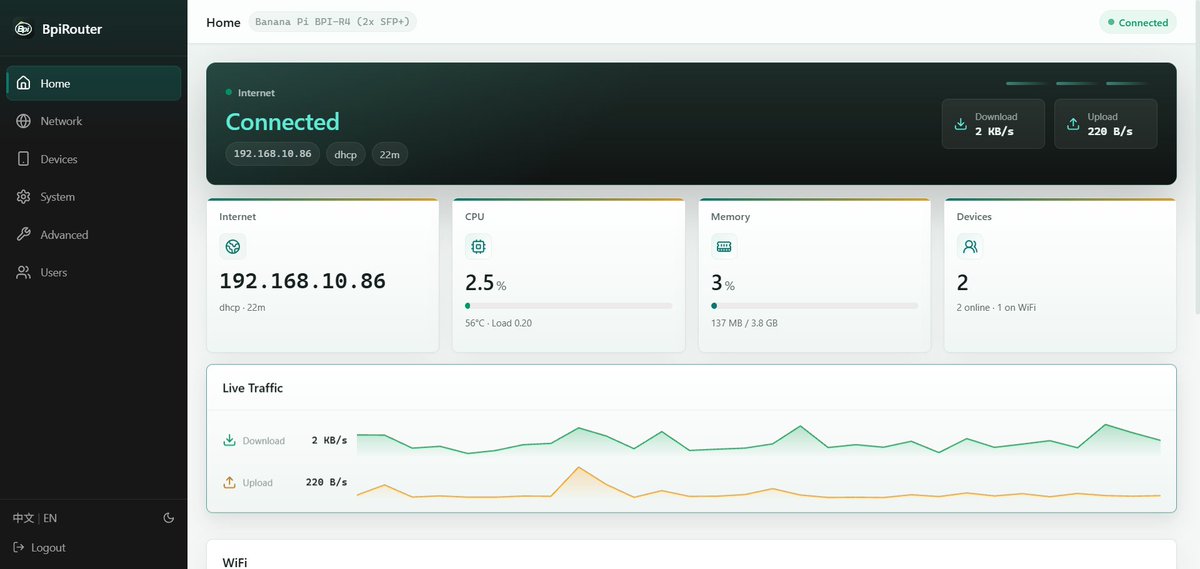
Hi, thank you for the detailed request and for using BpiRouter on the R4-Pro 4E.
There is currently no supported extension point or configuration file for adding third-party pages, menu entries or shortcuts to the BpiRouter UI. A Services tab is not currently scheduled, so we cannot provide a target release.
Your suggestion makes sense: having service status, basic controls and application links in one place would make third-party applications easier to use. It would not replace their configuration pages, but it could provide a more convenient entry point.
Managing services and packages today
LuCI remains available at https://192.168.100.1/cgi-bin/luci; substitute your router’s LAN address if you have changed it. Sign in as root with the same administrator password you use for BpiRouter.
- System → Startup provides basic service controls and boot enable/disable settings.
- System → Software provides package installation and removal. If a package list update reports an error for a repository named
bpirouter, you can ignore it; that entry has no packages on the OpenWrt server.
- Applications with a corresponding
luci-app-* package generally provide their configuration pages within LuCI. Applications with their own web interface are accessed separately.
BpiRouter v1.5.0 is based on OpenWrt 25.12.5. Third-party package installation depends on compatible package sources and dependencies; successful installation does not, by itself, guarantee compatibility with BpiRouter.
In particular:
- Additional kernel modules must match the firmware’s kernel build exactly. Modules from the standard OpenWrt repositories are built for the standard OpenWrt kernel and generally will not install on BpiRouter.
- User-installed packages are not automatically carried into the new system slot during a BpiRouter firmware update. Keep a package list and a settings backup, and plan to reinstall compatible packages afterwards. A settings backup does not contain the installed software itself.
Using LuCI without conflicting with BpiRouter
The guidance about conflicting settings does not mean that LuCI must never be used. It means that the same configuration should not be managed through both interfaces.
Use BpiRouter for the features it manages, particularly Multi-WAN and WAN bandwidth shaping. LuCI can remain the configuration interface for third-party applications, provided they do not take over settings managed by BpiRouter.
Avoid stopping or disabling core networking, firewall, management or recovery services, for example network, firewall, dnsmasq, odhcpd, mwan3, sqm and the bpirouter-* services. Applications that modify DNS, routing or firewall settings require particular care, because their changes may conflict with BpiRouter’s own configuration.
We do not currently validate all third-party packages or guarantee their compatibility. If you encounter a problem, please distinguish between an issue within the application and an interaction with BpiRouter. For suspected BpiRouter issues, include the extra packages installed and the steps needed to reproduce the problem.
About a Services page
A Services page with status, basic controls and links to existing application pages (including LuCI) is a reasonable idea. It would need to keep services that BpiRouter manages out of generic start/stop controls, so we want to define its scope before promising a release.
Examples of the services you use would help us prioritise and validate such a feature; we understand that your request is for a general facility, rather than support for only a few named applications.
Thanks again for explaining both the functionality you want and the confusion around which interface should manage it.