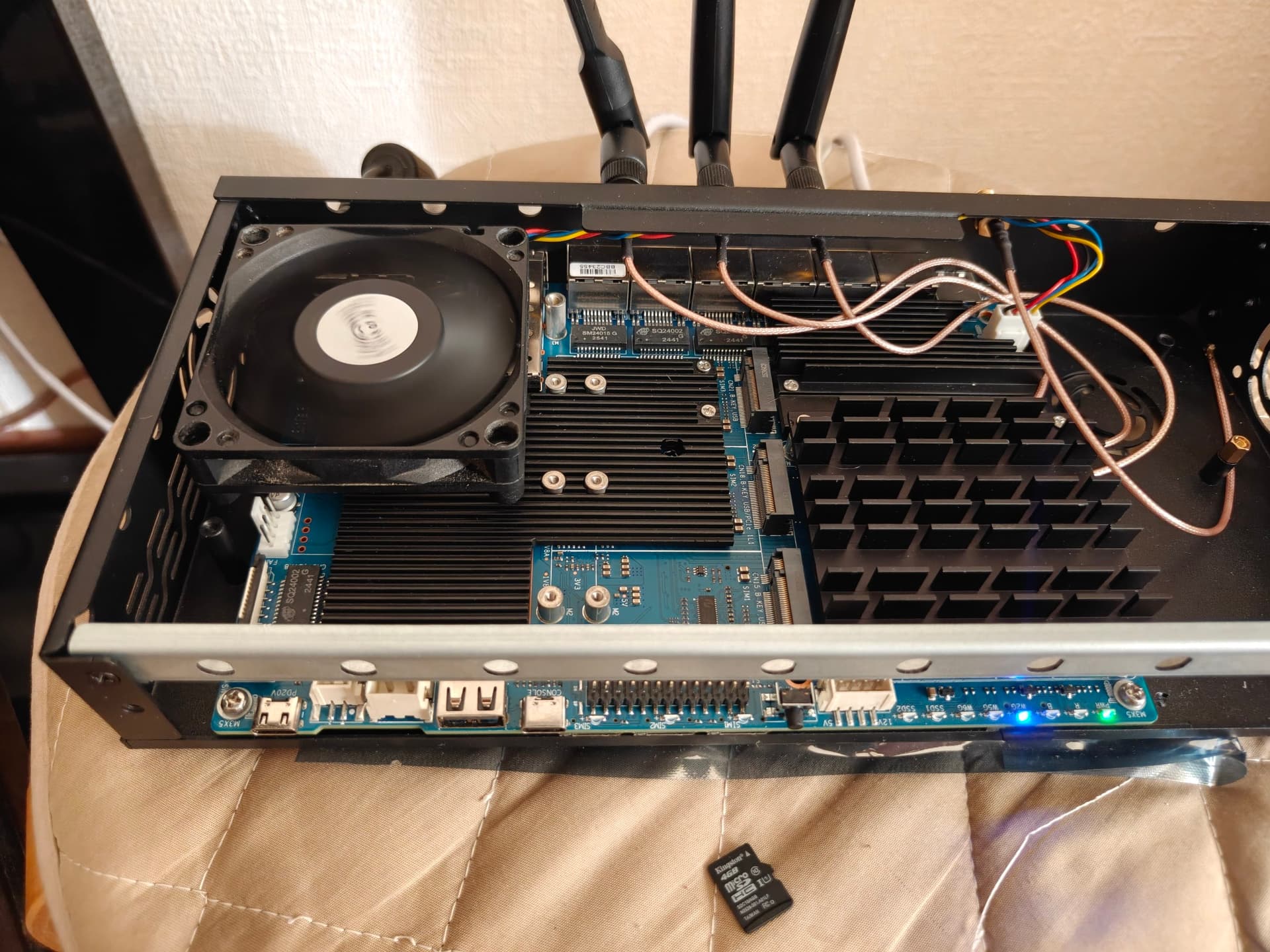
I am reaching out for help with a serious issue on my Banana Pi BPI-R4 Pro 8X board, which I received just 5 days ago.
The core problem:
The board does not boot on its own with any firmware. I have flashed firmware to both eMMC and SD card — the result is always the same. Without connecting the console cable (Type-C UART), the boot process does not proceed. The board hangs at the preinit stage indefinitely and only continues booting after the cable is plugged in.
The log confirms the anomaly:
[    6.653852] usb 1-1: new high-speed USB device number 2 using xhci-mtk
[    6.705460] mtk_soc_eth 15100000.ethernet wan: renamed from eth1
[    6.711994] ttyS ttyS0: 71 input overrun(s)
[    6.728938] mtk_soc_eth 15100000.ethernet eth0: configuring for fixed/internal link mode
[    6.738179] mtk_soc_eth 15100000.ethernet eth0: Link is Up - 10Gbps/Full - flow control rx/tx
[    6.807716] hub 1-1:1.0: USB hub found
[    6.813165] hub 1-1:1.0: 4 ports detected
[    6.941347] usb 2-1: new SuperSpeed USB device number 2 using xhci-mtk
[    6.993690] hub 2-1:1.0: USB hub found
[    6.998266] hub 2-1:1.0: 4 ports detected
[   16.474038] platform gpio-leds: deferred probe pending: leds-gpio: Failed to get GPIO '/gpio-leds/sys-led-red'
[   16.485026] ttyS ttyS0: 9 input overrun(s)
[23836.360733] mount_root: loading kmods from internal overlay
[23836.382122] kmodloader: loading kernel modules from //etc/modules-boot.d/*
[23836.392354] kmodloader: done loading kernel modules from //etc/modules-boot.d/*
[23836.888496] block: attempting to load /tmp/overlay/upper/etc/config/fstab
[23836.897530] block: unable to load configuration (fstab: Entry not found)
[23836.904269] block: attempting to load /tmp/overlay/etc/config/fstab
[23836.910577] block: unable to load configuration (fstab: Entry not found)
[23836.917316] block: attempting to load /etc/config/fstab
[23836.927386] block: unable to load configuration (fstab: Entry not found)
[23836.934160] block: no usable configuration
The time gap between [16.48] and [23836.36] is nearly 6.6 hours. The system remains stuck until the console cable is connected.
Hardware configuration:
Wi-Fi module: MediaTek MT7915E (Mini PCIe)
Storage: NVMe SSD (used as data storage)
Additional symptoms:
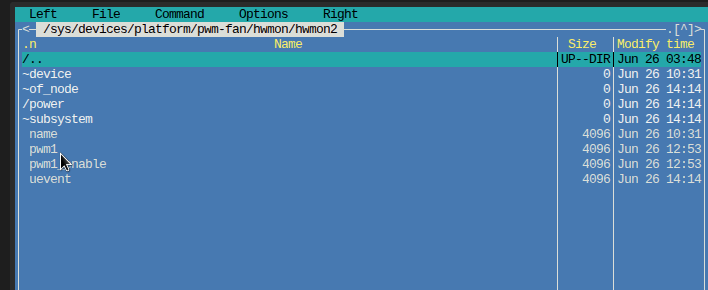
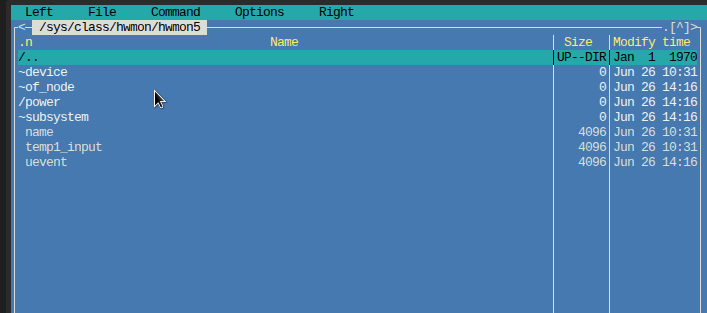
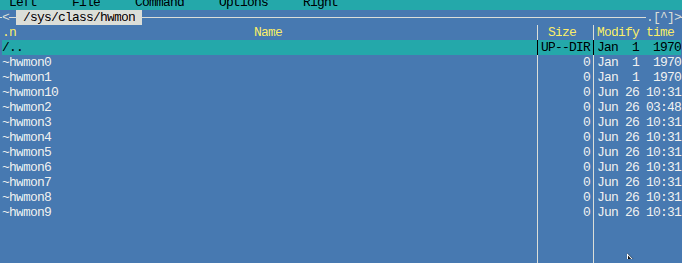
The fan starts running immediately after power-on. Its speed can be changed using echo 50 > /sys/class/hwmon/hwmon2/pwm1, but echo 0 > /sys/class/hwmon/hwmon2/pwm1 does not turn it off.
What I have already tried:
Multiple firmware versions (official Banana Pi builds and frank-w builds) — no change.
Booting from both eMMC and SD card — same behavior.
Currently running firmware: Эта версия браузера устарела, папку нельзя открыть
My question:
Does this look like a hardware failure? Are there any known issues with the BPI-R4 Pro related to power delivery or clock generation? I would appreciate any ideas or suggestions.
I would suspect a problem with the serial driver. You could disable the serial console by a kernel parameter, and then you would have no console output but presumably also not this problem.
You could pass something like console=tty0 to the kernel (provided this console type is enabled in the kernel config) to not send any output to the serial console, removing any other console= parameter.
The kernel parameters are probably passed by u-boot. If so you would have to modify the u-boot default boot command to change this. Sometimes this is saved in u-boot environment, sometimes it requires rebuilding u-boot.
Also passing different parameters for the serial console (eg. flow control related) might work.
MT7988> printenv bootargs
bootargs=console=ttyS0,115200n1 pci=pcie_bus_perf root=/dev/fit0 rootwait
MT7988> setenv bootargs console=tty0
MT7988> saveenv
Saving Environment to MMC... Writing to redundant MMC(0)... OK
MT7988> boot
I ran those commands and the console disconnected. I saved that to memory. After a few reboots, the freezing is gone. Thanks! The console did disconnect, but I can always turn it back on if needed.
What can I do about the fan? It won’t turn off. The speed can be adjusted from max 255 down to min 1, but at 0 it keeps running.
echo 0 > /sys/class/hwmon/hwmon2/pwm1
Please take a closer look at the previous messages. The log that’s attached was captured while booting from the SD card with minimal settings. With eMMC, the log will be different because the system on eMMC is fully configured. However, the issue persisted until I disabled the console wait — setenv bootargs console=tty0 . Now the freezing is gone.
Then I would say it works to the extent that is supported by the current driver. You might need to seek advice from the author of the device tree for the board or the driver used. Also Linux 6.18 is not the latest, it might have been improved in a later version.
Also yes, if it can change the speed it should be possible to stop completely, it may just not be obvious how to do it.
There is a ‘fancontrol’ utility that is part of lm_sensors that may be a useful reference for how to control fans.
That’s just your hypothesis. In the current version 6.18.32, a lot of things work well. Moving to a newer kernel version might introduce more problems. Without proper driver support for the board from the manufacturer, it’s difficult to achieve stable operation.
Yes, that happens. In the kernel development some things are fixed, and other things are broken. Only you or someone else that has the board can verify the situation with different kernel versions.
Also looking at what fancontrol does may be worth trying.
Thank all for the information. I figured out what the issue was. Thanks for publishing the fan control schematic on the website. I found out that the 12V power is always present, and control is handled via a PWM controller — but not all fans support stopping via the PWM signal. I replaced the fan with a different one, and it stopped as expected. Sorry for the trouble, and good luck to you all.