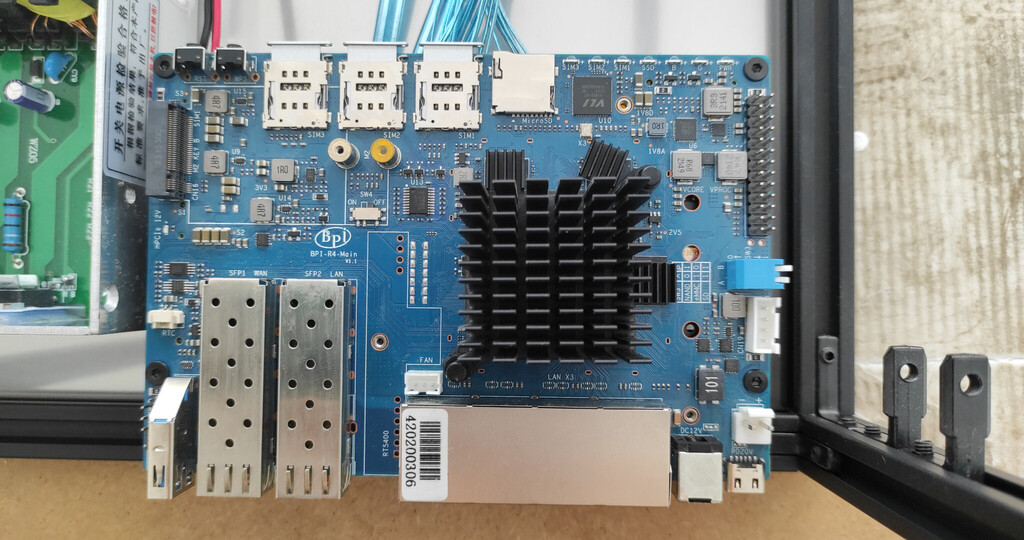
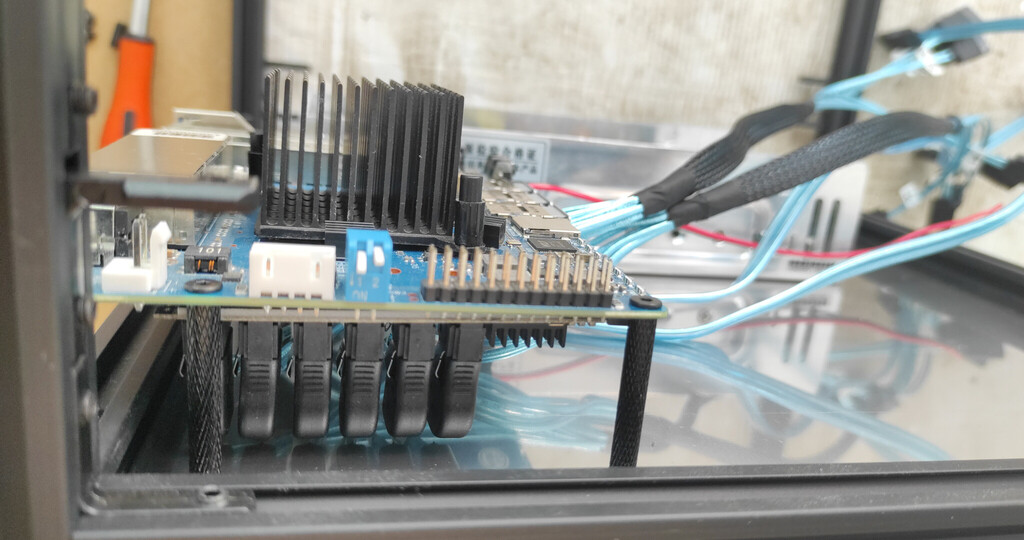
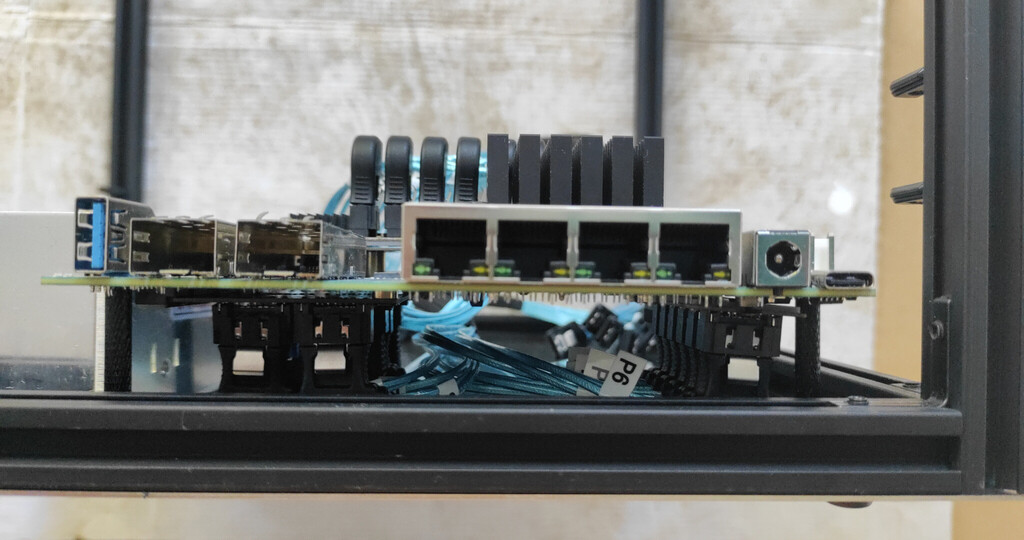
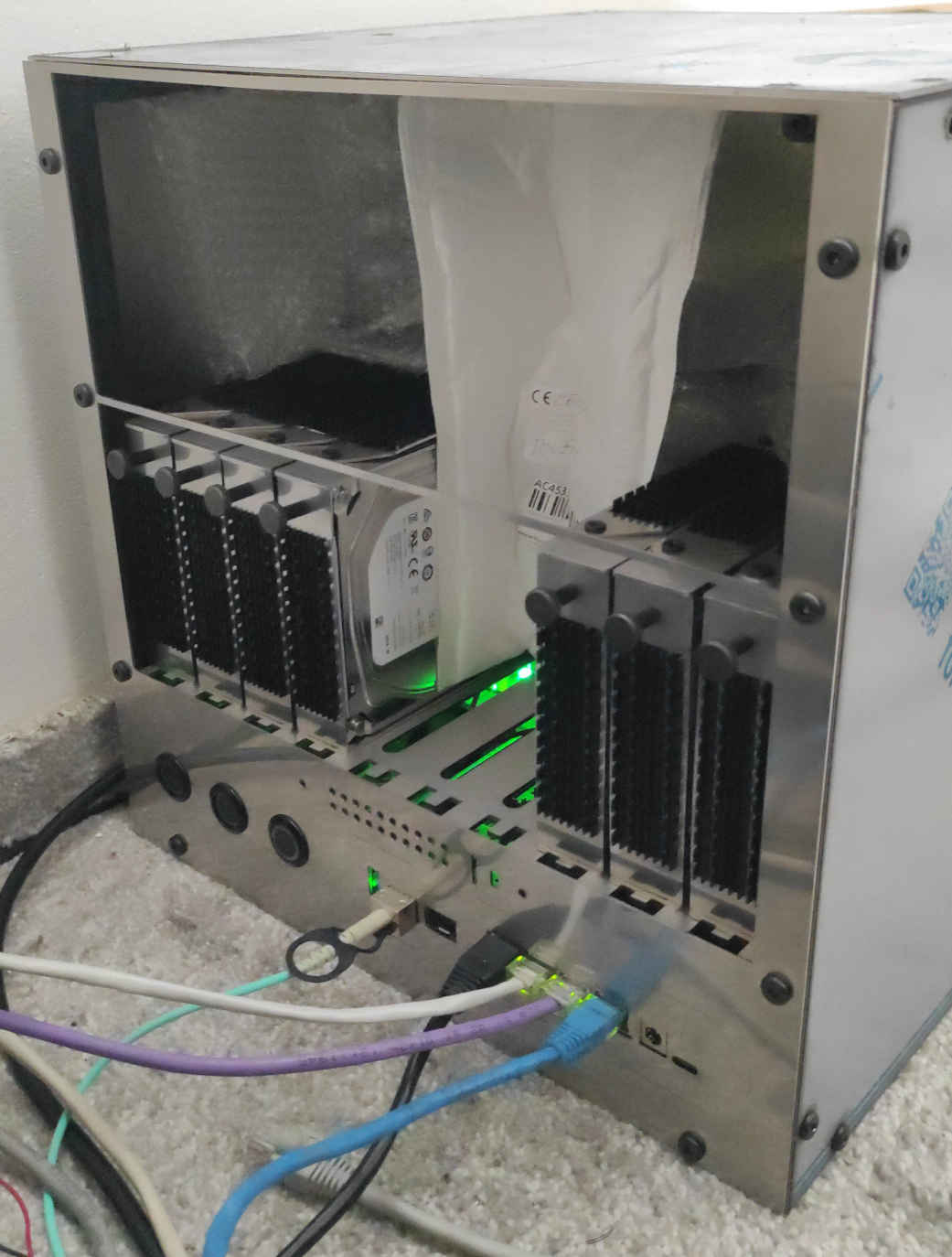
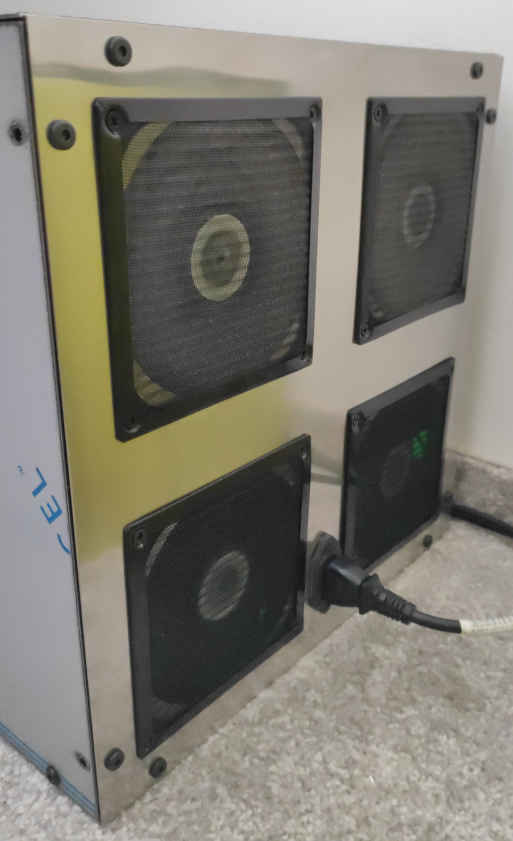
It looks, and I hope, that I finally figure out the the hard restarts.
It looks now, that the hard restarts was caused by the 2.5" ssd hard drive. But, of course, I will wait a few days/weeks to confirm.
As I was trying to figure out this problem from about May 2025, and I was not able to find any errors in journals/dmesg after the hard restart, now I was lucky, or maybe the drive or the brand new sata cable gets worse, and find these errors right after start copying of 20GB file from the array with this drive:
... kernel: ata66.00: failed command: READ FPDMA QUEUED
... kernel: ata66.00: cmd 60/80:30:20:a8:bd/00:00:19:00:00/40 tag 6 ncq dma 65536 in
                                    res 41/84:01:00:4f:c2/00:00:00:00:00/00 Emask 0x10 (ATA bus error)
... kernel: ata66.00: status: { DRDY ERR }
... kernel: ata66.00: error: { ICRC ABRT }
followed by:
... kernel: ata66: hard resetting link
... kernel: ata66: SATA link up 6.0 Gbps (SStatus 133 SControl 300)
... kernel: ata66.00: configured for UDMA/133
... kernel: sd 66:0:0:0: [sdi] tag#2 UNKNOWN(0x2003) Result: hostbyte=0x00 driverbyte=DRIVER_OK cmd_age=0s
... kernel: sd 66:0:0:0: [sdi] tag#2 Sense Key : 0xb [current]
... kernel: sd 66:0:0:0: [sdi] tag#2 ASC=0x47 ASCQ=0x0
... kernel: sd 66:0:0:0: [sdi] tag#2 CDB: opcode=0x28 28 00 1a 71 40 00 00 04 00 00
... kernel: I/O error, dev sdi, sector 443629568 op 0x0:(READ) flags 0x80700 phys_seg 8 prio class 0
The drive was of course removed yesterday, and every file was copied without any issue - no errors in journals/dmesg and no hard restart occured. But, even with this drive, the nas was functional with “normal load” without hard restart or another problem even for weeks. Therefore I am optimistic, but will wait.
I probably also have an answer discussed stability of the asm1166 sata adapter into m.2 B key slot with 3.6V.
From the last test all the drives from the raid6 array are fully occupying the m.2 adapter connected to m.2B key slot, and based on the date, and right after removing the fauly ssd drive, raid array re-check / re-sync was started, and is still on-going:
md125 : active raid6 sdf[8] sdb[4] sde[0] sda[7] sdh[2] sdg[5] sdc[1] sdd[6]
      17580810240 blocks super 1.2 level 6, 512k chunk, algorithm 2 [8/8] [UUUUUUUU]
      [============>........]  check = 60.8% (1783913672/2930135040) finish=250.1min speed=76380K/sec
      bitmap: 10/22 pages [40KB], 65536KB chunk
But, now I am thinking, that I can not remember even a single hard reset during the re-shape of the raid arrays.
A few of actual stats:
- loadavg is
4.23 4.31 4.24 6/507, which is slightly overloaded, but ok.
- cpu_temp is about 50-52oC after 8 hours of this this full load
- hard drives temp are about 33-41oC (from minimal used ssd drives to hdd drives which are actually re-syncing)
- all 4 fan speeds are controlled simultaneously and between 30-40%