Hello Banana Pi Team and Community,
I have just received a new BPI-R4 unit, but it appears to be DOA (Dead on Arrival). I am reporting a critical hardware failure in the power management section.
Symptoms:
No Boot / No UART: When powered on, there is absolutely no activity on the serial console (tried 115200 8N1). No u-boot messages or even early low-level boot headers.
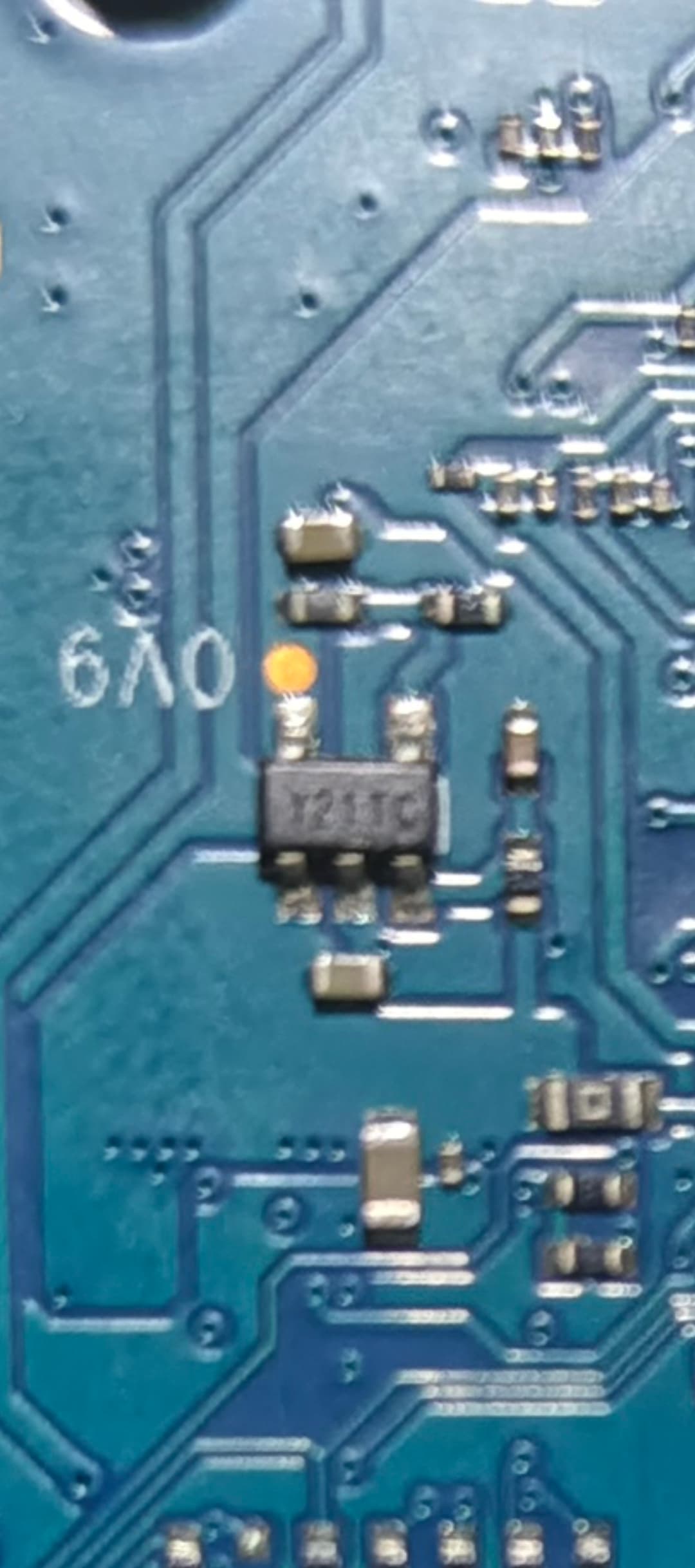
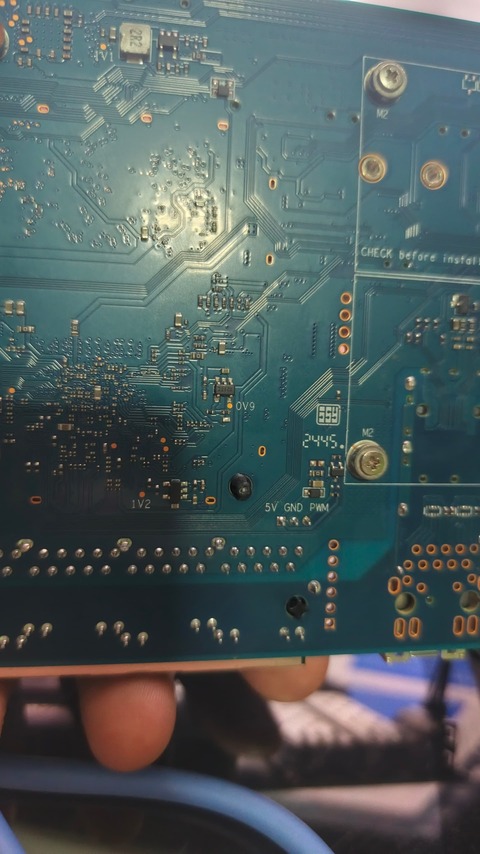
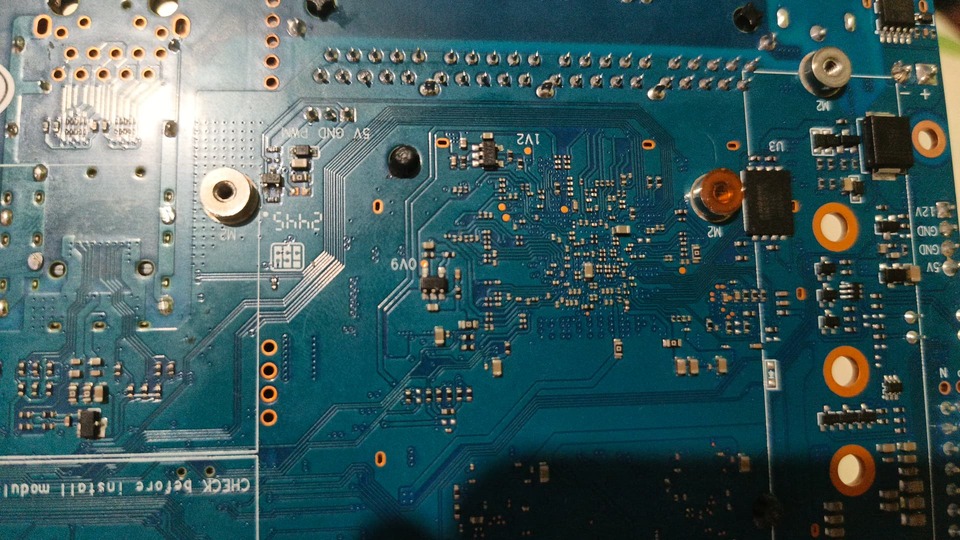
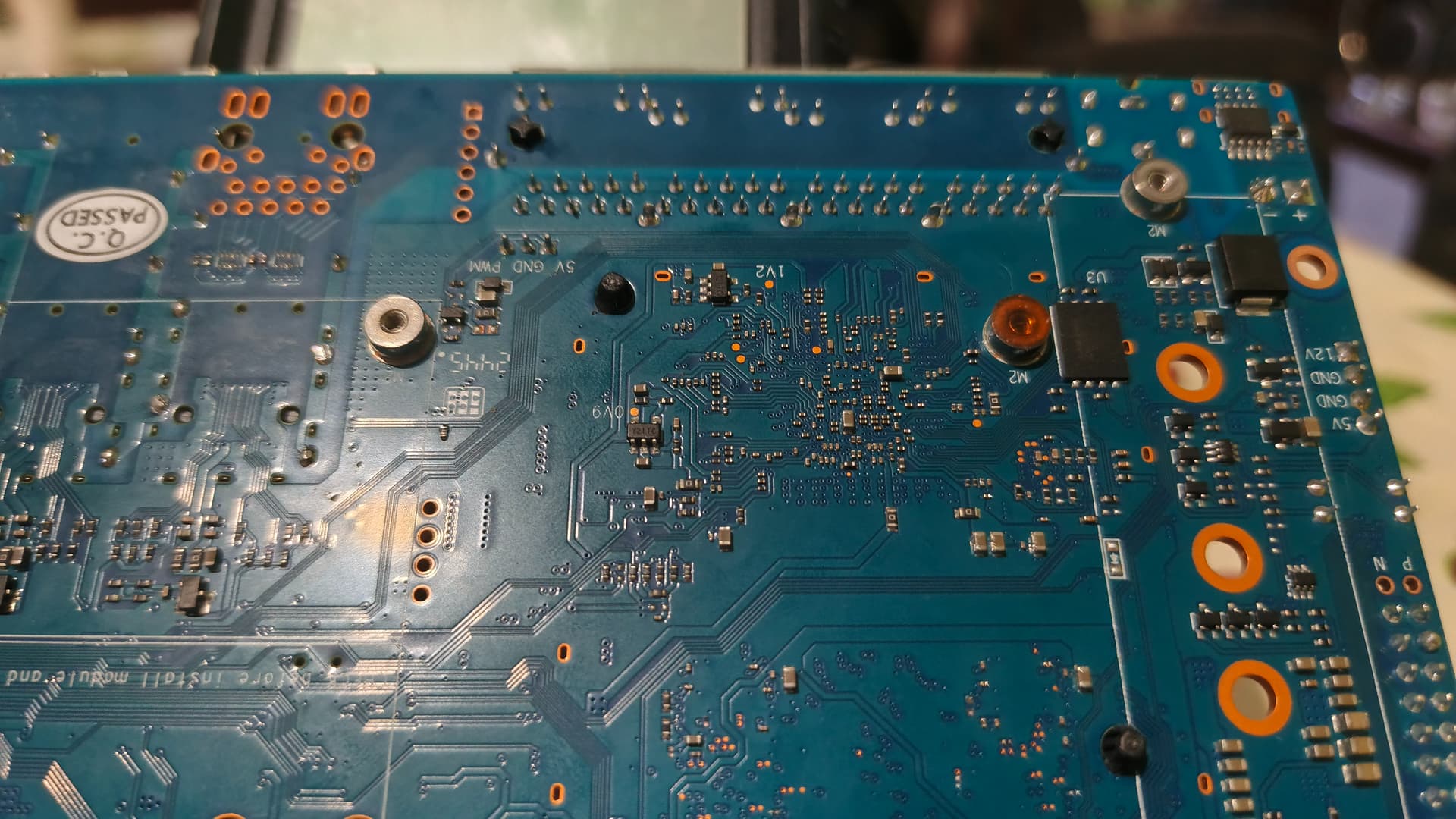
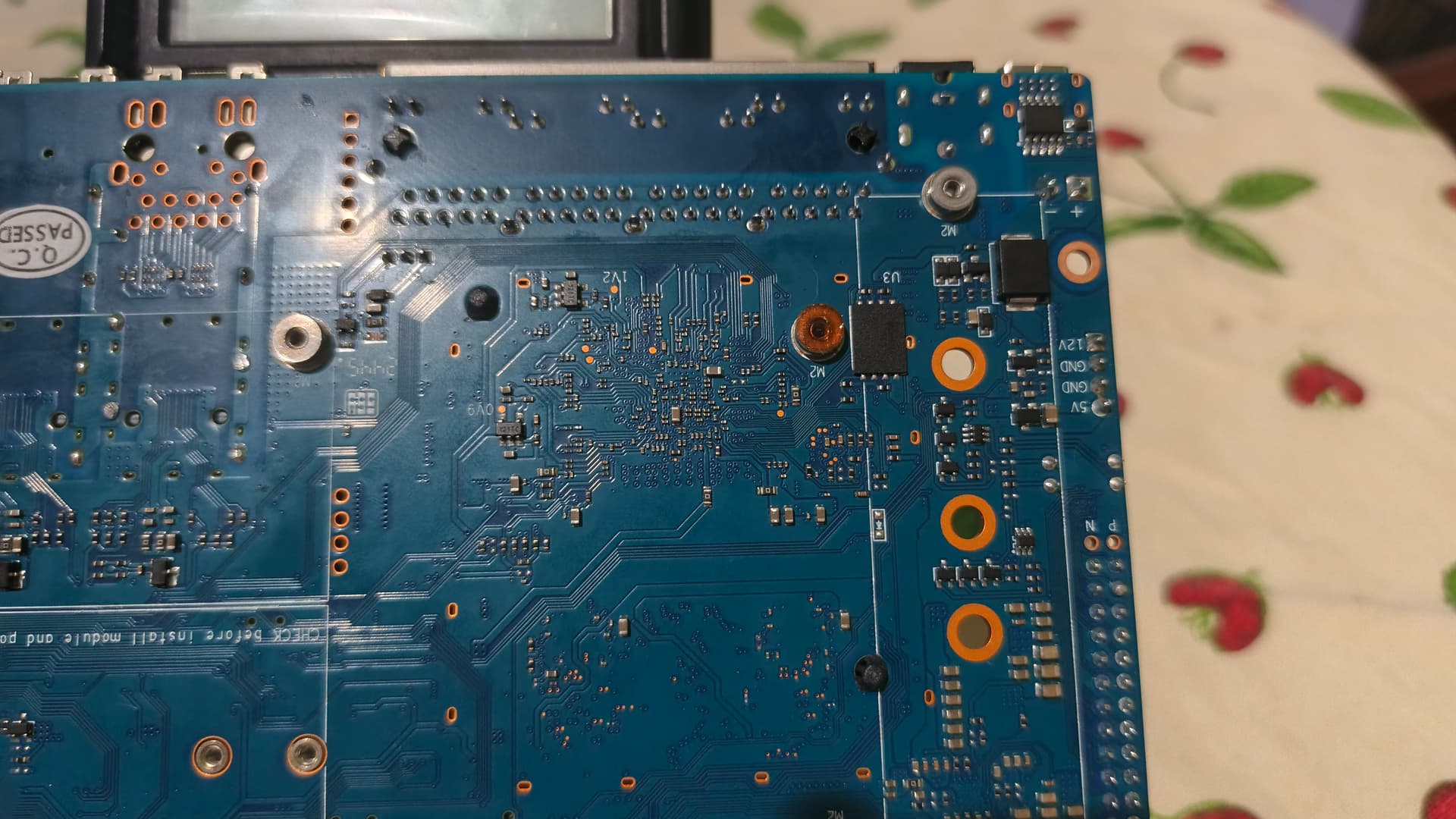
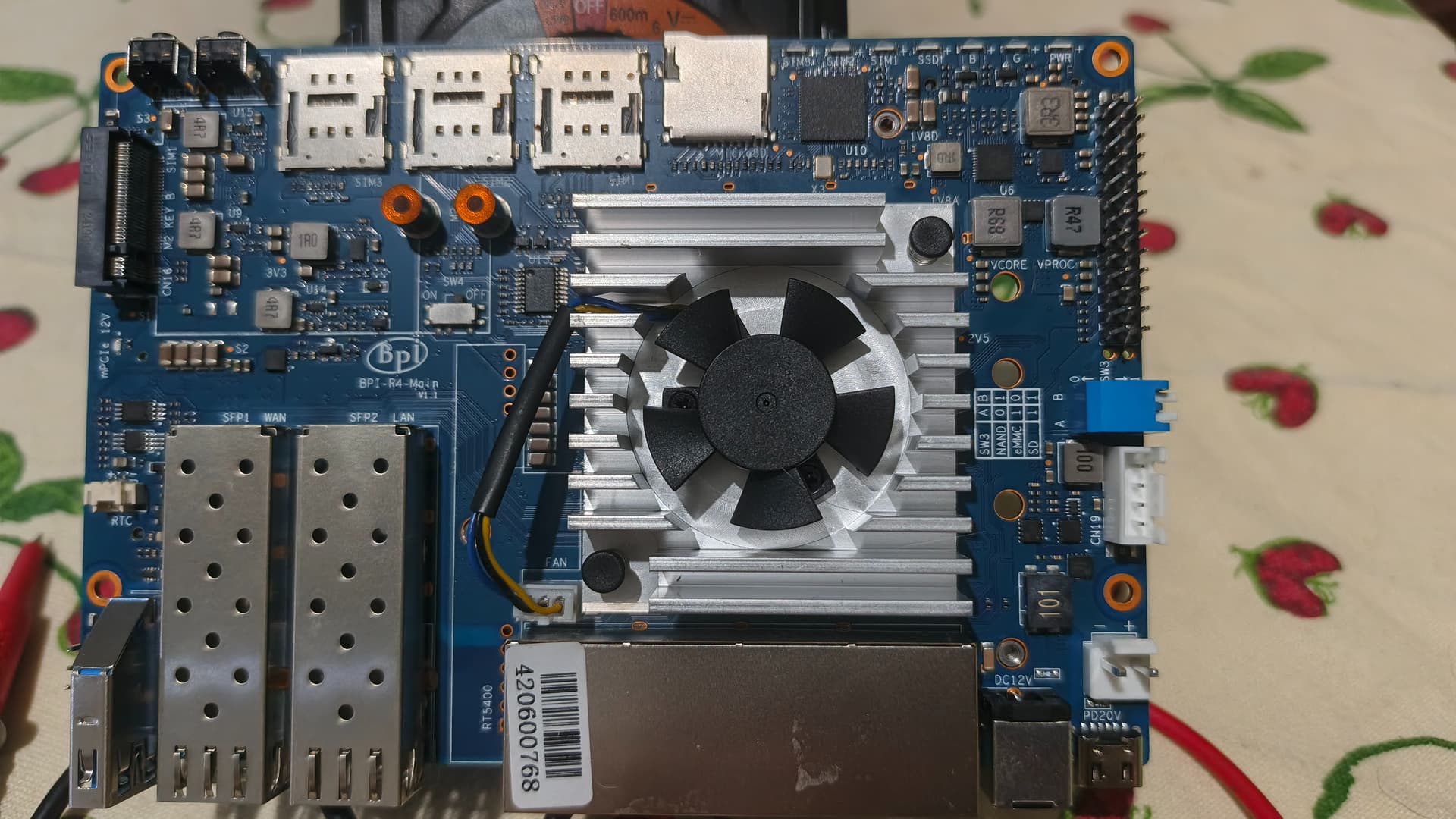
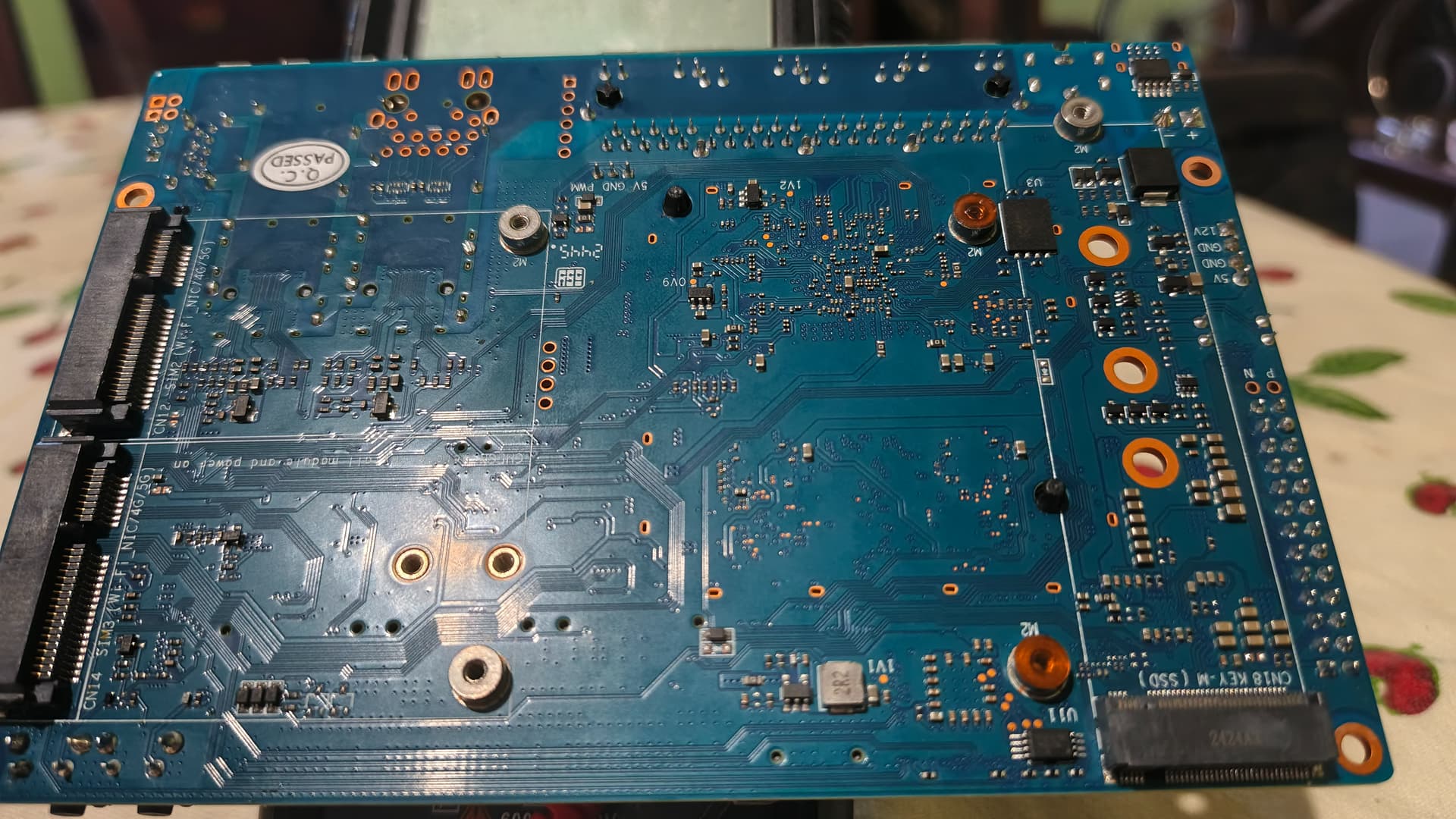
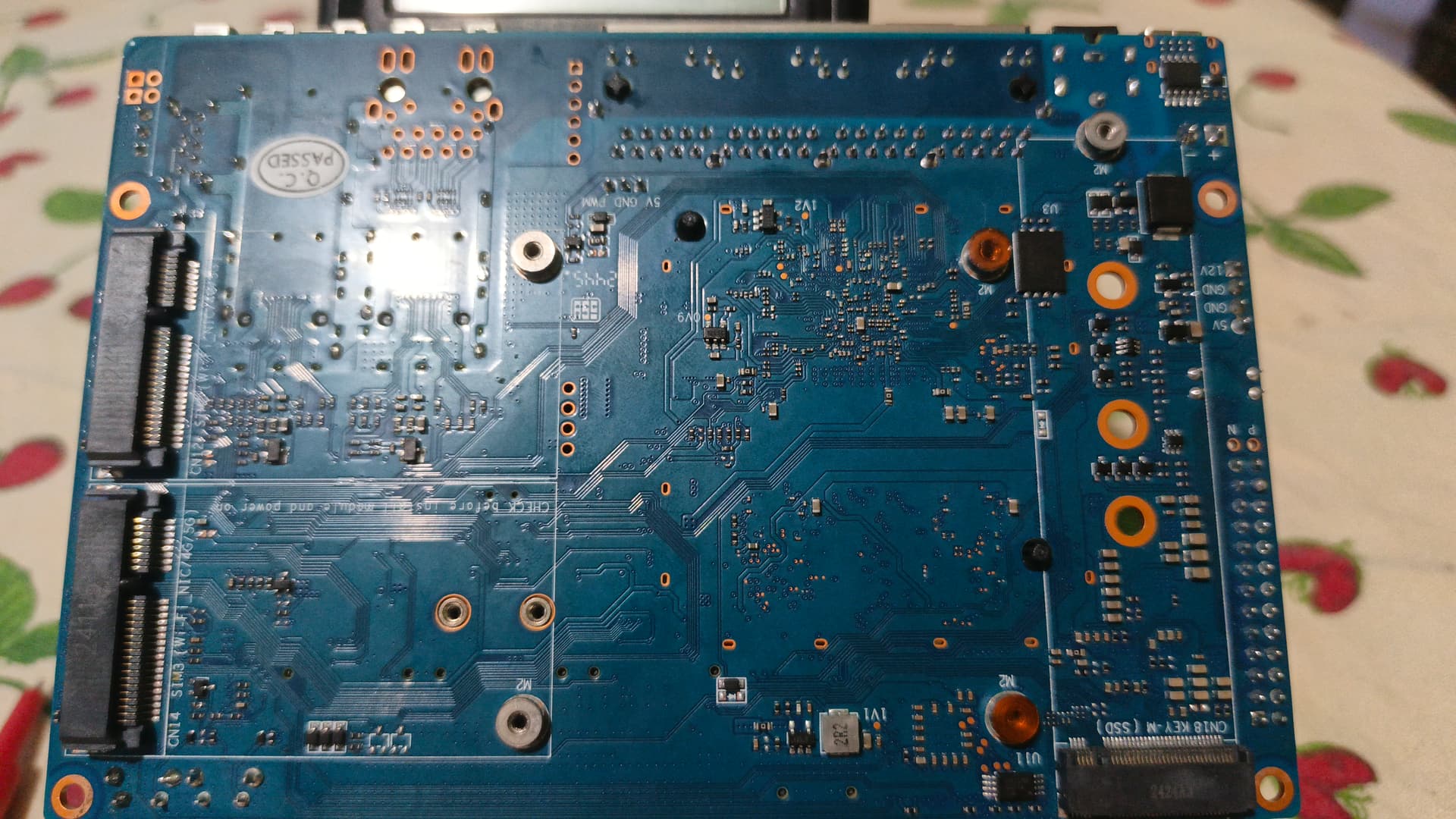
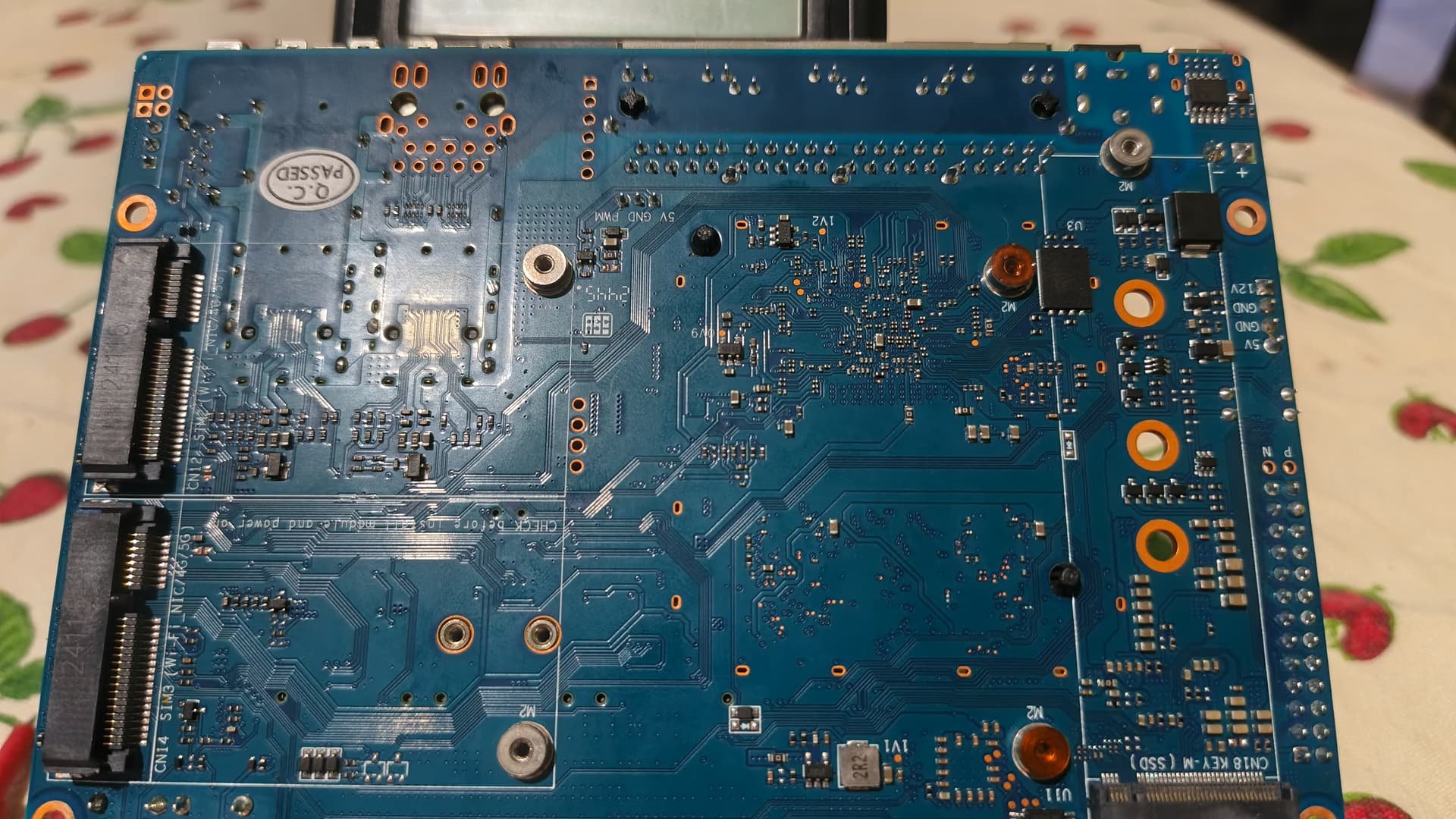
Critical Overheating: The voltage regulator IC marked Y21TC (located next to the 0V9 silk screen) gets extremely hot immediately after connecting the power supply. It is too hot to touch within 5 seconds.
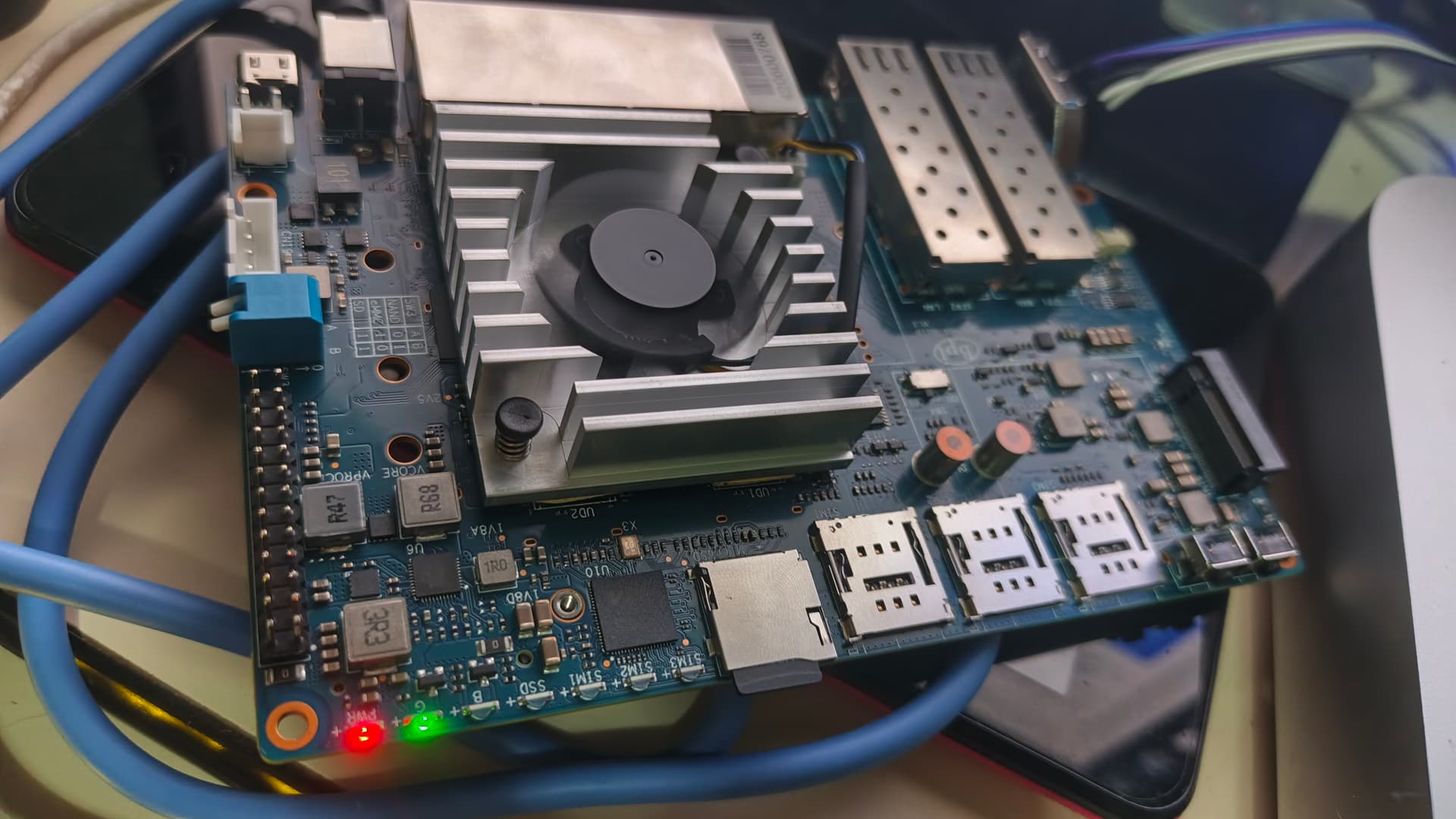
LED Status: The power LED lights up, but the board remains unresponsive.
Troubleshooting performed:
Power Supply: Tested with a high-quality 12V DC original adapter.
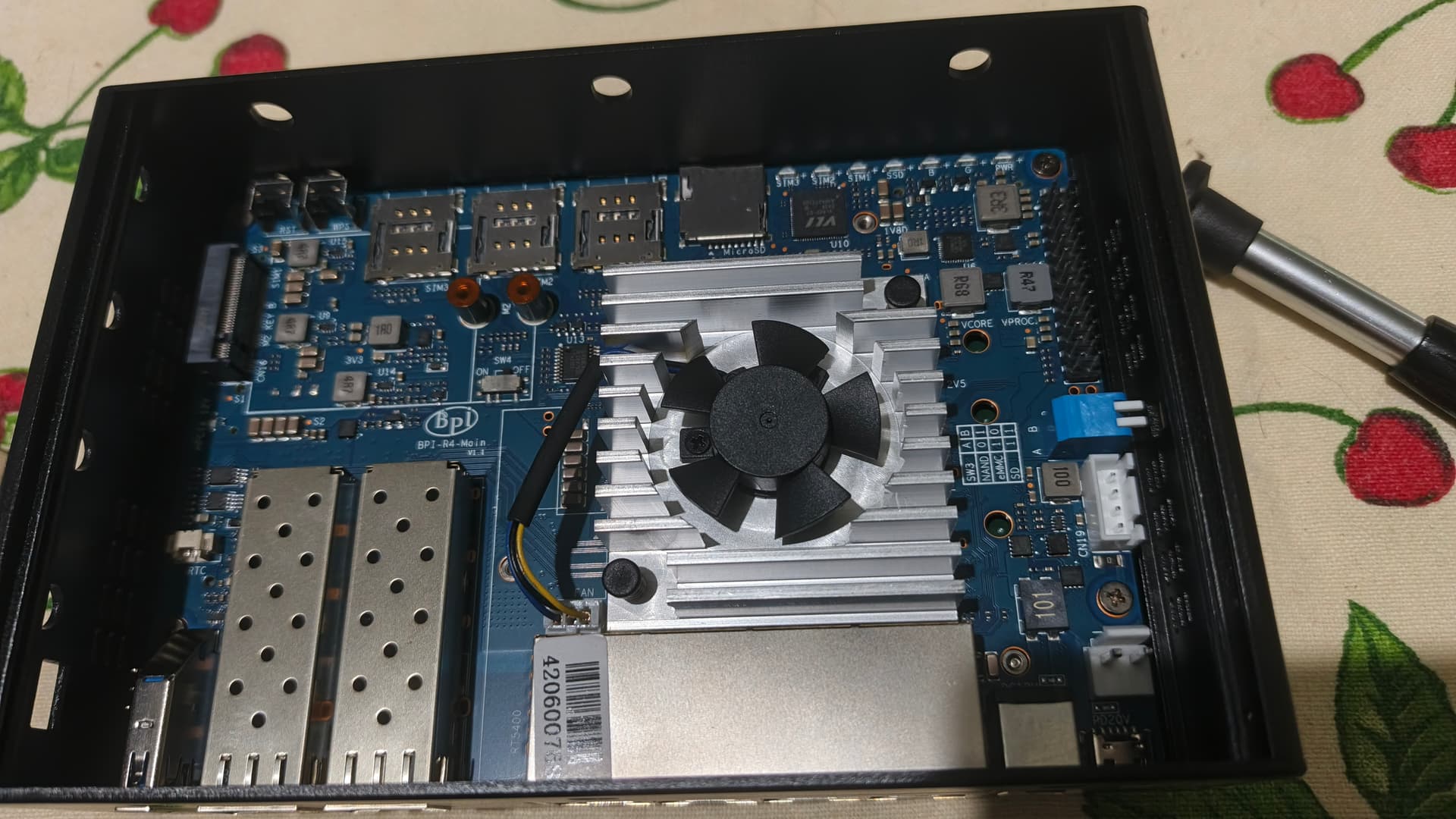
Boot Switches: Verified positions for SD Card boot (1-1) and eMMC.
Peripherals: Tested with no modules connected (no SFP, no WiFi card, no NVMe).
UART: Verified with a known working 3.3V FTDI adapter.
Diagnosis:
It seems there is a factory short-circuit on the 0.9V power rail or a defective Y21TC buck regulator. Since this rail powers the MediaTek MT7988A core, the SoC cannot initialize.
I have seen other reports of “broken hardware” with similar symptoms where the board simply doesn’t boot.
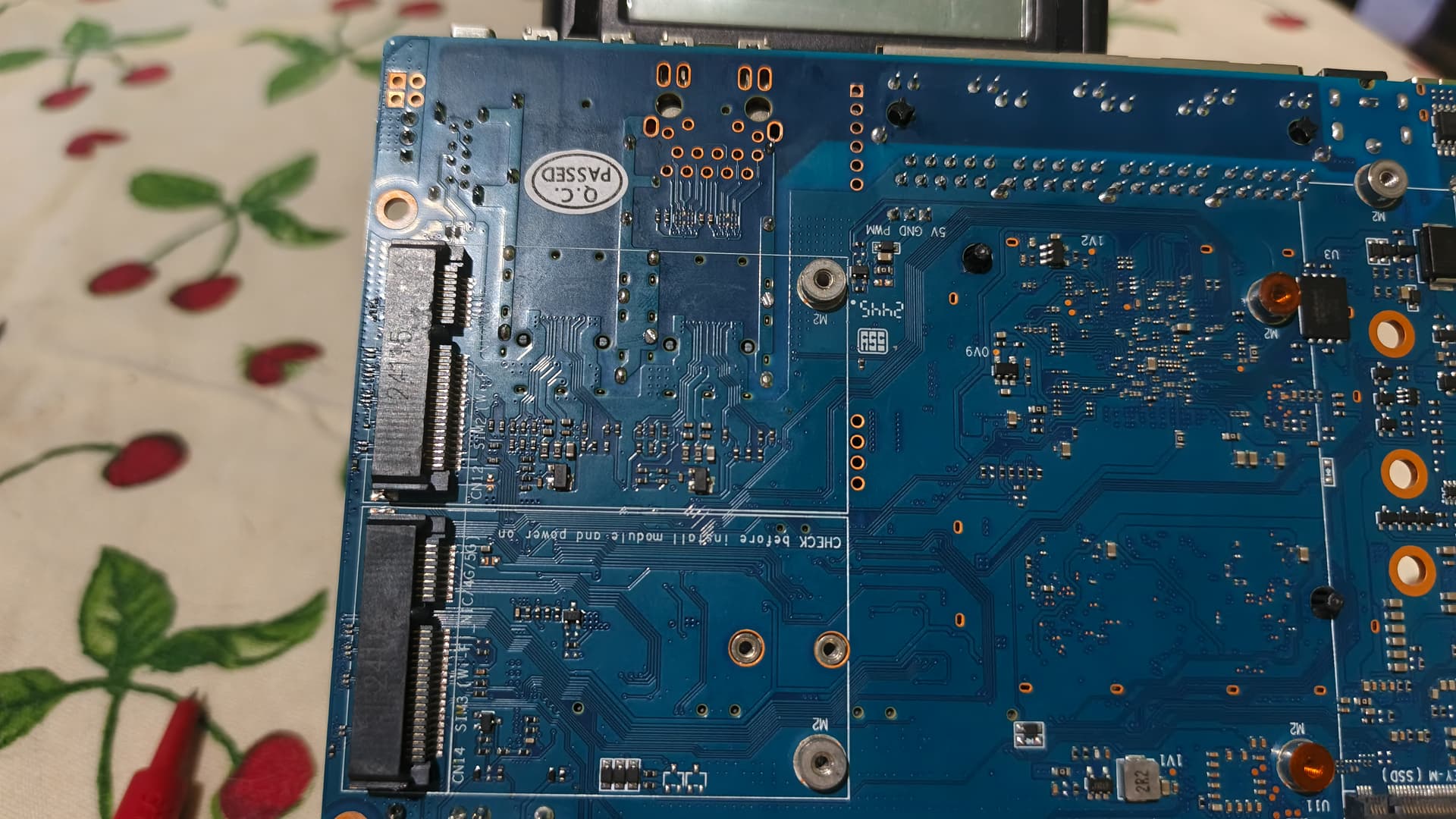
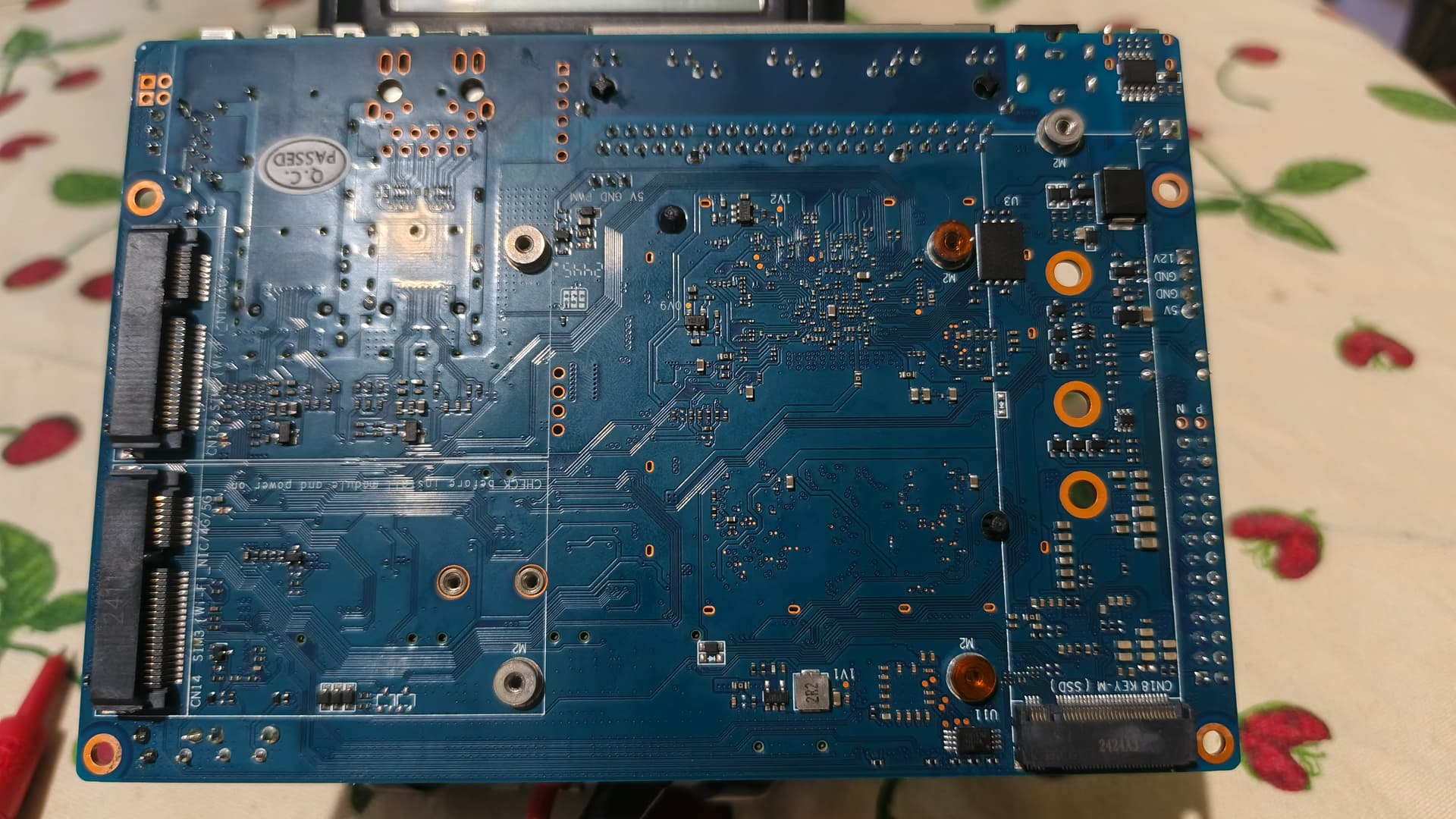
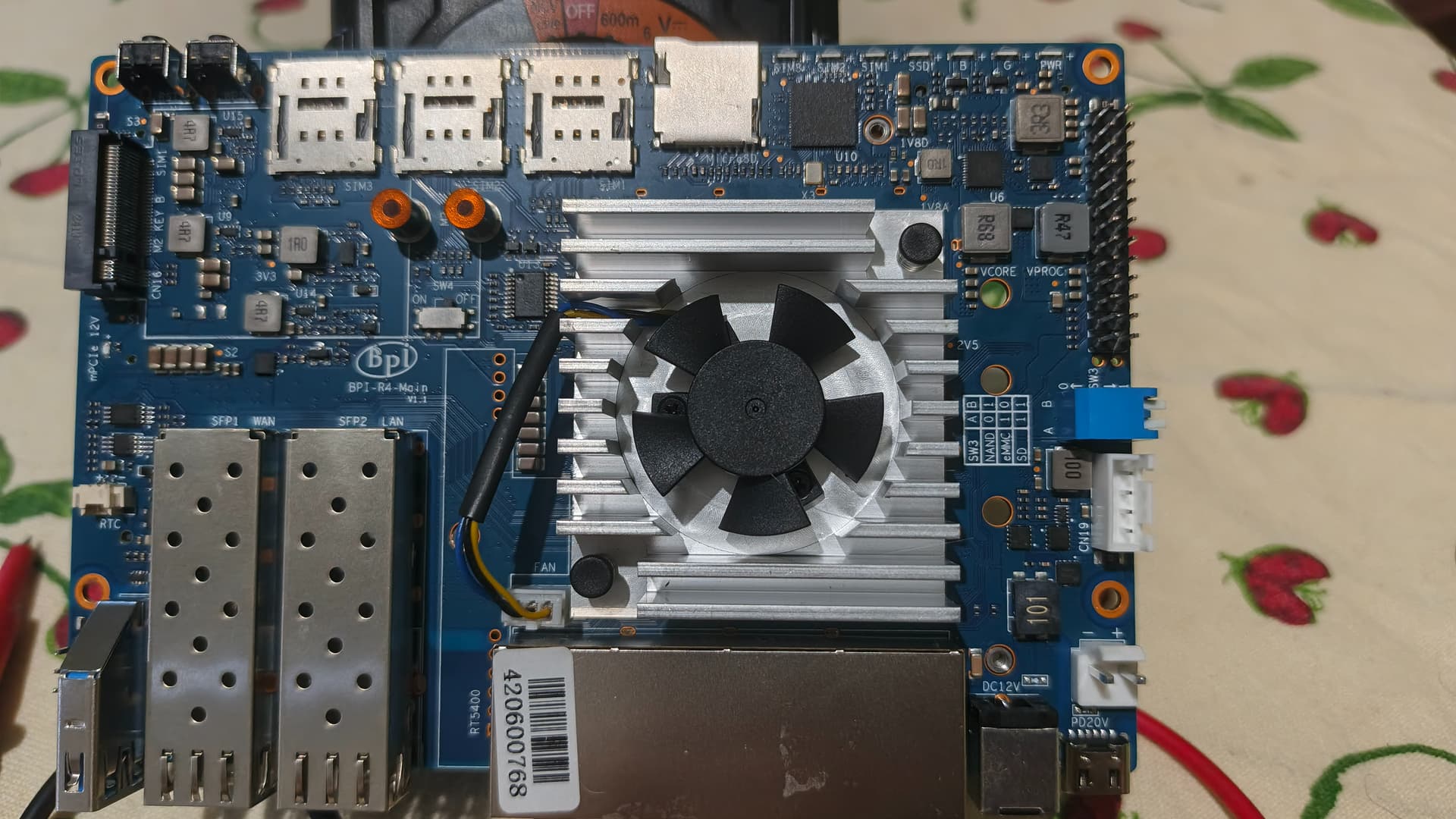
Attached Photos
Could the technical team confirm if this is a known issue with a specific production batch? I am looking to process a warranty replacement with the seller.
I’m really quite disappointed. I wanted a powerful router with optimal performance for my home, and what I received was defective hardware. Totally disappointed.
Hello, I’m very sorry to hear this. You said the Y21TC component is faulty and short-circuiting. Could you please check where the short circuit is in the component’s connection?
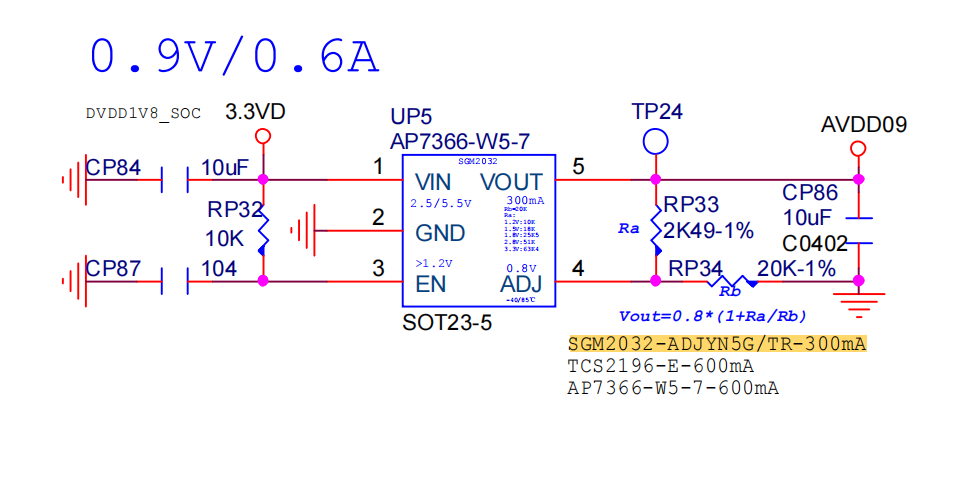
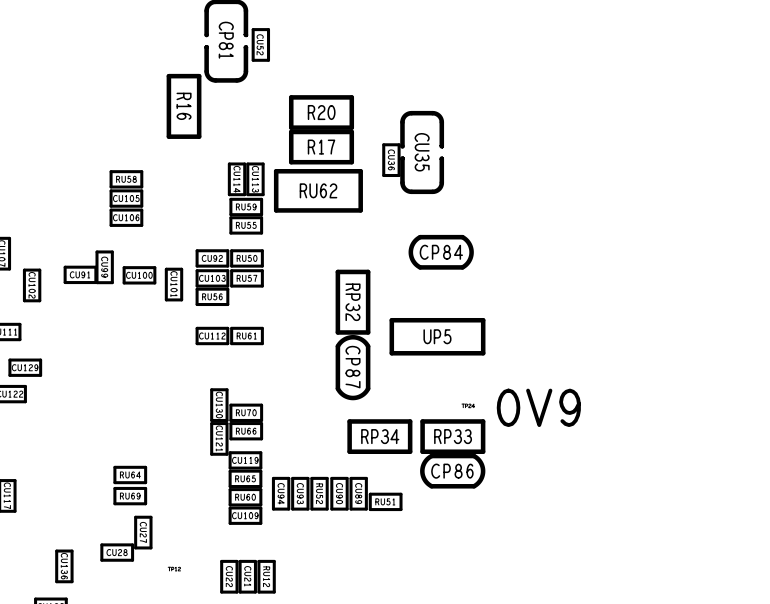
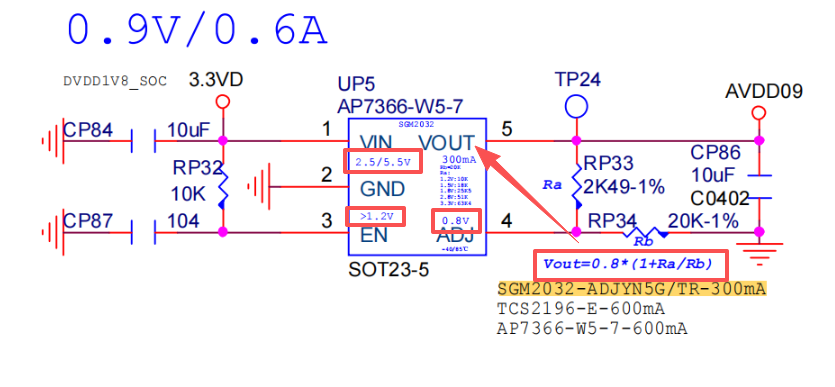
This is a screenshot of part of R4, showing the schematic diagram and corresponding component location.
I don’t think it’s a bridge or a misplaced component. Obviously, there’s a factory defect in some component. There are other people on the forum with this same problem. This motherboard isn’t cheap; I invested money in it, and I couldn’t even get it to boot up. This situation has me really distraught.
I’m very sorry for the inconvenience caused. Could you please provide your email address or other contact information send to my email: [email protected] We will contact you asap to handle this issue. Thank you!
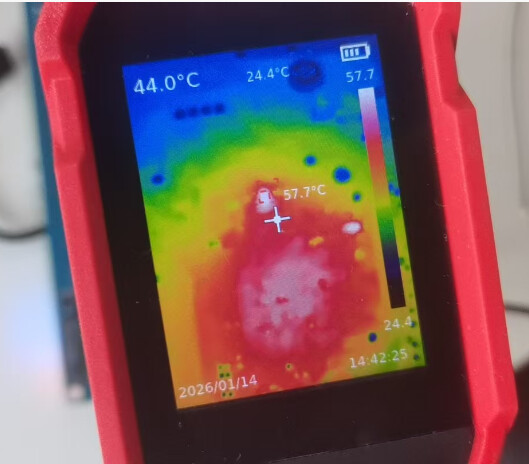
I used a thermometer to measure the temperature of the 0V9 accessory. The temperature was quite high here, which indicates that the problem is not with this component.
Hello, could we use a PC computer to connect to this board’s LAN port via an Ethernet cable and then try using SSH to see if we can access the debugging interface? If SSH is functioning properly, it can be roughly concluded that the board is not faulty. The problem can then be pinpointed to the serial port.
what do you use to power it on?
i had some usb charger that were not delivering enough power to kick it in…
you need like supercharger of xiaomi with 66W to make it works.
Hyf I don’t have a thermal camera like yours. I’m not sure what temperature the component reaches, but I can assure you it’s an extreme temperature; you can’t even touch it with your finger because it will burn you instantly.
No serial, no ssh, no Ethernet link, nothing. Mi r4 it’s really dead
Do you think it’s definitely the UP5 regulator? Can you guide me? I’d like to diagnose if that regulator is indeed broken and if replacing it will bring the board back to life. I have basic electronics knowledge, a multimeter, a heat gun, and the desire to repair it.
Look at this schematic diagram. Here, the voltages for each pin of the components are indicated. You can measure the voltage at the corresponding pins to see if it is correct. This should enable you to determine whether the device is functioning properly.