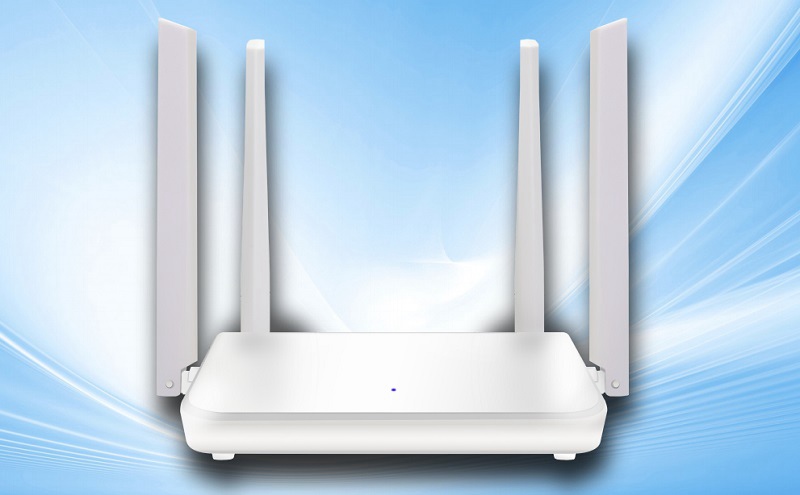
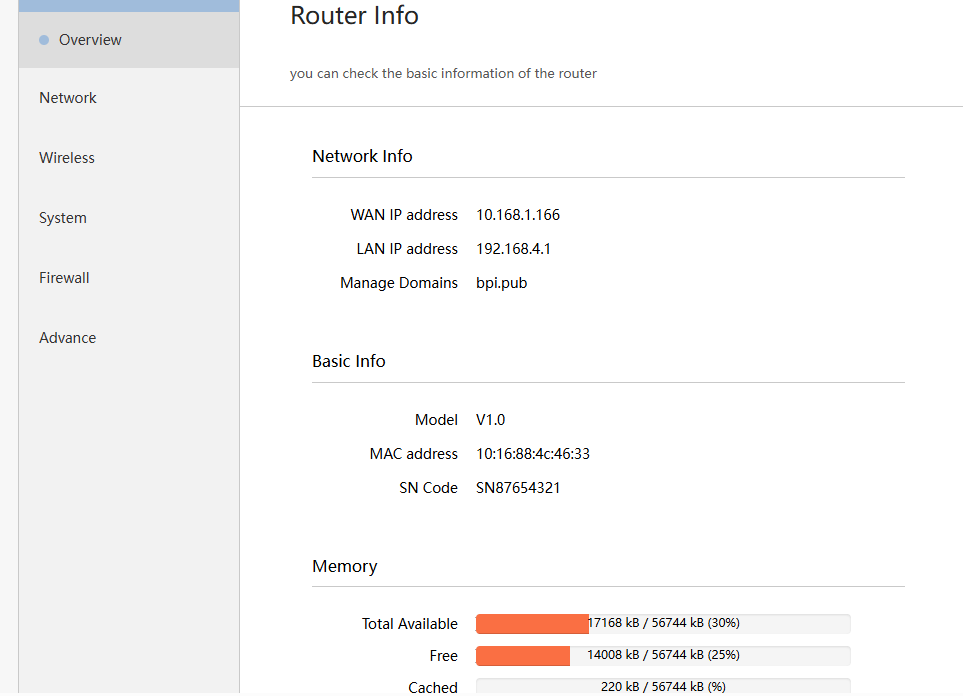
Banana Pi BPI-Wifi5 Router use Siflower SF19A2890S and AN8855R Gigabit switch chip design. the It is a high performance wireless router for small and micro businesses, homes and other networking environments.
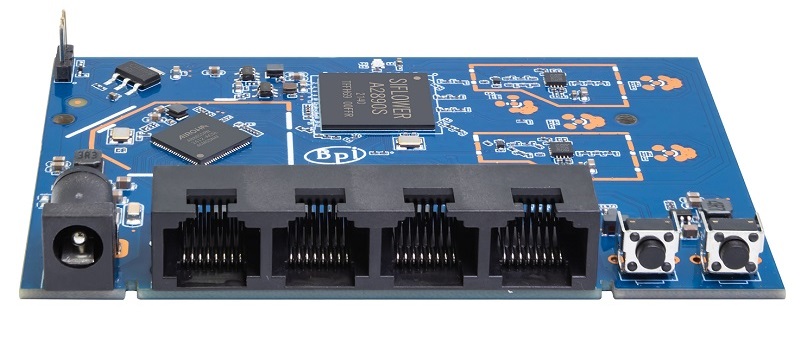
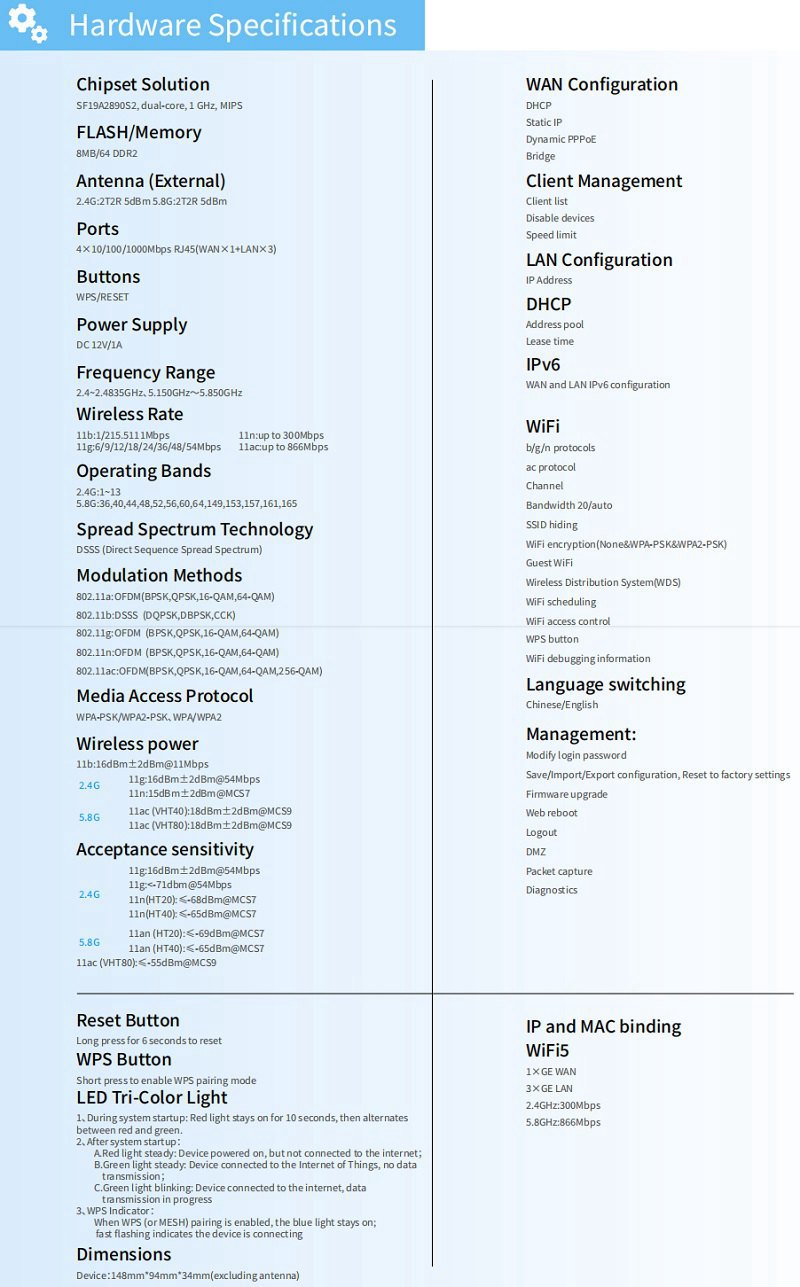
BPI-Wifi5 Router dual-band wireless router, 2.4G 2T2R, 5.8G 2T2R coexist at the same time. The use of four omnidirectional high-gain antennas, with strong signal penetration and wider coverage, which makes the already strong signal more powerful, data transmission is also smoother. MU-MIMO multi-device transceiver technology has low latency and multiple devices are stably connected simultaneously, thus ensuring a good experience for multiple devices.
BPI-Wifi5 Router adopts the national silicon Chang chip SF19A2890S +AN8855R (Gigabit switch chip) solution, providing gigabit network interface, 1 gigabit WAN port and 3 gigabit LAN ports, supporting 2.4G and 5G, wireless transmission rate of 1200Mbps; Supports rich software features, providing the ideal high-performance product for small and micro businesses and families.
Banana Pi Work closely with Siflower to make this product a fully open source wireless routing product.
Key Features
-
Supports a maximum 1.2Gbps wireless rate with full gigabit ports
-
supports IEEE802.11a /b/g/n/ac
-
Supports 4x5 dBi external omnidirectional high-gain antennas
-
5.8G Uses an external independent FEM to increase the wireless coverage of 5.8G
-
Mini Size, light machine
-
Production-level system support, direct productization
-
Intelligent QoS policy
- The Mac-based network traffic rate limiting mechanism can effectively control the upstream/downstream traffic of a single PC and limit the excessive use of network bandwidth by P2P software
- Supports upstream and downstream QoS policies to meet flexible service configuration requirements
-
Comprehensive system monitoring
- Monitors Intranet traffic in real time for traffic monitoring and statistics
- provides a variety of security logs, including real-time logs of internal and external network attacks, address binding logs, traffic alert logs, and session logs, for network administrators to monitor the network in real time
- Operating status and security status
-
-
OpenWRT support
-
Open Source ,free DIY
PCBA Hardware inerface
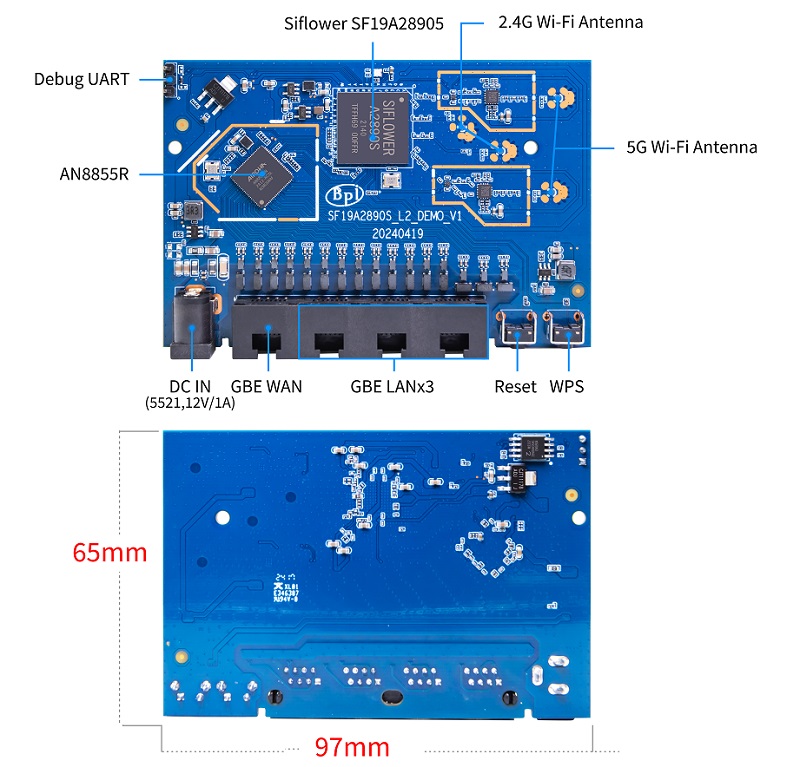
##Product design
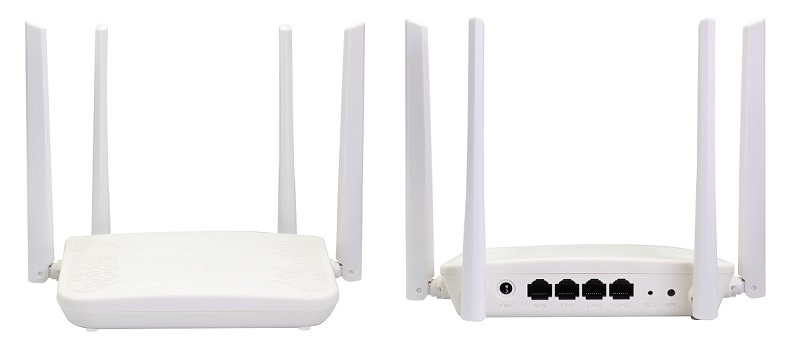
full open soruce Router ,welcome for OEM&ODM
online wiki documents: