I built my own Debian image. While configuring the Gnome desktop, I encountered a problem with 3D acceleration not working. The img-gpu-power driver is installed. What else needs to be installed or changed in the system to enable 3D?
Not sure if it helps but take a look at this thread:
1 Like
Thank you so much! I’ll definitely check it out. I’ll report back later. I can see right away that I have most of them installed. It looks like I missed something when I tried to set them up myself. I’ll check.
I guess you would have to figure out whether gtk libadwaita gnome shell mutter wayland etc supports OpenGL-ES 3.x.
1 Like
Yes, thank you. This also requires checking the installation and functionality.
No problem you should check if eg gtk or even mesa compiles with opengles/egl support. Please let us know if you succeed.
1 Like
First, I checked whether the kernel was loading the GPU driver at all: $ sudo dmesg | grep ‘pvr’ , and it turned out that for some reason it wasn’t loading. So… I compiled a kernel patched to version 6.6.77 with a check for loading the GPU driver. Now the driver loaded. And now even fastfetch and hyfetch have a corresponding line
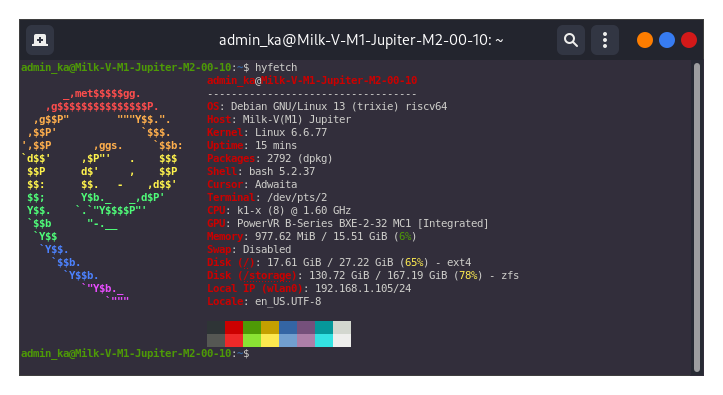
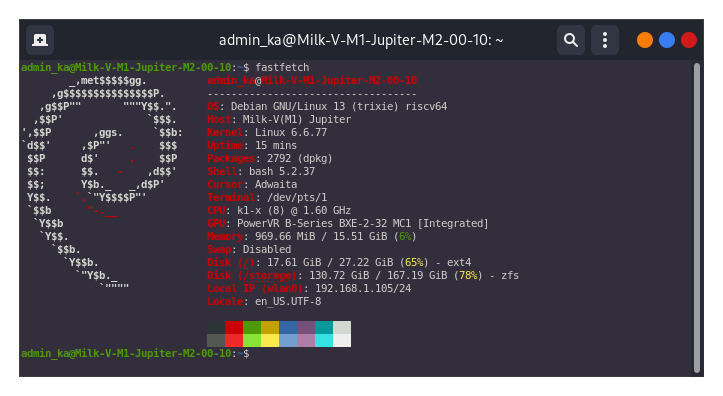
But if you check in the gnome desktop settings, it turns out that
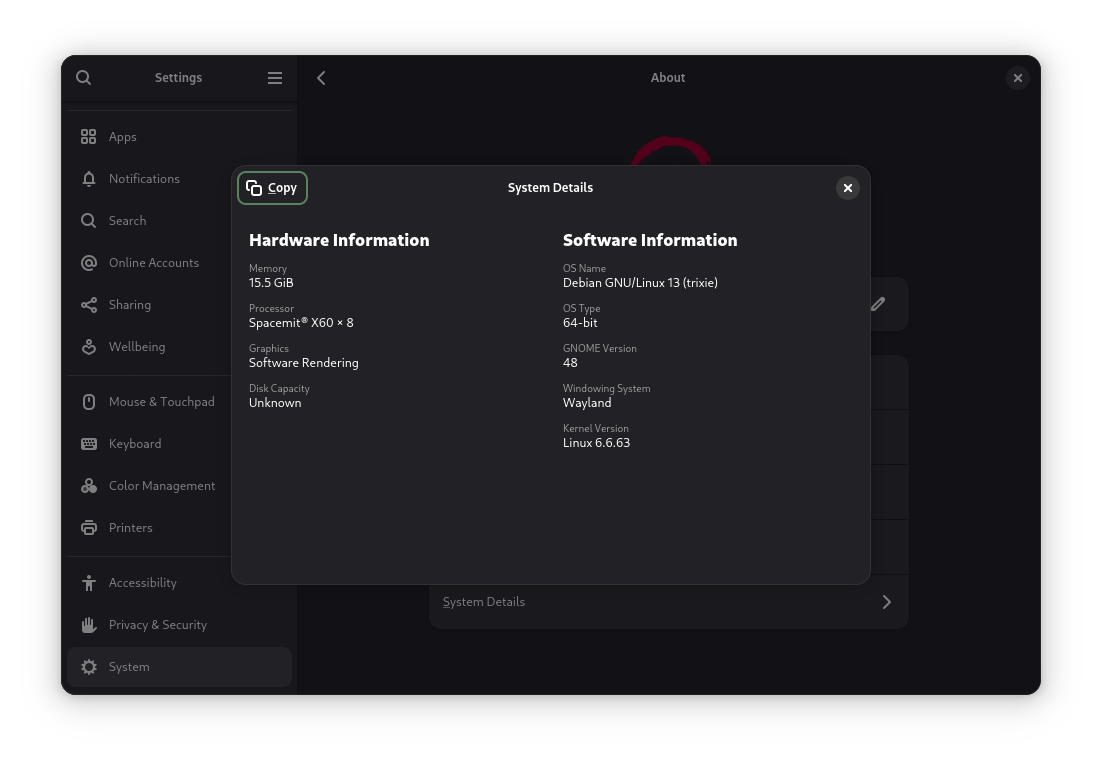
is still running.
I also rechecked the presence of all the libraries you mentioned earlier. About half were already installed. I installed the rest. But simply installing the libraries didn’t fix the problem.
I’m out of ideas the only thing that comes to my mind is when compiling those packages you’d have to manually check each meson/configure output whether openglES is enabled.
Yes, I realized I’ll have to recompile some libraries. For example, libgles2, but apparently some others as well. I’ve decided to take a break now, and maybe some ideas will come to mind about where to start.
I just found this: https://discourse.ubuntu.com/t/enabling-hardware-acceleration-for-gnome-on-riscv64-with-ubuntu-24-04-lts/57854/4
Yes, interesting information. I’ll have to check that out too. Thanks again.
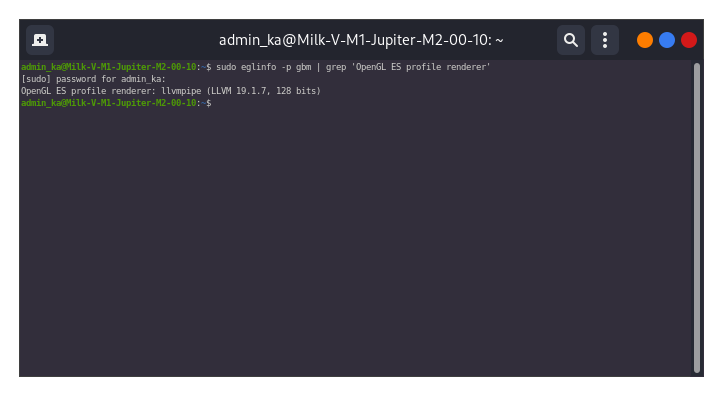
In the command output $ sudo eglinfo -p gbm I saw the following line: OpenGL core profile renderer: llvmpipe (LLVM 19.1.7, 128 bits), which means that Mesa will have to be rebuilt.
I can’t get hardware rendering to work yet. It works in
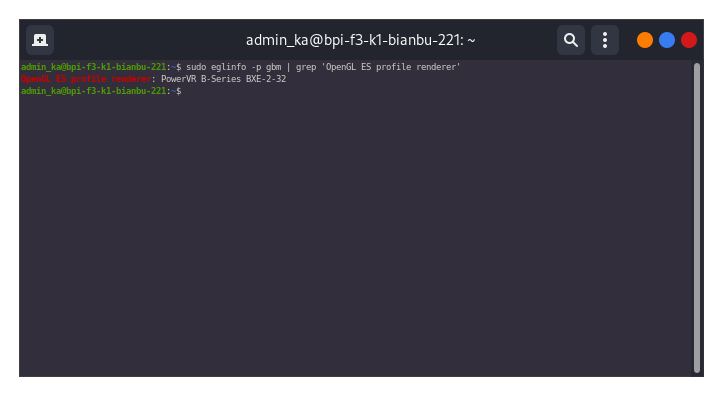
But
is Debian 13.
Perhaps there is a patch for mesa etc available somewhere? I am out of ideas…
I also thought a patch was needed. But then I downloaded the mesa source code, and the manual says it can be built with various libraries included. So it’s possible that the mesa in Debian 13 was built without any libraries included, by default. And in Bianbu, it was built with specific libraries included. I haven’t yet figured out what exactly needs to be included during configuration before building.