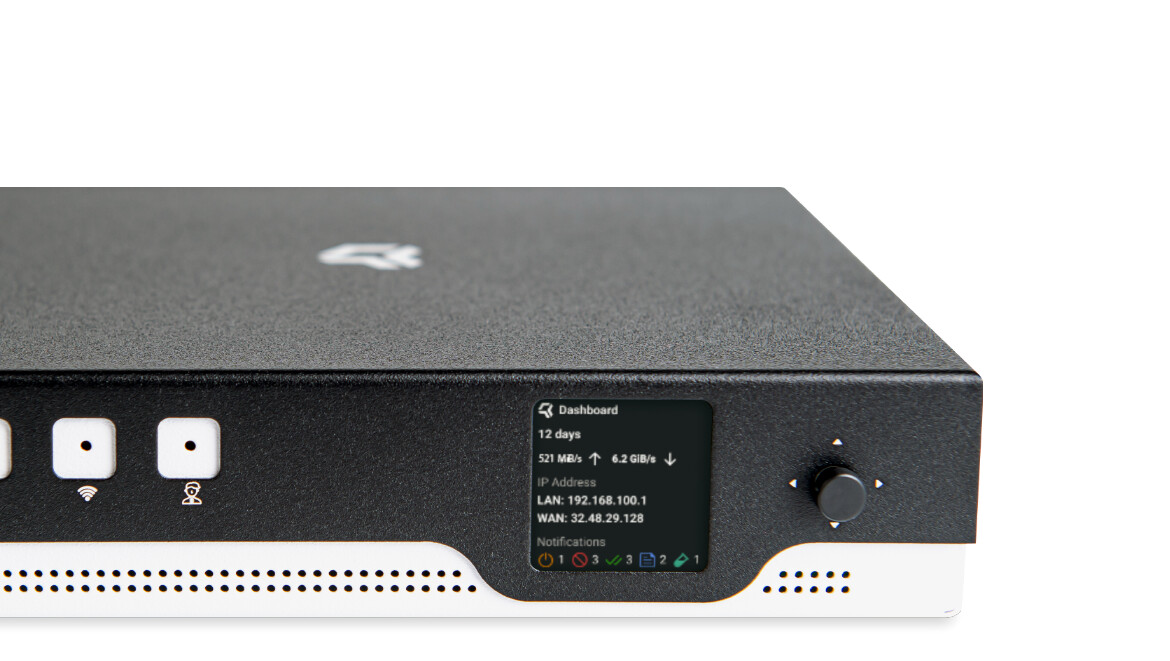
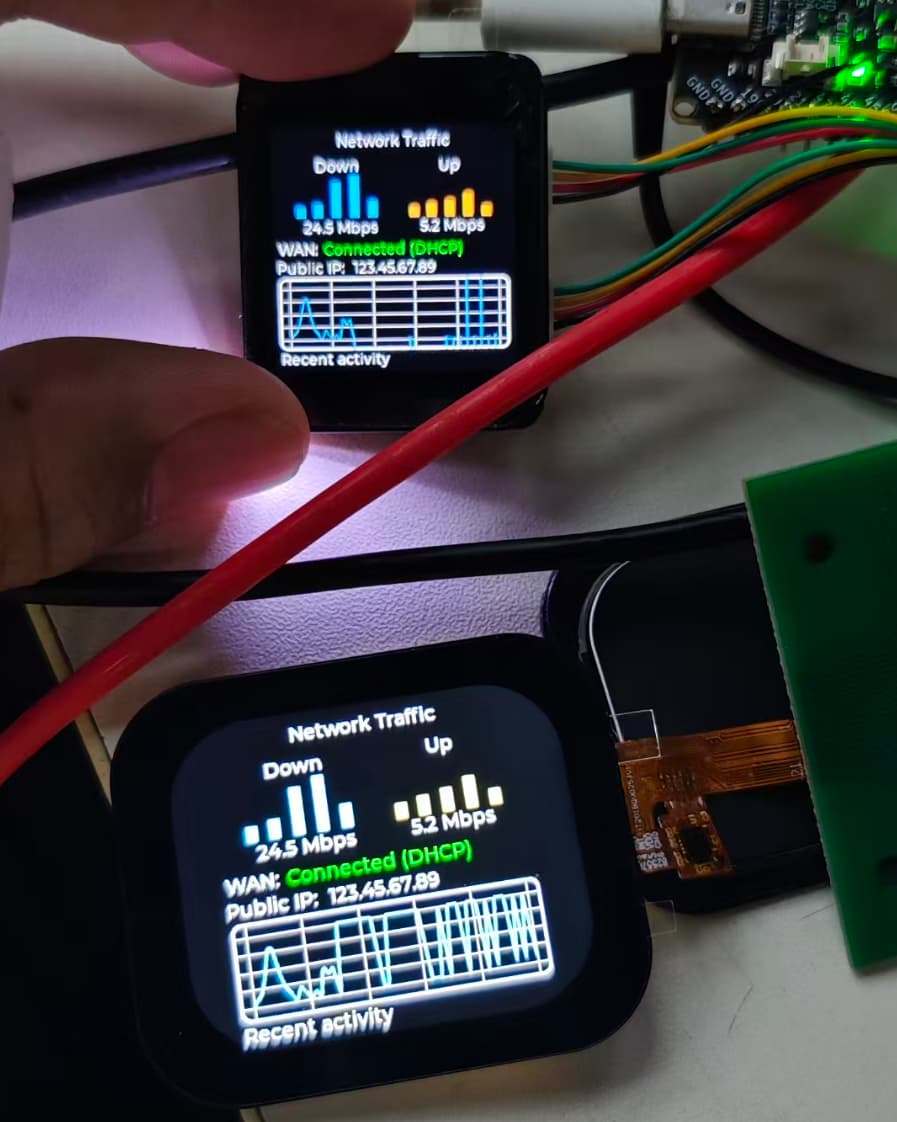
I’ve got the “Banana PI BPI-R4 Pro 4E” arriving soon and I thought I’d buy a screen for it.
Please recommend at least one screen, of any type such as a OLED/IPS/LCD, that will work with the “Banana PI BPI-R4 Pro 4E” without patching or with patching.
What should I be looking for exactly in terms of finding a screen that will work with the “Banana PI BPI-R4 Pro 4E”?
We’re already working on a compatible LCD display for the BPI-R4 Pro family. At the moment we’re validating the hardware and software integration, so it’s a bit early to announce specifications or availability.
If there are particular screen sizes or interfaces (SPI, MIPI DSI, HDMI, etc.) that you’d like to see supported, feel free to let us know. Community feedback is always welcome.
We’ll share updates as soon as we have something ready.
Essentially, I would like a touchscreen interface/screen so that I can do all the following by programming to do certain tasks when that portion of the screen is clicked. So for example:
A button to switch DNS to NextDNS or AdGuard DNS without having to login to the UI.
A button to switch WireGuard VPN on or off without using the UI.
A button to launch speedtest.net from the CLI running on the box itself and share the QR code of the uploaded results.
This screen will support touch input, and we plan to reserve the required connection through the BPI-R4 expansion interface. Once the touch screen is working, you can build your own local UI on top of it.
For example, the buttons on the screen can be mapped to scripts for switching DNS, toggling WireGuard, running speedtest from the CLI, generating a QR code, etc.
So we will provide the touchscreen hardware/interface support, and these applications can be developed based on it.
I did some tests with a small spi display and reached limits of soc spi. Afaik i2c is slower and is not usable with larger displays than the 128x64 oled i currently use on R3. Gpio expanders imho are mostly i2c so also slow especially when aharing the bus with more devices.
Maybe there are options with usb (internal connector to avoid cable on the putside of case).
Most interesting is the software part…my oled via i2c uses python and luma lib. This can be done at userspace with only the i2c detected by kernel. The spi display needs a hack in dts to be recognized by tinydrm driver and afair needs the full drm stack which is imho a bit overkill for diplaying some system parameters and simple grafics (which can be drawn or copied from image files). Spi itself is imho a bit tricky as by default you have no device file for access (need spidev subnode in dt) and also had luma not getting working with spi (low level access driver needs to be built for the lib).
At the moment, we are mainly looking at SPI display or serial display solutions. These are more suitable for small front-panel screens, mainly for status information and simple control functions.
For larger screens, SPI or serial may not be enough in terms of performance or driver support, so it may not be a good direction.
The USB idea is interesting. Do you have any good suggestions for a USB-based display solution
No,just see the data throughput and possibility to share speed across devices with hub chips already on board. I would not block a pcie lane or such for it. I guess there are screens with usb (which also could handle multiple devices internally - graphics and touch e.g via simulated serial or directly hid). And it could be tested easier using external port if no internal is there yet.
You have for the key-m and key-e slots only 2 pcie (shared between them)…so if you want 2 nvme and using the mpcie slots (be14 or similar) you have no pcie free.
Also pcie is a really high speed bus (mostly not needed for small resolutions),not sure if there are m.2 cards with hdmi put or similar.